
Voice Companion
PortBay has a built-in voice companion: you can talk to it to start and stop projects, open logs, jump around the app, and ask where things are — without touching the keyboard. It listens, understands, acts, and speaks back.
Everything runs on your Mac: the wake word, the speech recognition, the language model, and the voiceprint. Nothing about your voice or your commands leaves the machine.
The voice companion is a macOS feature — it rides the on-device speech sidecar. On Linux, the same agent is reachable as a text surface, but the acoustic wake word and the on-screen companion are macOS-only.
Launch surfaces
There are four ways to reach the companion. All of them open the same agent.
| Surface | How | Notes |
|---|---|---|
| Hotkey | Press ⌘⇧A ("A" for Agent) from anywhere | Summons the dedicated agent window and focuses it. The default global chord. |
| Command palette | ⌘K → "Talk to PortBay" | The always-available fallback if you forget the hotkey. |
| Sidebar | Click the audio-lines icon in the sidebar footer, next to the GitHub link | Same launch as the hotkey. |
| Wake word | Say "Hey PortBay" | Hands-free. Off by default — turn it on in Settings → General. |
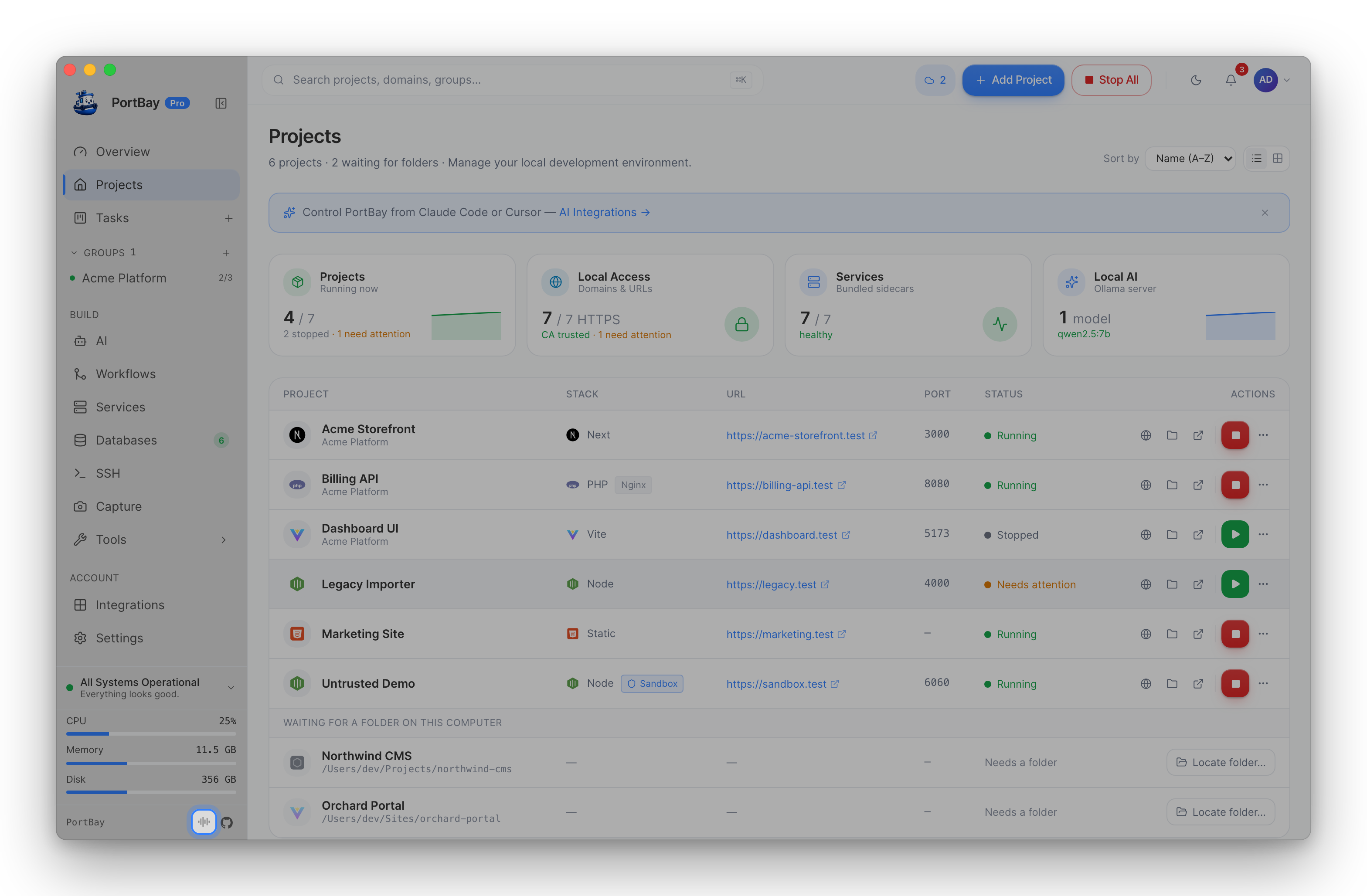
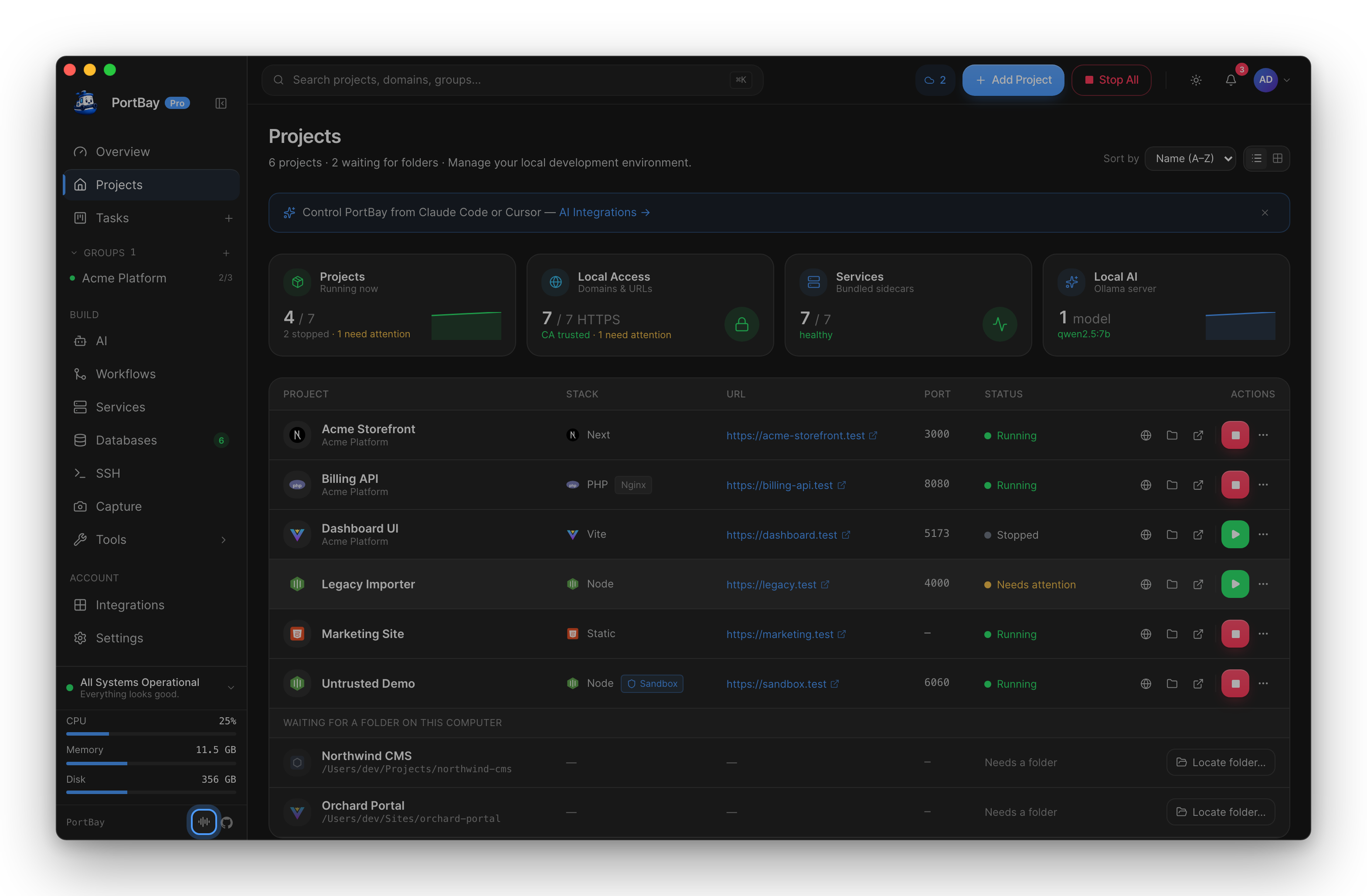
The hotkey and palette entry work on every platform where the agent is available; the wake word and the top-bar icon are macOS-only.
"Hey PortBay" wake word
The wake word lets you start a turn without any keypress. It is off by default — you opt in, either during first-run onboarding or in Settings → General → "Hey PortBay" voice activation.
When it's on, PortBay keeps a lightweight on-device detector listening for the phrase "Hey PortBay". When it fires, PortBay captures your trailing command on the same still-hot microphone and hands it to the agent. The detector runs entirely on-device; audio is only ever held in memory long enough to score the phrase.
The microphone allows exactly one capture at a time, so the ambient wake listener yields the mic to any foreground voice turn, global Fn dictation, or enrollment, and re-arms when they finish.
Personalize the wake word (enrollment)
Out of the box, the wake word matches the phrase for anyone. You can optionally personalize it to your voice so PortBay tunes its sensitivity to how you say "Hey PortBay" and only wakes for you:
- Turn on "Hey PortBay" voice activation (onboarding, or Settings → General).
- Click Personalize wake word.
- Say "Hey PortBay" three times when prompted.
PortBay calibrates a per-user detection threshold and stores an on-device speaker voiceprint. The voiceprint never leaves your Mac and is never shown in the UI. You can re-enroll or delete it anytime from Settings → General ("Delete my wake enrollment" reverts to phrase-only matching).
Enrollment requires a local speech model. If none is installed, the button explains where to set one up (see Model requirements).
On-screen companion
When you talk to PortBay, a companion materializes on screen. Choose its appearance in Settings → Companion:
- Orb — a quiet cloud orb. Recommended.
- Radial — a bolder, spring-driven call-surface orb.
- Pet — an animated desktop mascot (pick which one, and its size).
"Tuck away" dismisses the on-screen companion entirely without disabling voice.
What it can do
The companion is an agent, not a fixed command grammar — you ask in plain language and it decides which action to take. In practice it covers the everyday operating surface of PortBay:
- Project lifecycle — "start my blog", "stop everything", "restart the API", "is the shop project running?"
- Navigation — "open logs for the API", "take me to DNS", "show me the databases", "open settings".
- Finding things — "what's running on port 3000?", "which projects use PHP?", "where's the Laravel app?"
- Status & diagnosis — "why won't the store start?", "what's wrong with my certs?", "run the doctor."
It answers questions directly when you're only asking, and acts when you're asking it to do something. For actions that change state, it checks with you first depending on your approval mode.
Approval modes
Actions that change something (creating, moving, starting, stopping, deleting) can be gated. Set the level in Settings → General → Voice agent approval:
- Strict — ask before every action, including read-only ones.
- Smart (recommended) — ask only before actions that change something; reads run without asking.
- Auto — run everything without asking, and log the changes.
- Off — no confirmations.
Regardless of mode, protected files (SSH keys, keychains, secrets) are always blocked by the executor's file guard.
Privacy posture
The voice companion is designed to keep your voice and commands on your Mac:
- Wake detection runs on-device — the phrase detector scores audio locally and holds nothing.
- Speech recognition runs on-device with a local model (Whisper or Parakeet) on the Neural Engine.
- The language model that interprets your command runs locally.
- The speaker voiceprint from enrollment is stored on-device and never transmitted or displayed.
Nothing about a voice turn is sent off the machine.
Troubleshooting
Microphone permission
The companion needs microphone access. If turns produce no transcript, or the wake word never fires:
- Open System Settings → Privacy & Security → Microphone.
- Ensure PortBay is enabled.
- Restart PortBay if you just granted it.
macOS only prompts for the mic the first time a capture is attempted, so if you dismissed that prompt, grant it manually here.
Model requirements
Both dictation-quality transcription and wake-word enrollment need a local speech model. If the "Personalize wake word" button is disabled, or the agent doesn't hear you:
- Open the AI page → Models.
- Download a speech model (for example, Parakeet TDT v3 for speed, or Whisper Large v3 Turbo for coverage).
- Return to the companion — the model is picked up automatically.
See Speech-to-Text for the full model list and trade-offs.
The wake word doesn't trigger
- Confirm "Hey PortBay" voice activation is on (Settings → General).
- Confirm a local speech model is installed (above).
- If you enrolled your voice, only your voice triggers wake by design — delete the enrollment to revert to phrase-only matching for any speaker.
- The wake listener yields the mic during any active voice turn or Fn dictation; finish those and it re-arms.
The companion window doesn't appear
- The on-screen companion is macOS-only.
- Check it isn't tucked away: Settings → Companion → pick a skin (Orb / Radial / Pet).
Related
- Speech-to-Text — hold-Fn dictation into any field.
- Text-to-Speech — how the companion speaks back.
- Command Palette — the ⌘K launcher, including "Talk to PortBay".
- Keyboard Shortcuts — the full chord reference.