
PHP Setup
PHP projects are modeled as type: "php" registry entries with optional PHP-specific fields.
Fields
| Field | Purpose |
|---|---|
document_root | Relative web root, commonly public. |
php_version | Version label used to bind the PHP-FPM service. |
services | Shared services required by the project, such as Caddy or PHP-FPM. |
env | Environment variables for the project's process. A document-root site has no process of its own and receives them as FastCGI parameters instead, without secret-named keys. |
web_server | caddy (default), nginx or apache. Which server serves the document root behind the Caddy edge. |
rewrite_preset | wordpress or laravel. Where requests that match no file are sent. Absent is PortBay's default. |
Laravel Example
json
{
  "id": "billing-api",
  "name": "Billing API",
  "path": "/Users/you/Projects/billing-api",
  "type": "php",
  "hostname": "billing-api.test",
  "https": true,
  "services": ["caddy", "php-fpm"],
  "document_root": "public",
  "php_version": "8.3",
  "auto_start": false
}Web Server
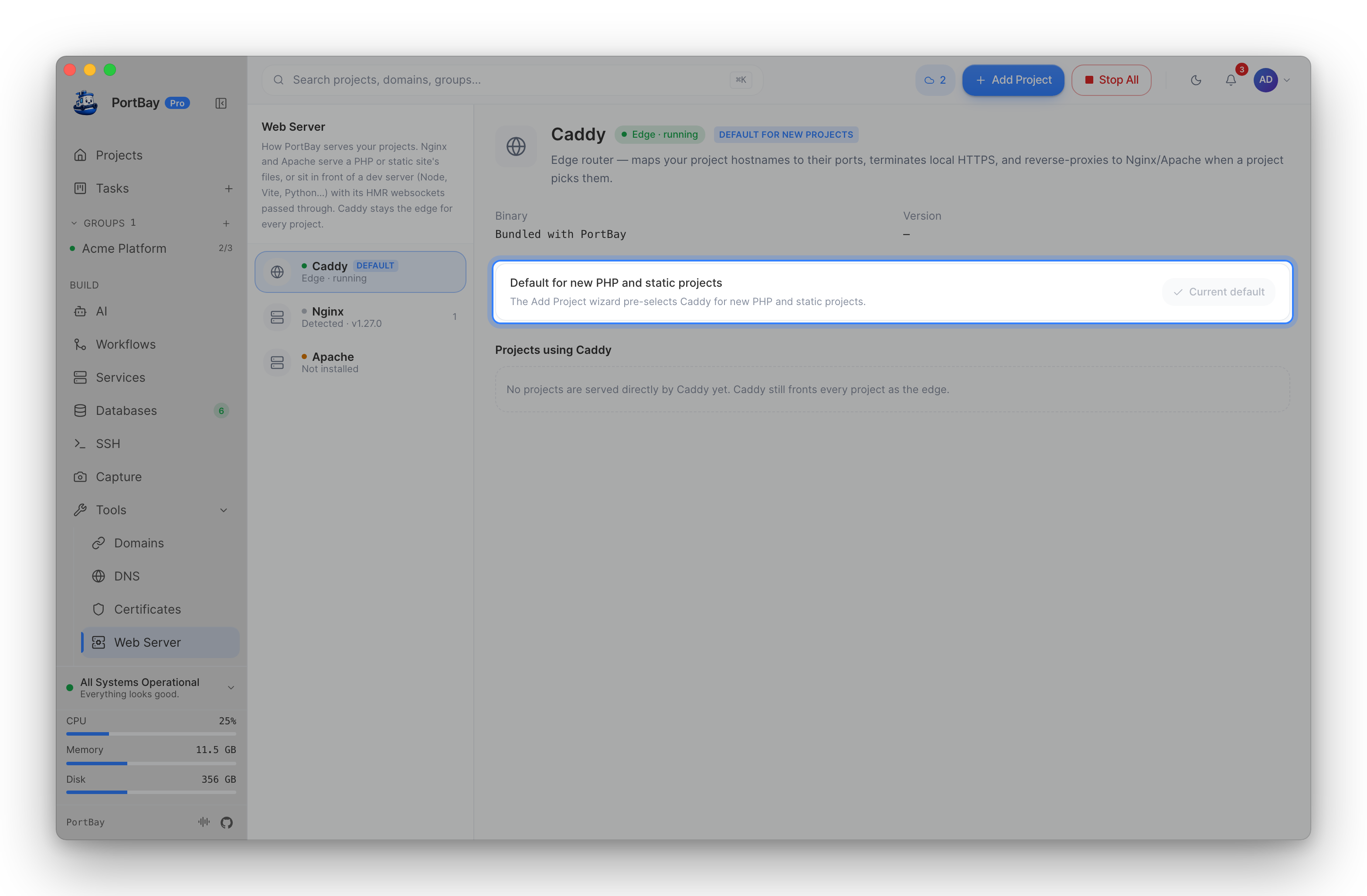
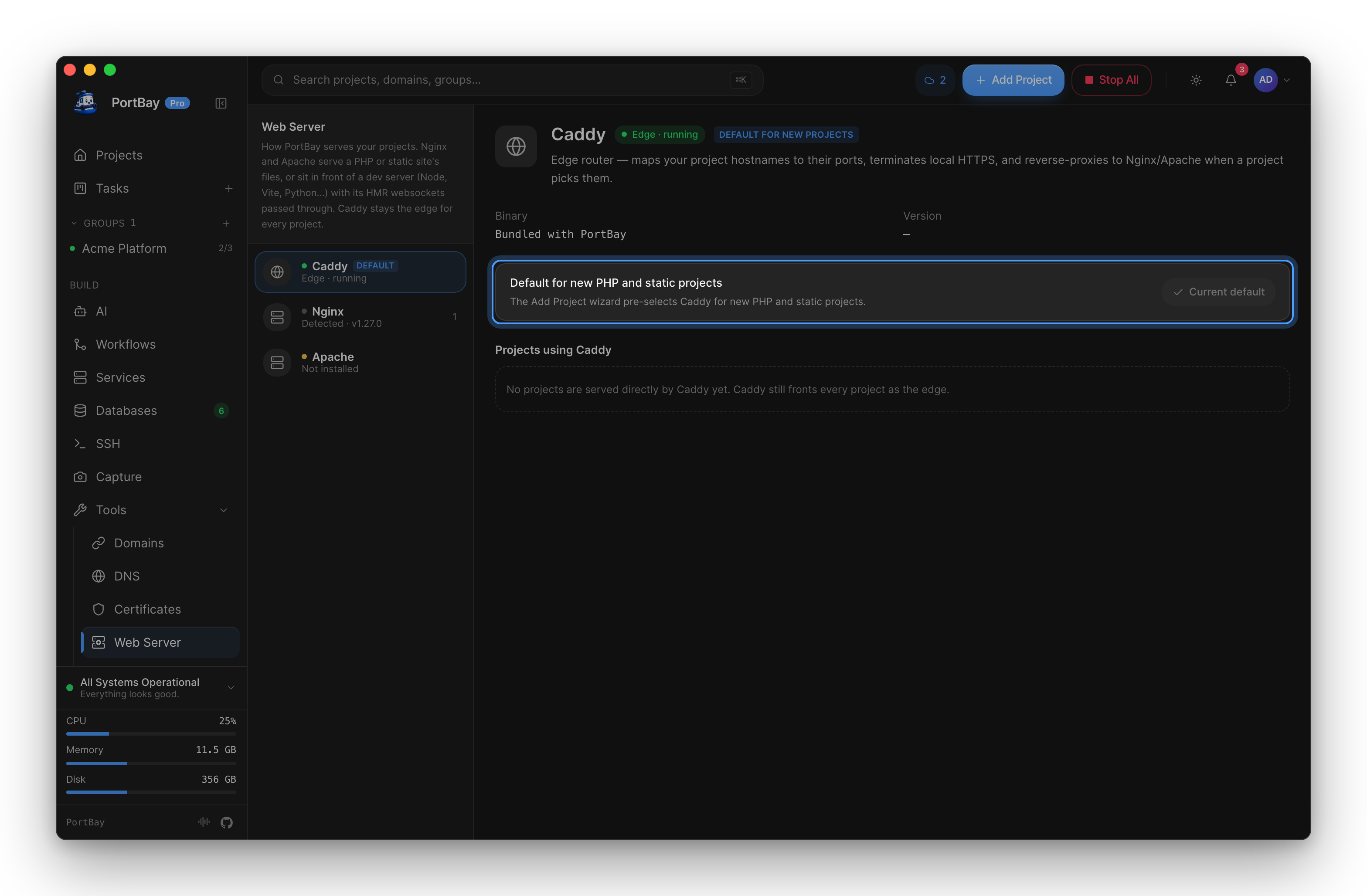
A PHP site is served by Caddy unless you pick Nginx or Apache for it, in the Add Project wizard or in the project's Configuration card. Every server hands .php to the same PHP-FPM pool, and the .test hostname and certificate stay on the Caddy edge. Apache also applies the project's own .htaccess rewrites. See Choosing a web server for switching, custom directives and the known differences between servers.
Xdebug
The command palette includes PHP actions for toggling Xdebug mode on PHP projects. When Xdebug is enabled, expect slower requests and keep it off unless you are actively debugging.
Checklist
- Confirm the project has a concrete document root.
- Confirm Composer dependencies are installed.
- Confirm the selected PHP version is installed or available through PortBay’s PHP service layer.
- Confirm the hostname routes through Caddy, the edge for every project.
- Confirm logs show PHP-FPM and the project's web server as healthy before debugging app code. The log viewer's Error log tab shows the server's errors for this project.