
Getting Started
This section installs PortBay and adds your first project. Most people install the signed macOS app; contributors can also build from source.
Flow
- Install PortBay — the Homebrew cask or the DMG (see Install).
- Launch the app and let it set up its bundled sidecars on first run.
- Add a project from a local folder.
- Start the project and open its generated local
.testURL.
What it looks like
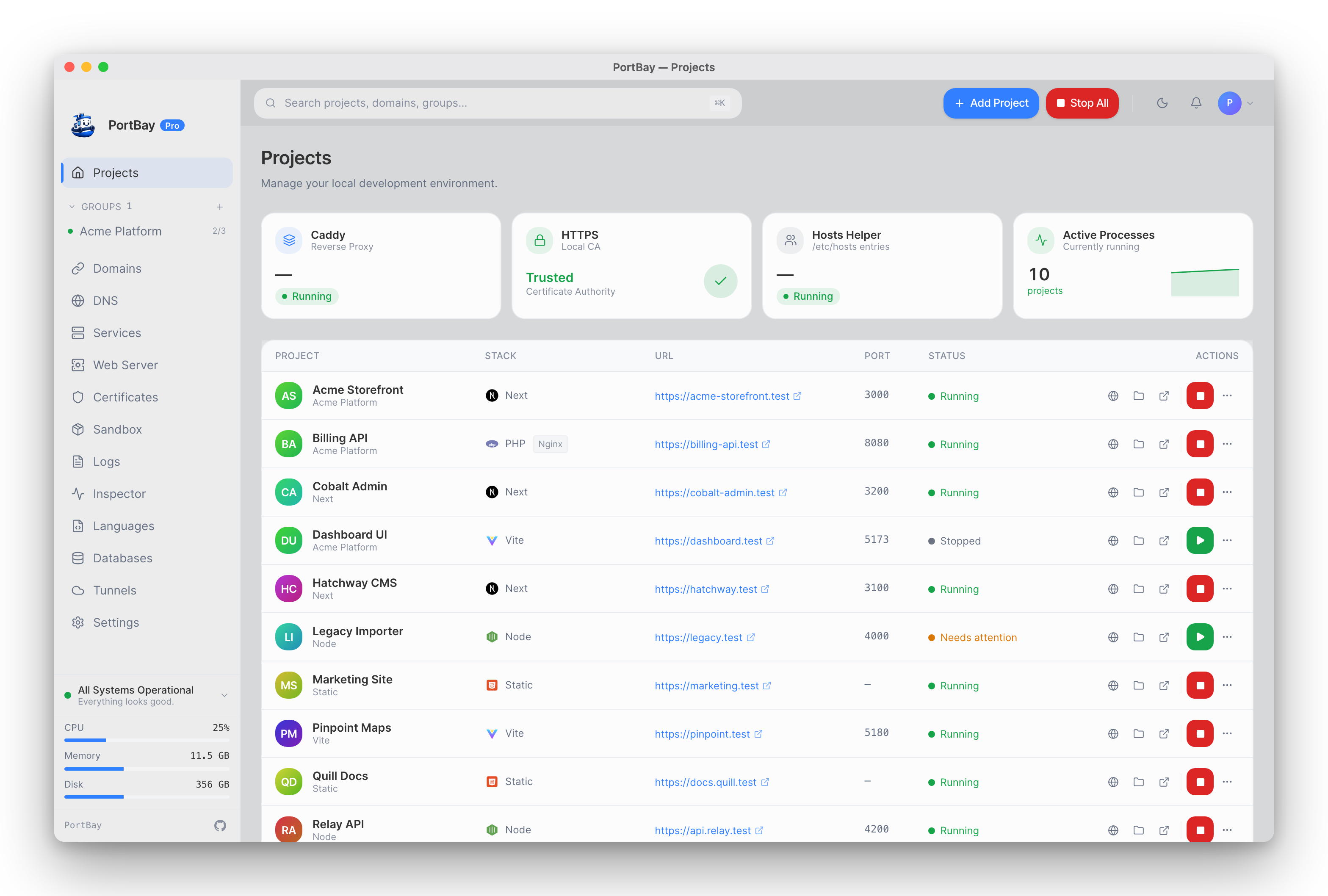
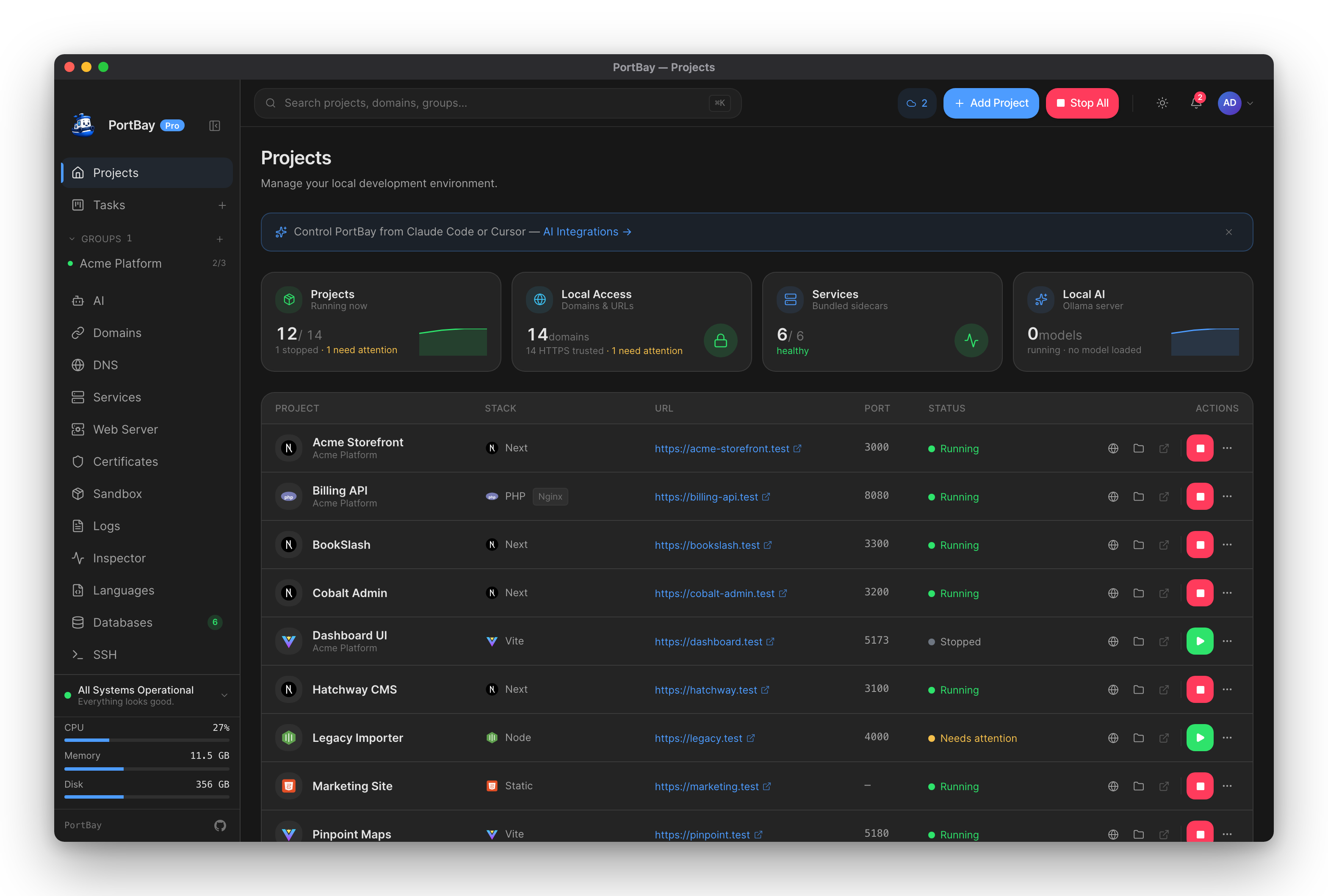
The pages below walk through each step with screenshots and the expected state changes.