
Services
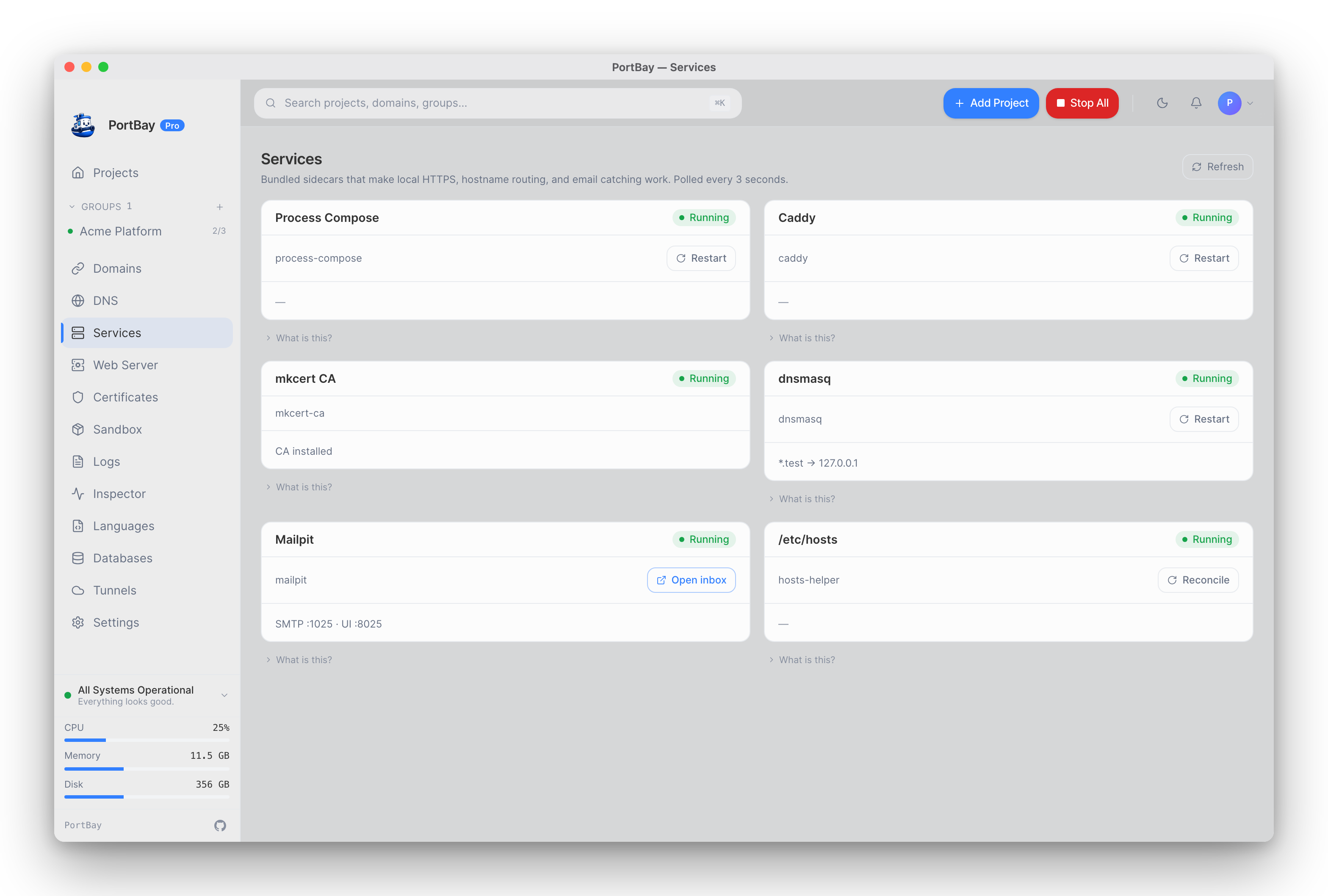
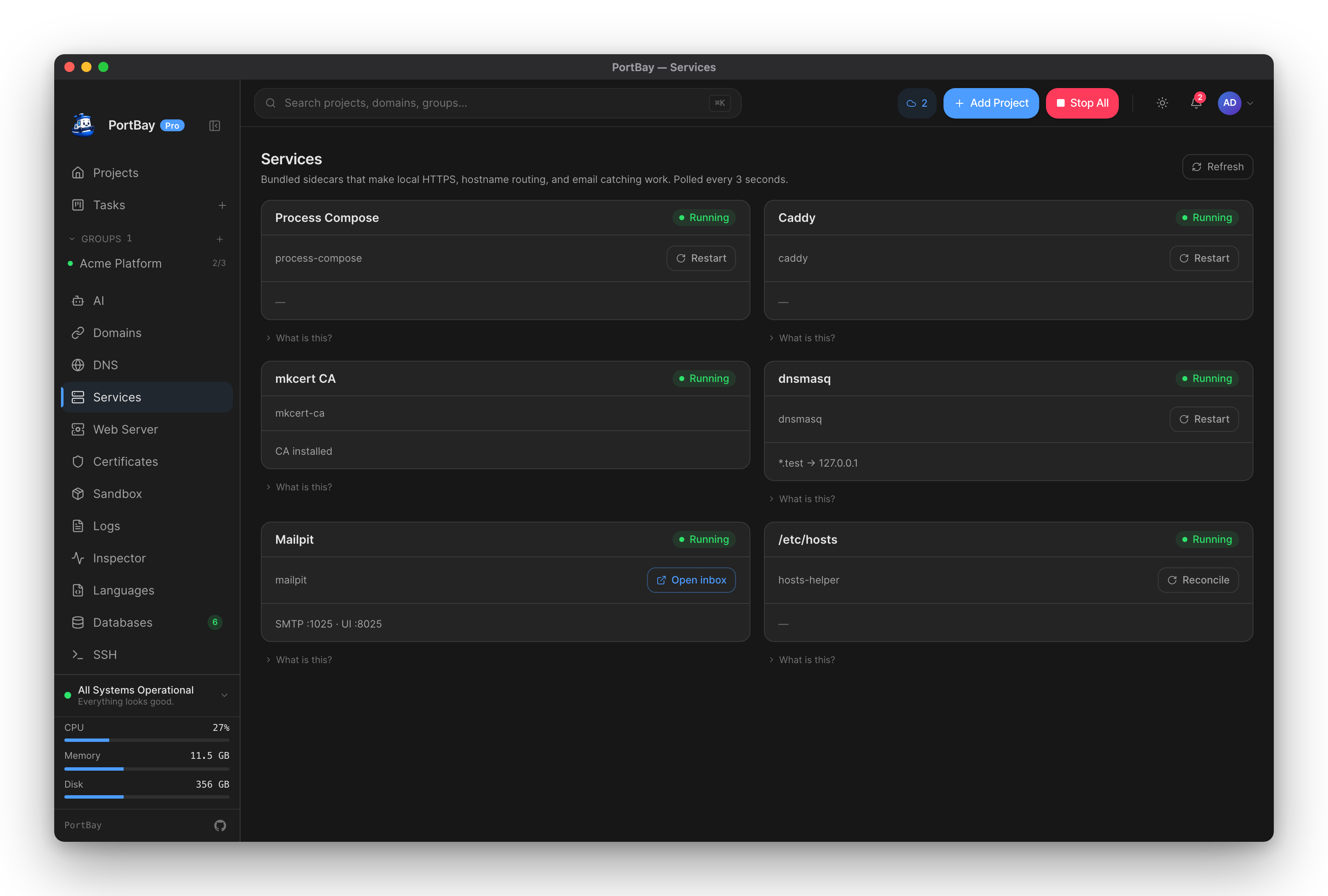
The Services page is the full health surface for everything PortBay runs alongside your projects. The dashboard's compact status row shows the same sidecars at a glance; this page expands each into a card with a status-aware action, the raw detail string, and a "What is this?" expander. Status is polled every 3 seconds; a manual Refresh re-pulls all of them immediately.
The Bundled Sidecars
In critical-path order — the order they'd need to come up in for a project to actually load:
| Sidecar | What it does |
|---|---|
| Process Compose | Spawns your dev servers and tails their logs. Without it, no project can start. Bundled — never resolved from $PATH. |
| Caddy | The HTTPS edge: terminates local HTTPS for project hostnames (e.g. https://myapp.test) and routes each to its localhost port, or to the project's Nginx or Apache when it uses one. See Caddy and HTTPS and Choosing a web server. |
| mkcert (local CA) | Installs the locally-trusted certificate authority so your browser accepts .test HTTPS certificates without warnings. See Certificates. |
| dnsmasq | Wildcard DNS for your domain suffix (*.test → 127.0.0.1). Optional — /etc/hosts entries fall back when it's absent. See Networking & DNS. |
| Mailpit | Catches outgoing SMTP from local apps so you can inspect emails without sending them. See Mailpit. |
| Hosts helper | Writes managed entries for each hostname inside the # BEGIN PortBay / # END PortBay block in /etc/hosts. Only touched when dnsmasq isn't routing a given hostname. |
| Dumps listener | Opt-in loopback listener for dump()/dd() calls, feeding the /dumps viewer. Off by default — enabled from Integrations. Never accepts connections outside 127.0.0.1. See Dumps. |
A development build and an installed production build each run their own instance of every sidecar — separate socket paths, LaunchDaemon/service labels, and /etc/hosts marker blocks (# BEGIN PortBay-dev vs # BEGIN PortBay) — so running a dev checkout alongside the installed app never causes the two to clobber each other's state.
Each Card Shows
- Status — running, stopped, or crashed, with PID and uptime where the sidecar is a real child process PortBay supervises.
- A restart action — stop/restart push fresh status immediately instead of waiting on the next poll.
- Logs — Caddy, dnsmasq and Mailpit open the last lines of their own log inline, without leaving the page.
- Auto-restart on crash — on by default for the sidecars PortBay can restart. Turn it off per sidecar.
- What is this? — what the sidecar does and why PortBay bundles it.
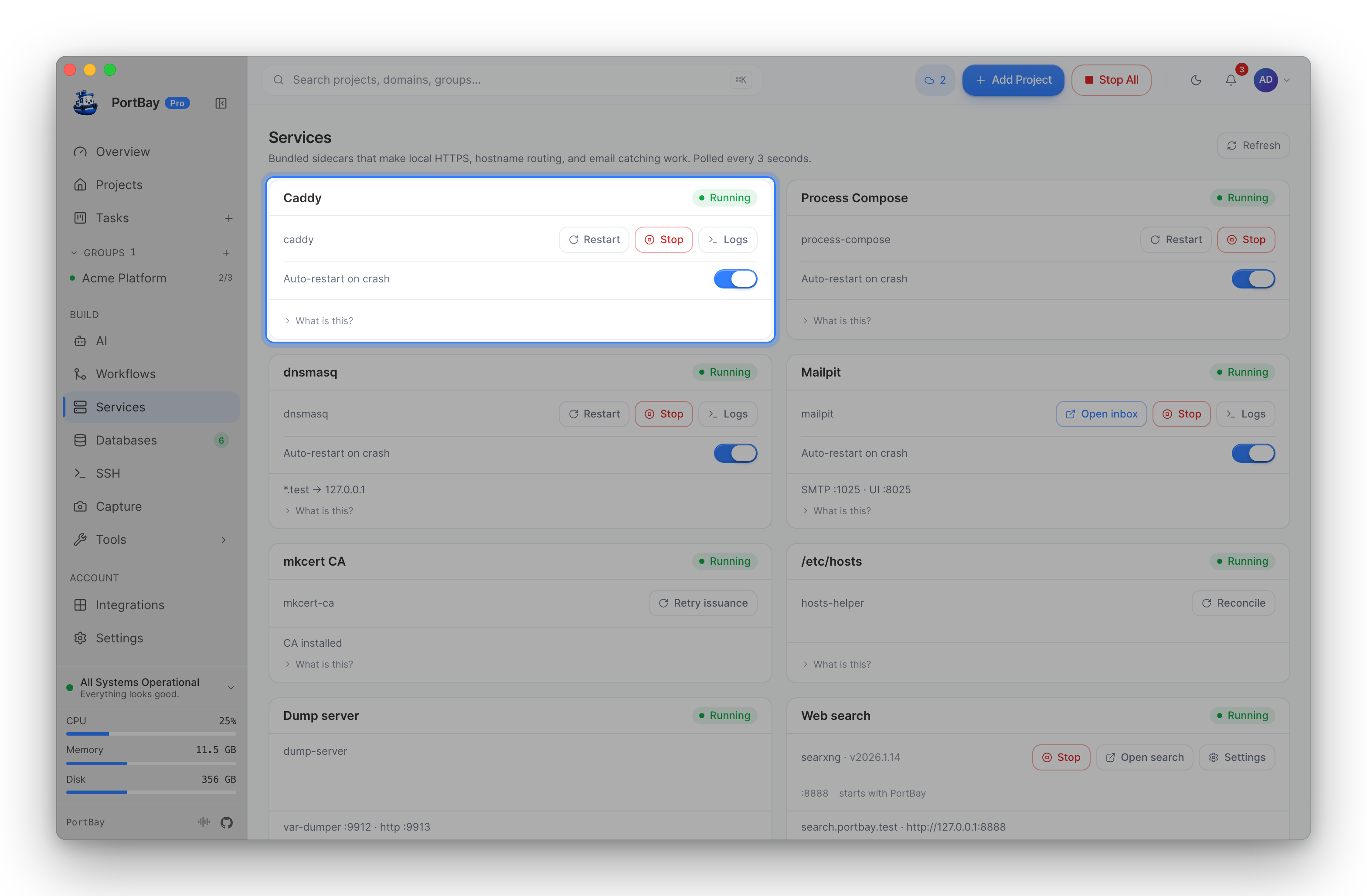
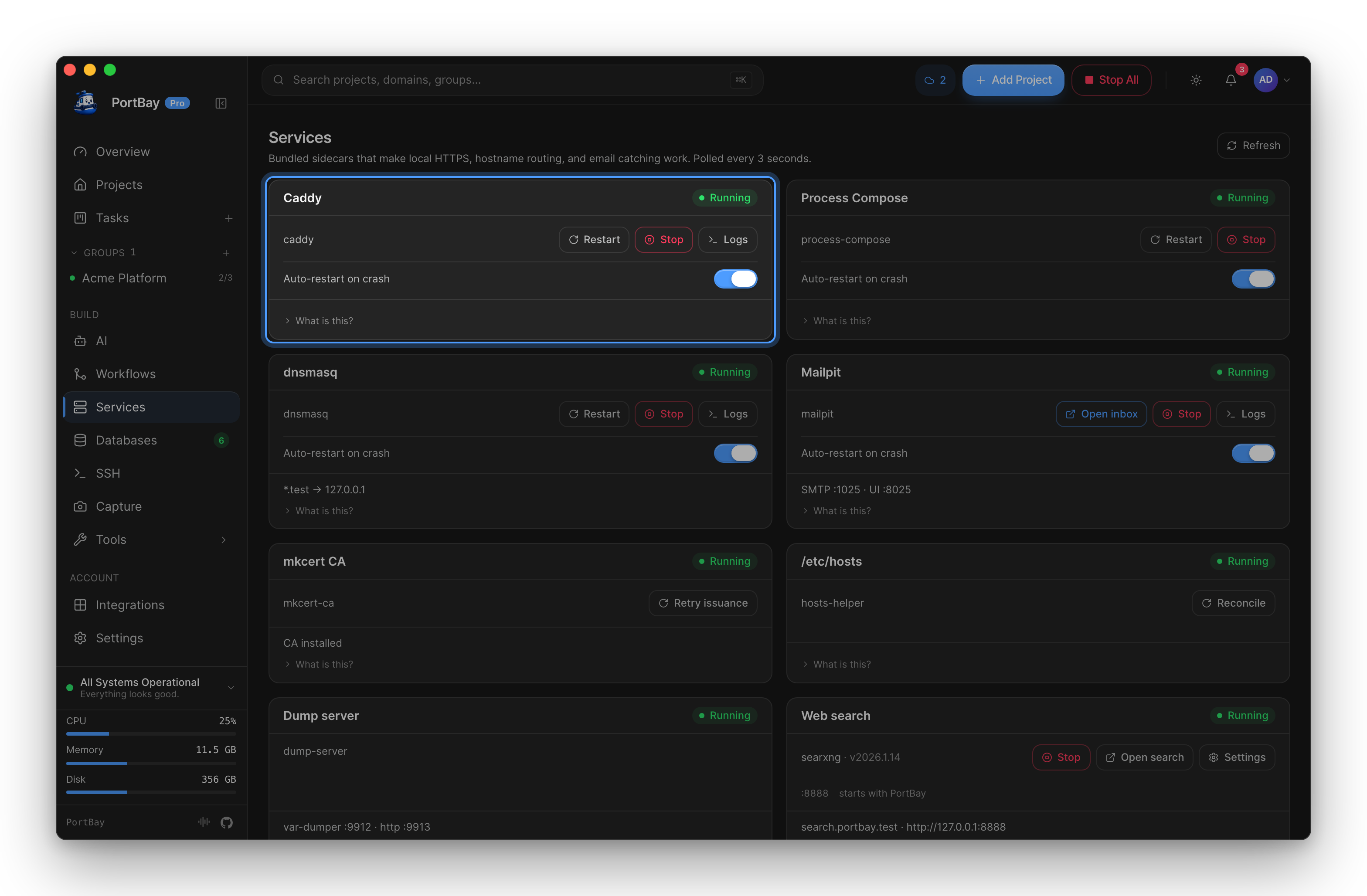
An app-owned sidecar whose live state isn't directly observable from a read-only surface (the CLI/MCP core, or mkcert which has no persistent process) reads as informational ("presumed OK") rather than a false warning — this is the same honesty principle Doctor applies to the same sidecars.
Also Shown Here
- Databases — external Postgres/MySQL instances and PortBay-managed engines, read-only status alongside the sidecars.
- Local AI (Ollama) — whether PortBay is supervising a local Ollama server it started, versus one you're running yourself.
When a Sidecar Won't Come Back Up
- Refresh sidecar status.
- Restart the failed sidecar from its card.
- Retry the project action that failed.
- If it immediately crashes again, open its log tail from the card and check the last 20 lines.
- In development builds, verify the sidecar binary actually exists under
src-tauri/binaries/.
See Troubleshooting → Sidecar Failures for the full error-code mapping (SIDECAR_DOWN, CADDY_FAILURE, DNSMASQ_FAILURE, MAILPIT_FAILURE).