
Custom Domain Suffix
PortBay defaults to local hostnames such as project.test. The suffix is part of each project hostname stored in the registry.
Changing the suffix for every project at once (update_domain_suffix / portbay_set_domain_suffix) is a Pro feature — Community (anonymous and free) accounts stay on the default suffix, enforced core-side so a disabled UI field can't be bypassed. The default suffix already serves the purpose for most setups, and a misconfigured custom suffix breaks local DNS resolution for the users least equipped to debug it. See PortBay Pro.
Current Behavior
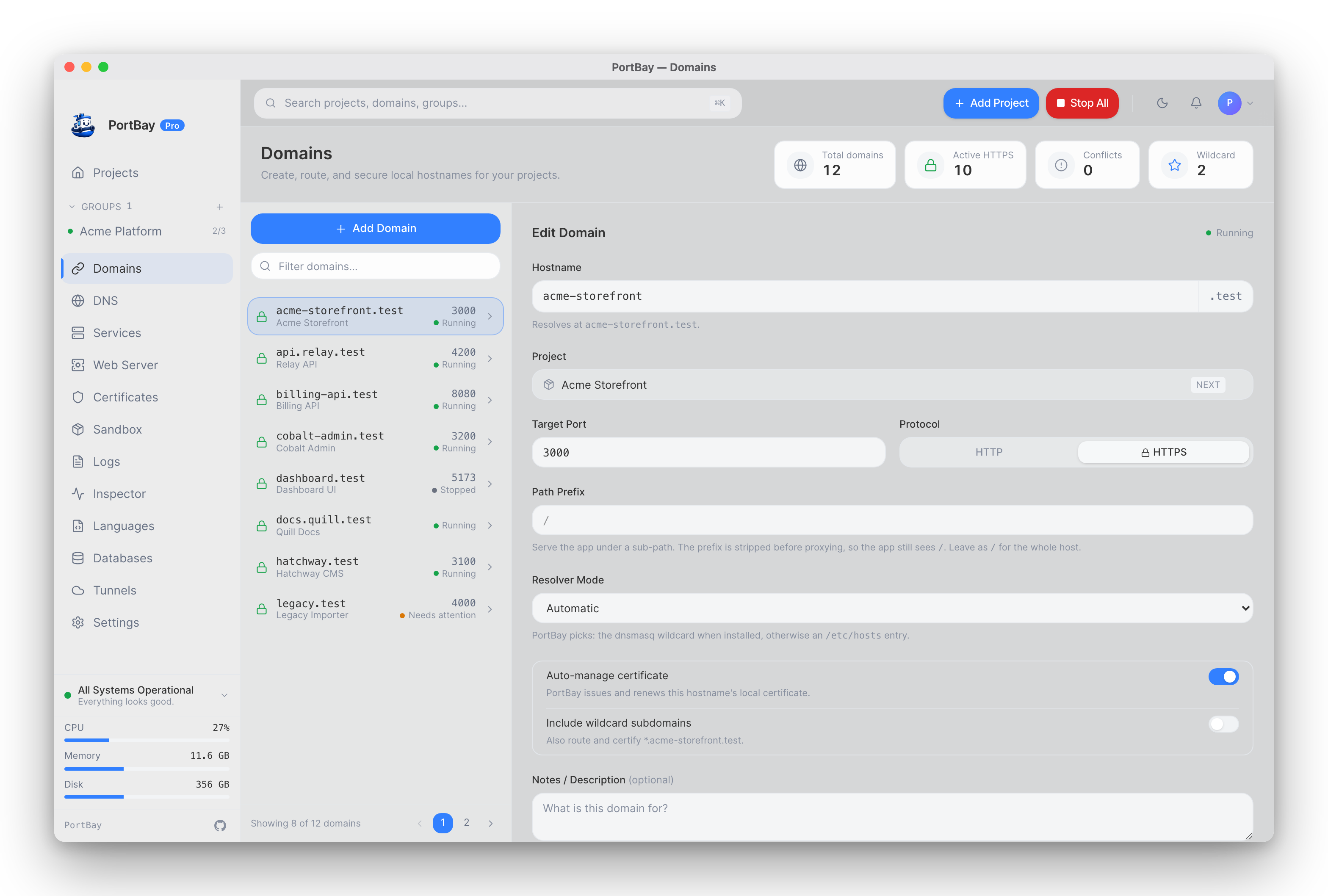
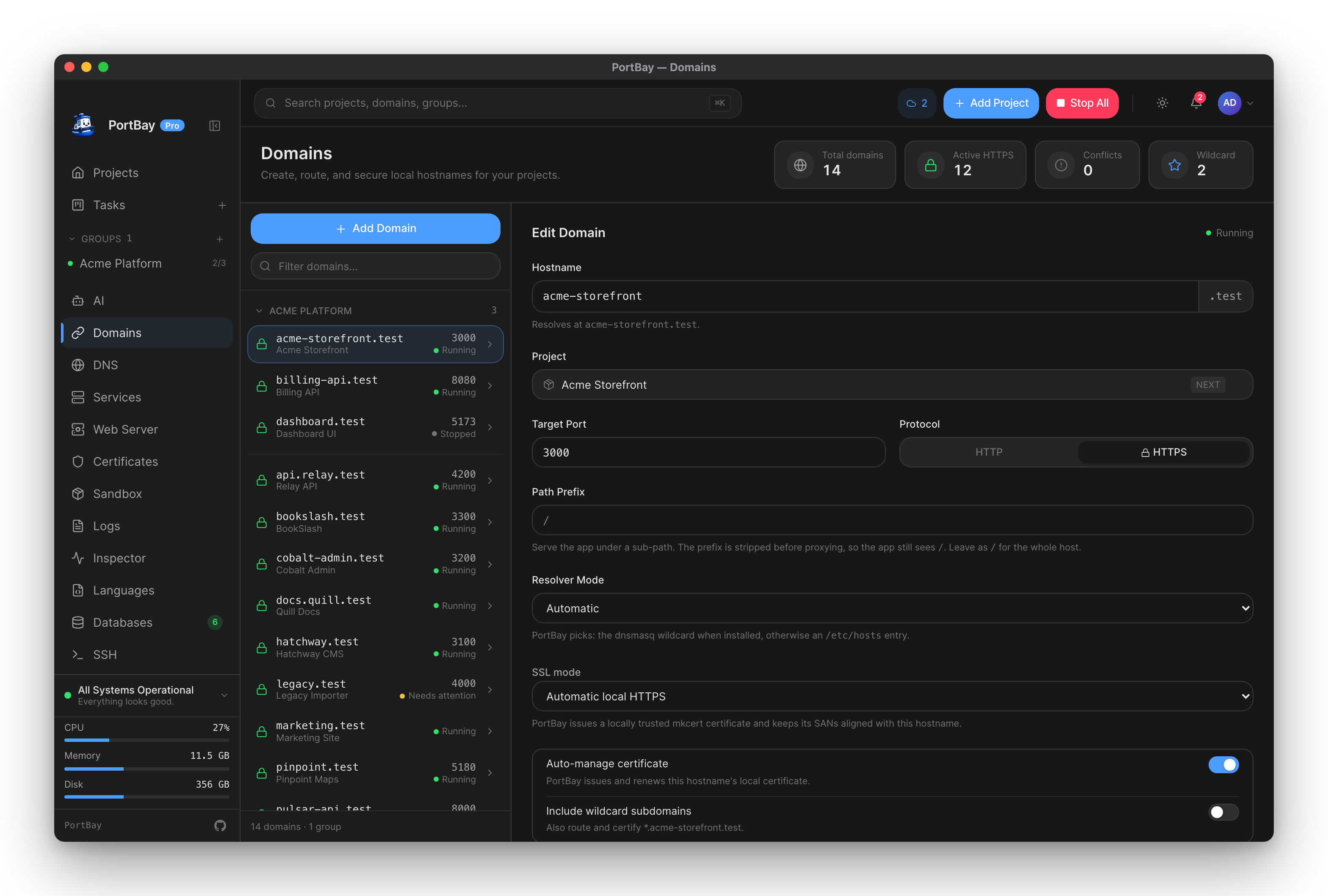
The active registry stores full hostnames, not a global hostname template. That means a project’s suffix is changed by editing the project hostname:
{
  "id": "marketing-site",
  "hostname": "marketing-site.localhost"
}Choosing A Suffix
| Suffix | Recommendation |
|---|---|
.test | Good default for local development. Reserved for testing. |
.localhost | Safe local-only suffix in modern browsers. |
| Company-internal suffix | Use only when it cannot collide with real DNS. |
Change Procedure
- Stop the project.
- Update the hostname in the app or registry.
- Reconcile hosts or dnsmasq.
- Restart Caddy.
- Start the project and open the new URL.
Changing the suffix without reconciling hostnames leaves stale entries behind.
Whole-Registry Suffix Change
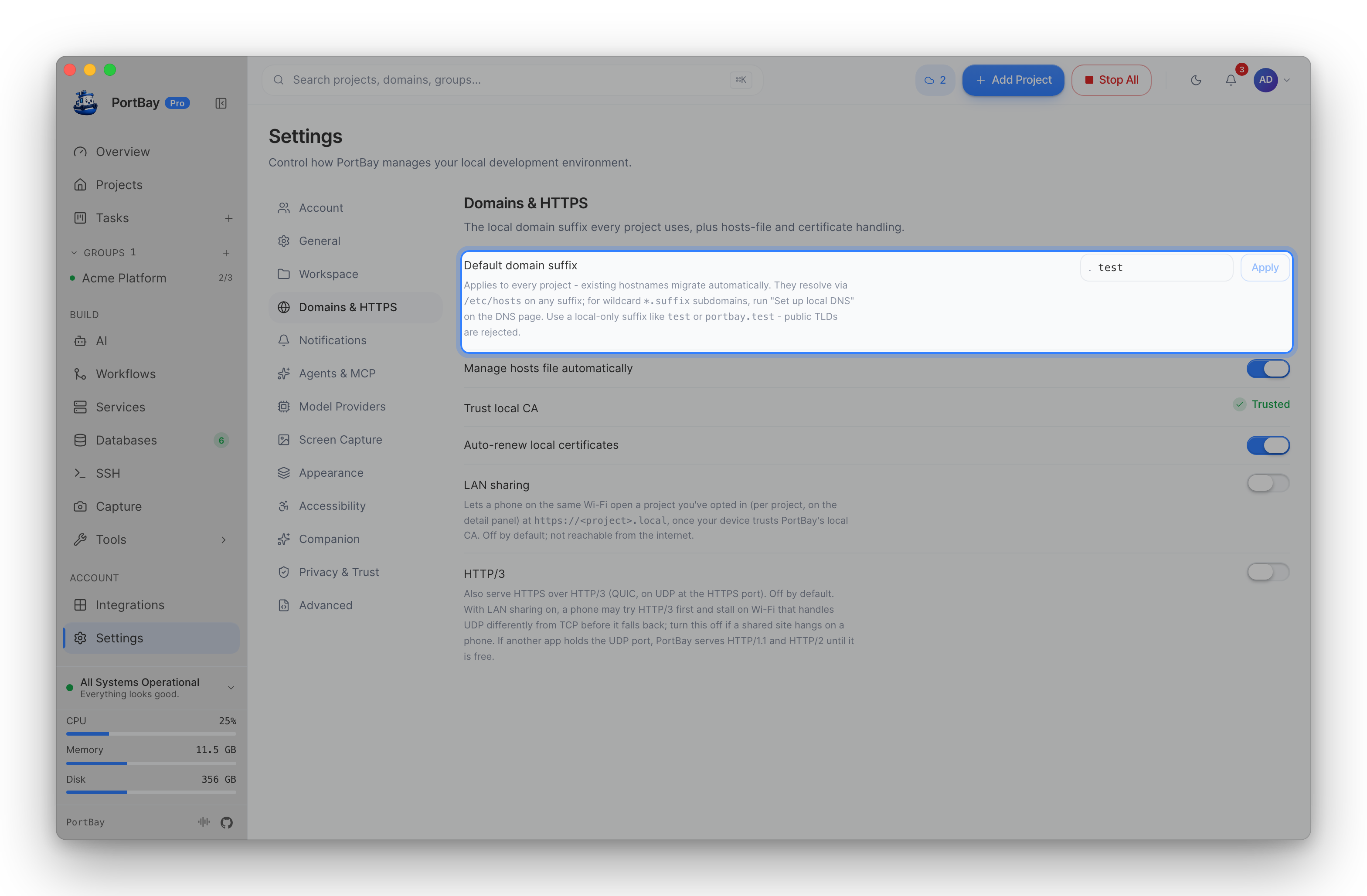
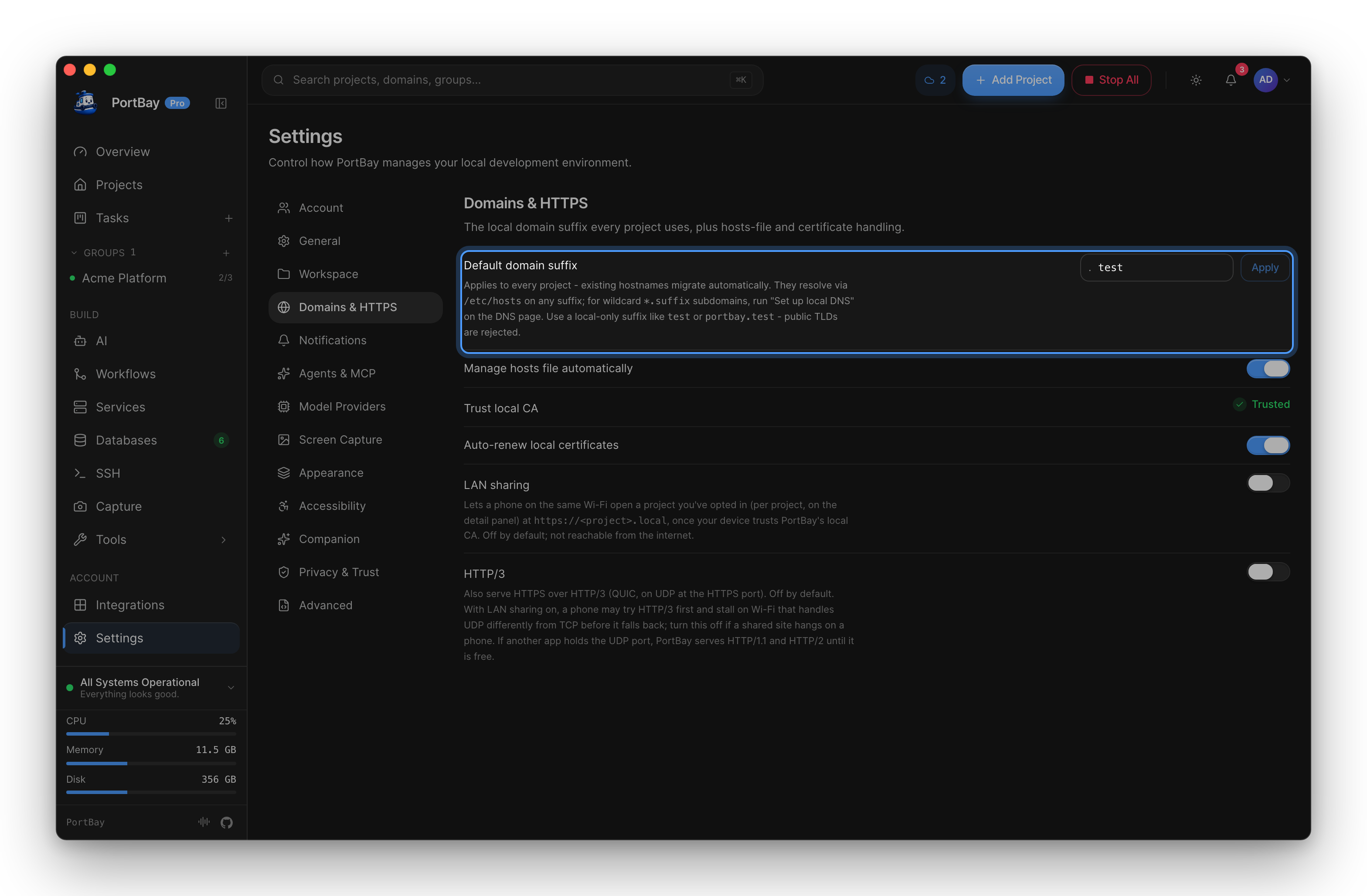
Changing the global suffix (Settings → Domains & HTTPS, or portbay_set_domain_suffix) does more than edit one project's hostname — it rewrites every project's hostname and migrates certificates and DNS in one pass, no manual reconcile needed:
- dnsmasq is automatically restarted so it regenerates its config for the new suffix — you do not need to relaunch PortBay for this to take effect.
- If a wildcard resolver file was installed for the old suffix, it's migrated to the new one through the privileged hosts helper.
- Because the helper daemon pins its allowed suffix at install time and never trusts a client-supplied suffix, changing the global suffix re-pins the daemon to the new one — this triggers one more macOS admin password prompt (the same kind you saw on first run), but only for this explicit, rare action, never on routine hostname writes.
- Every affected project's HTTPS certificate directory is dropped so a fresh one is issued for the new hostname on the next reconcile.
- Reserved public TLDs (
.com,.net, etc.) are rejected outright — both by the UI/core validation and, independently, by the privileged helper itself if it's ever asked to install a resolver or hosts entry for one.
Local DNS
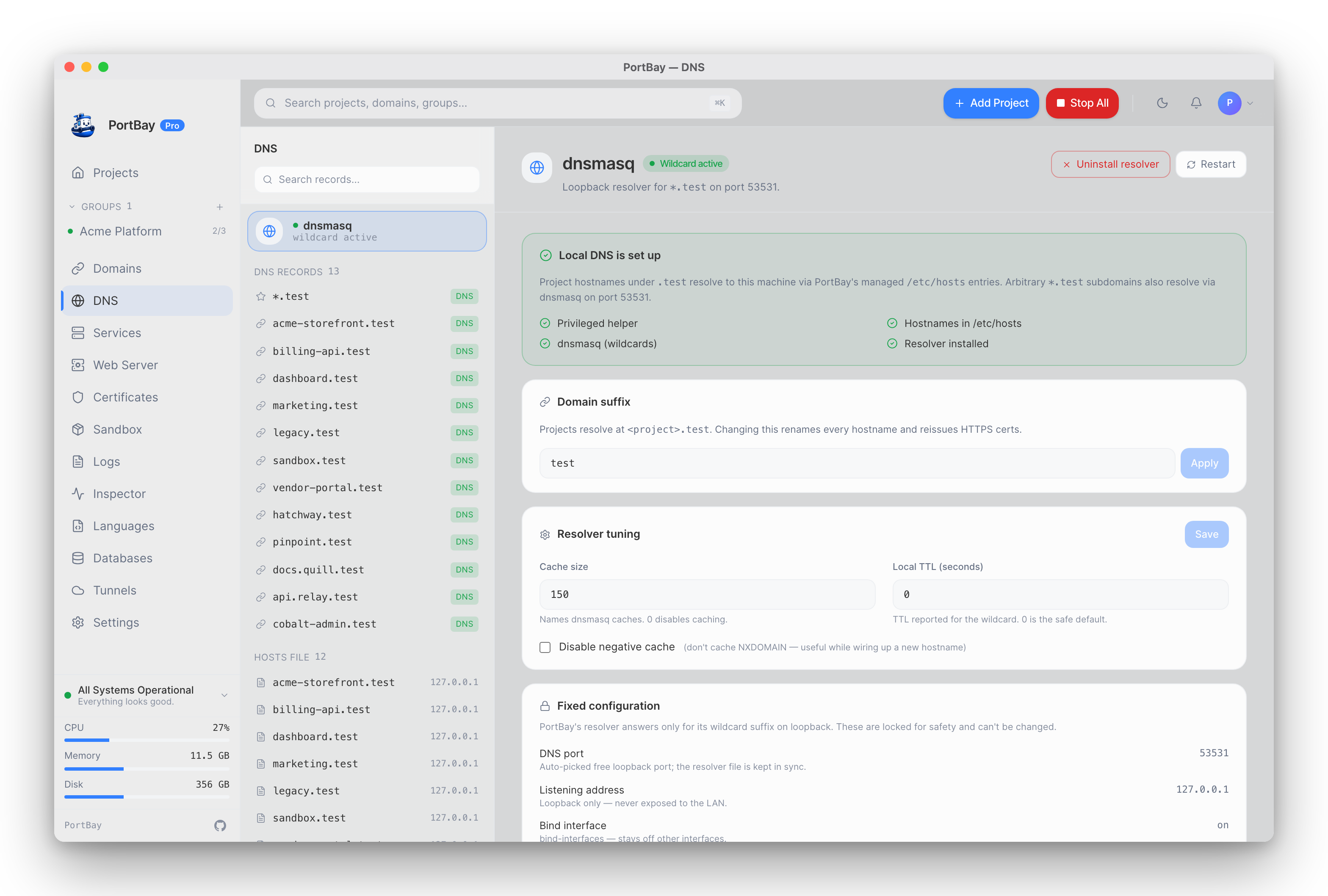
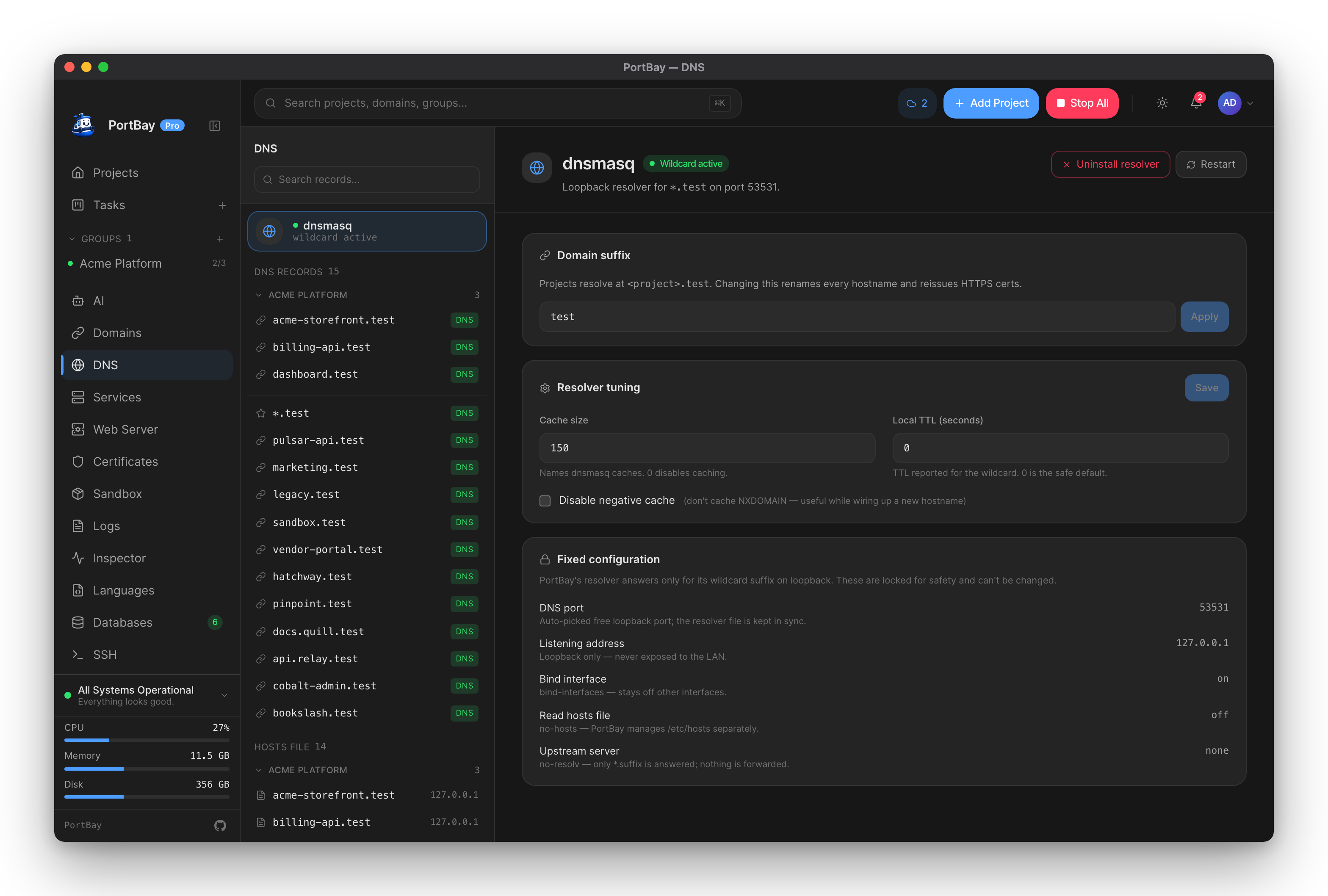
PortBay routes exact hostnames through the privileged /etc/hosts helper and resolves wildcard *.<suffix> through dnsmasq. macOS uses PortBay's bundled dnsmasq sidecar; Linux uses the system dnsmasq package. The DNS view shows resolver status, the managed records, and the cache tuning.
Via MCP (agent-driven)
When driving PortBay through an AI agent, three tools cover DNS and domain-suffix tasks:
portbay_dns_status— read the active suffix, whether the platform resolver file is installed, the dnsmasq port it targets, and the persisted dnsmasq tuning. Starting or restarting dnsmasq is done from the app.portbay_list_dns_records— list every name PortBay resolves (the wildcard plus one row per project hostname), each tagged with whether it's routed viadnsmasqor/etc/hosts.portbay_set_domain_suffix— change the suffix for every project at once. This is a high-blast-radius operation: it rewrites all project hostnames and drops their HTTPS cert directories (the app reissues certs on reconcile). Reserved public TLDs are rejected. Confirm with the user before calling.
See the Tool Reference for the full argument and return-type details.