
Next.js local development on macOS
Point PortBay at a Next.js folder and it detects the project, fills in the dev command and port, and serves it at a real https://name.test hostname with a trusted local certificate. You press Play once; PortBay starts the dev server, routes it through Caddy, and resolves the hostname through a bundled DNS resolver. No next.config proxy hacks, no /etc/hosts edits, no self-signed certificate warnings. Run several Next.js apps, plus a PHP API and a static site, side by side, each on its own hostname, all managed by one app. PortBay is open source under AGPL-3.0 and runs natively, with no containers and under 80 MB of idle RAM.
How PortBay detects a Next.js project
It reads package.json and the framework files, recognizes Next.js, and fills in the start command and a default port for you. You can override either before the first run. Details: Add a Project and Languages and Runtimes.
Why local HTTPS matters for Next.js
Features like secure cookies, OAuth redirects, and SameSite behavior act differently over plain HTTP than over HTTPS. A real https://app.test certificate, issued by mkcert and trusted by your system, makes local behave like production. See Caddy and HTTPS.
Run several apps at once
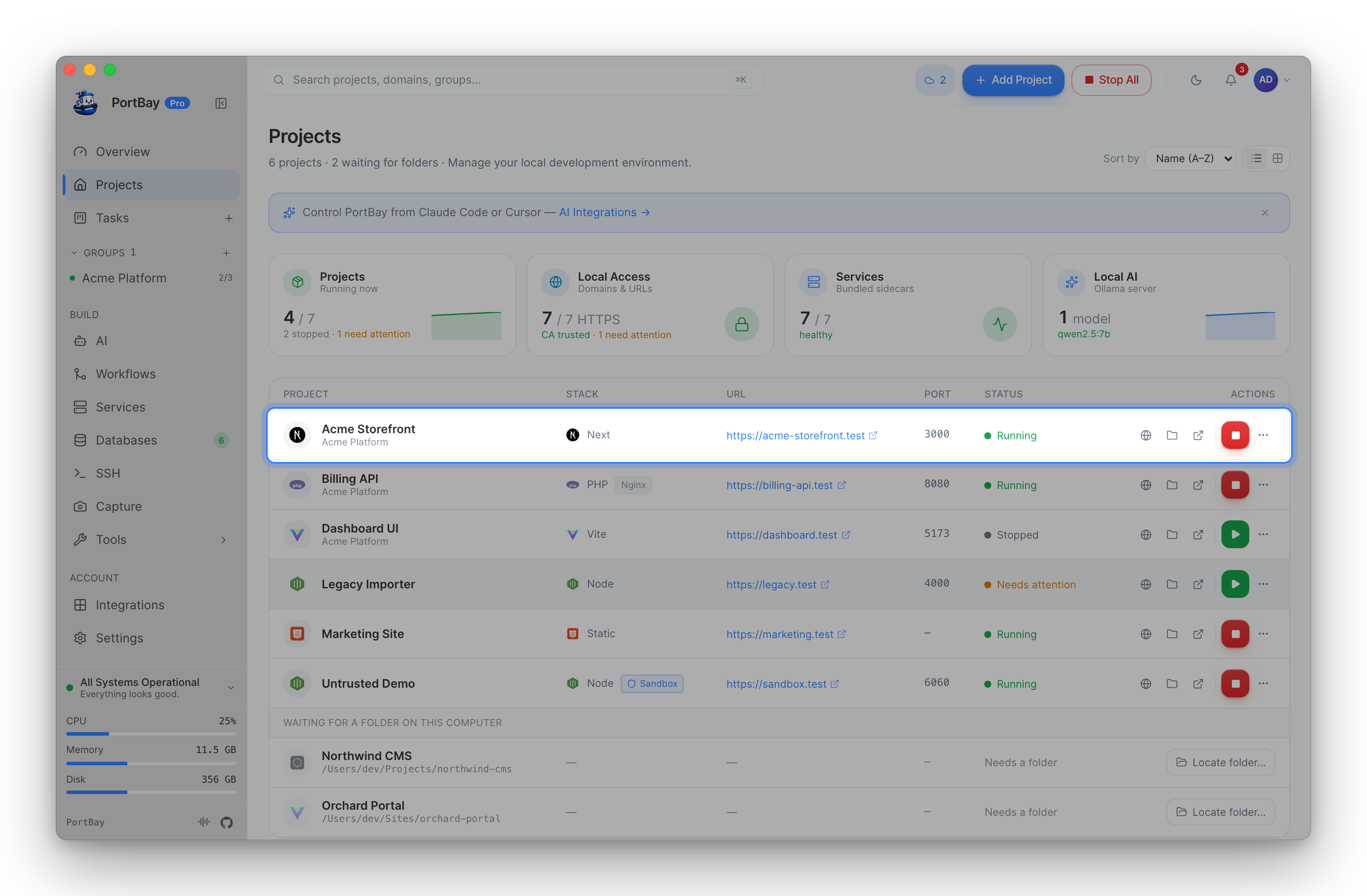
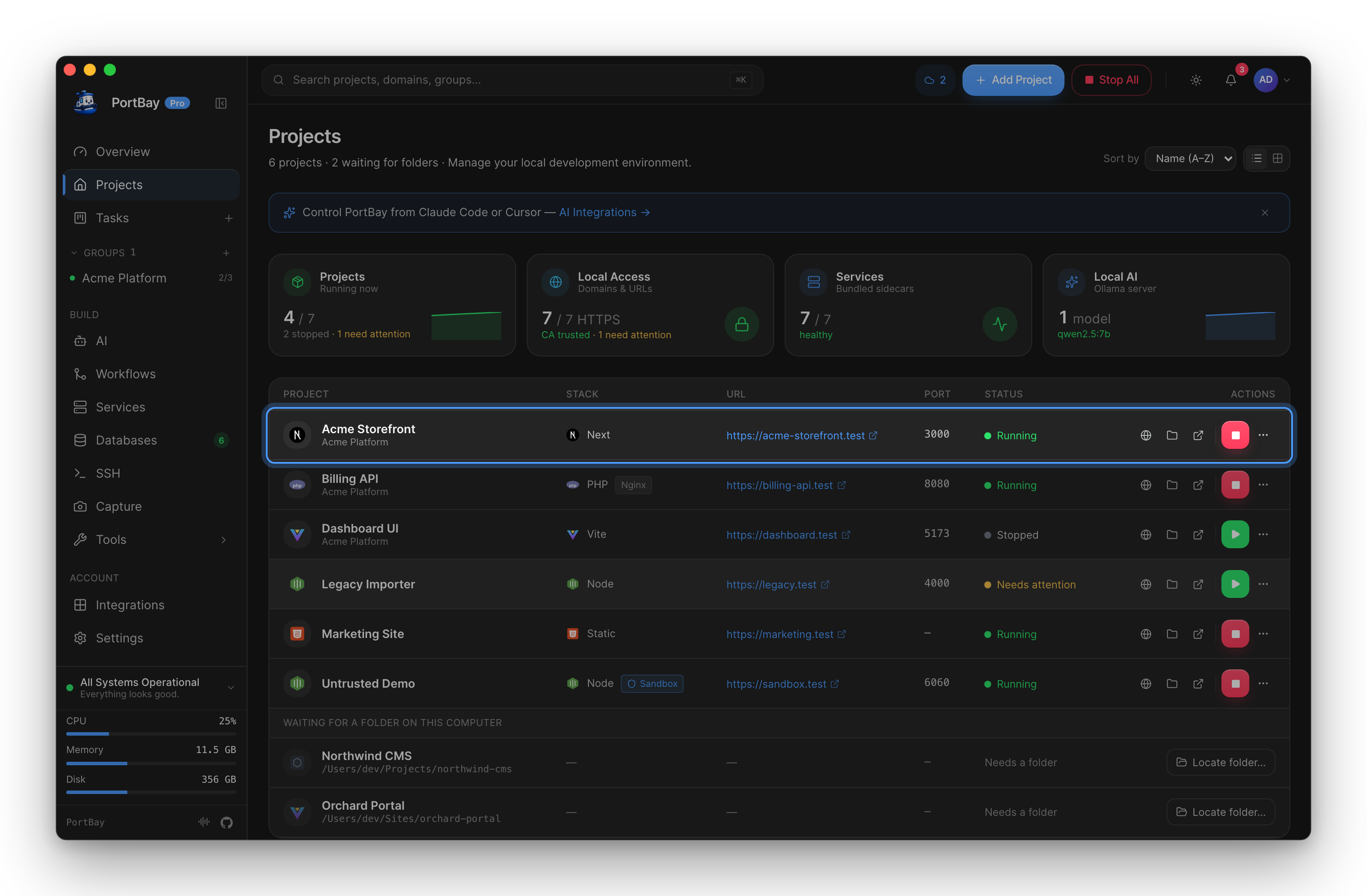
A Next.js front end on https://web.test, a Laravel API on https://api.test, and a static marketing site on https://www.test run in the same session, each started and stopped on its own. Hand the whole stack to an AI agent through the task board.
Start
Install PortBay via DMG or Homebrew, point it at your Next.js folder, and press Play. Compare it with Docker and other tools.
Last updated: 2026-06-15.