
Command Palette
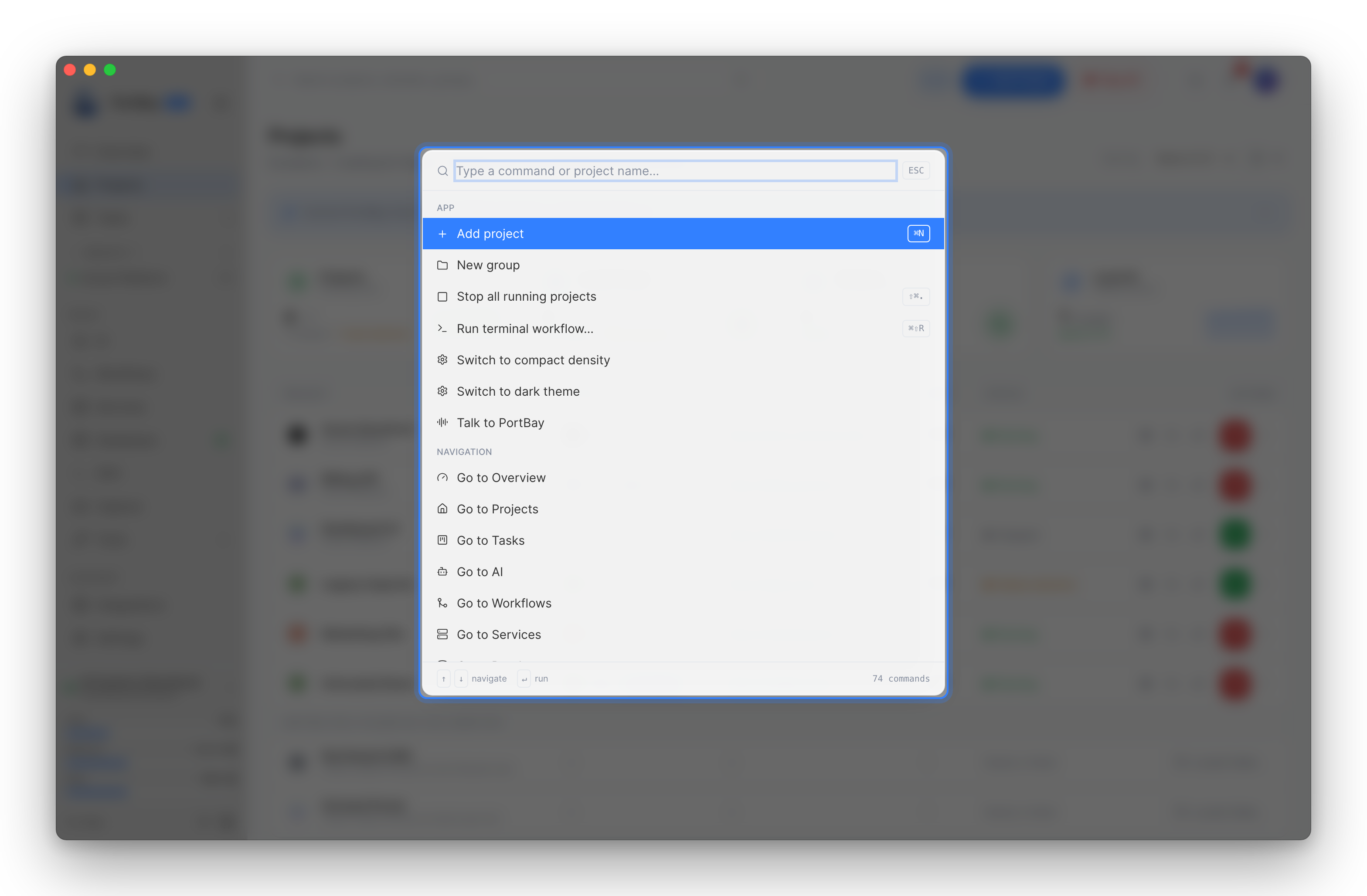
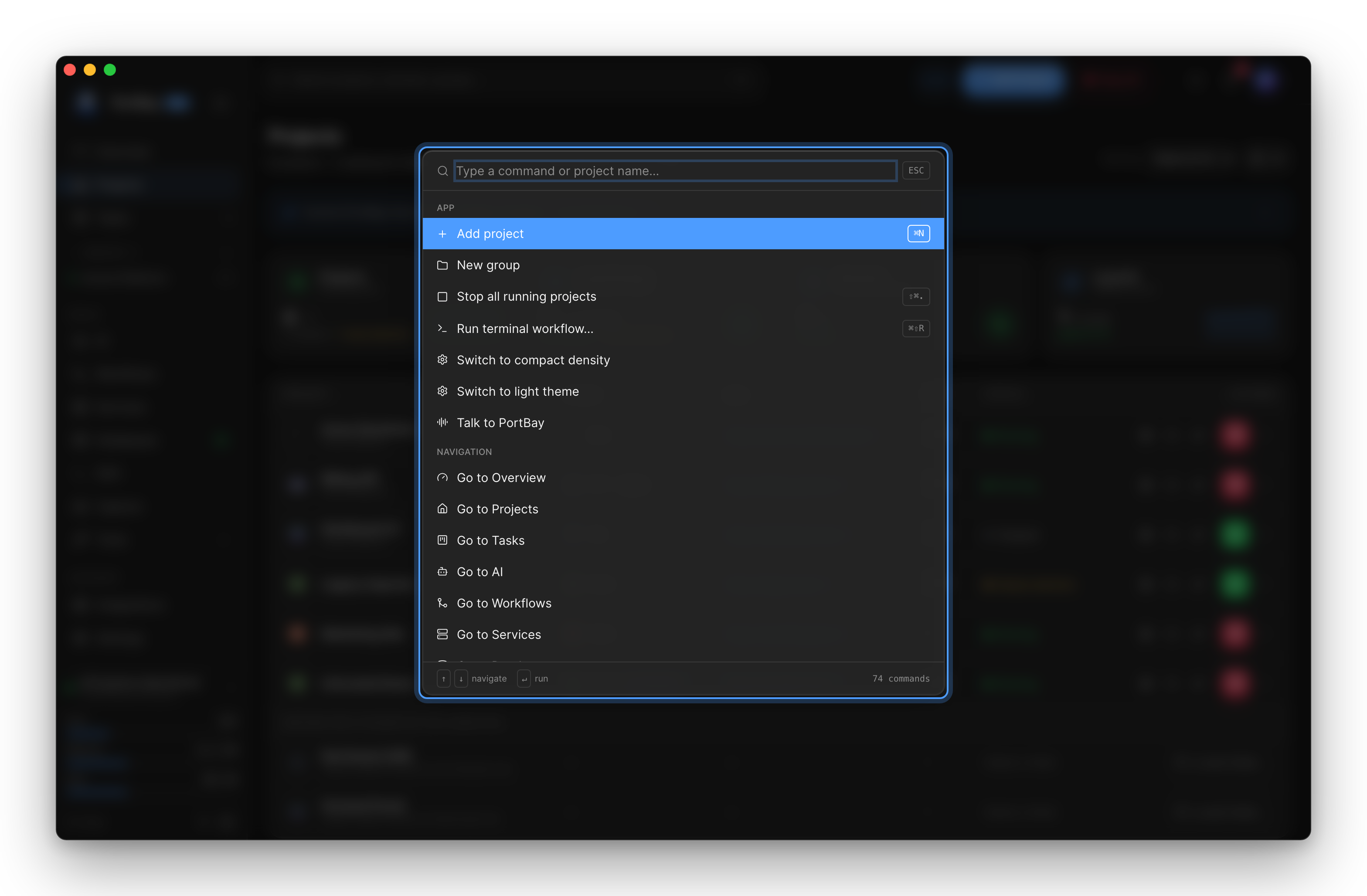
The command palette gives keyboard-first access to every action in the app — lifecycle controls, navigation, sidecar operations, and more — from a single searchable interface.
Opening the Palette
Press Cmd+K (macOS) or Ctrl+K (Linux/Windows) from anywhere in the app. The same shortcut closes it. Clicking outside the dialog or pressing Escape also dismisses it.
The palette is also accessible from the search pill in the top bar.
Navigating Results
| Key | Action |
|---|---|
↑ / ↓ | Move selection |
Enter | Run the selected command |
Escape | Close |
Hovering a row with the mouse moves the selection to it.
Search
Type to filter. The match algorithm scores across a command's label, detail text, keyword list, and group name. Scoring rules:
- Full query as a substring of any field → strongest match (+100)
- Label prefix match → +50
- Per-word token matches → +20 each
Results are ranked by score descending; group headers are hidden while a query is active to reduce noise. The footer shows the live count of matching commands.
With an empty query the list shows Recent commands first (persisted to localStorage), then all commands grouped by category.
Command Groups
The palette assembles commands from seven sources every time it opens, so the list stays current as project state changes.
App
Global actions that are always available.
| Command | Shortcut |
|---|---|
| Add project | Cmd+N |
| New group | — |
| Stop all running projects | Shift+Cmd+. |
| Switch density (compact / comfortable) | — |
| Switch theme (dark / light) | — |
Navigation
Go to <page> entries for every top-level route: Projects, Services, Domains, Languages, Logs, Inspector, Settings.
Projects
One entry per registered project for each of: Open (detail panel), Open in browser, Start, Stop, Restart. The hostname is shown as detail text so you can distinguish projects with similar names.
PHP
Appears only for PHP projects. Enable / Disable Xdebug toggles XDEBUG_MODE between develop,debug and off.
Groups
Open, Start, Stop, and Restart for each project group. Member count is shown as detail text.
Sidecars
Operations on PortBay's background daemons:
- Restart process-compose
- Restart Caddy
- Reconcile
/etc/hosts - Restart dnsmasq
- Refresh sidecar status
Tunnels
Manage public tunnels — navigates to the Tunnels page.
Manage SSH tunnels — navigates to the SSH page for remote database, bastion, VPS, cloud VM, and ML cluster port forwards.
Recent Commands
Executed commands are recorded by id. When the query is empty the most recently used commands appear at the top under a "Recent" header, letting you re-run common actions without typing.