
Local AI (Ollama)
The AI page runs a local Ollama server the way PortBay runs your projects: one Start button, a supervised process, and configuration you set once. PortBay can download a signed Ollama build for you, keep it updated, pull models from the live ollama.com catalog, and point every AI consumer in the app — Speech-to-Text rewrites, the SSH host assistant, task dispatch — at the same local endpoint. Models and prompts stay on your machine.
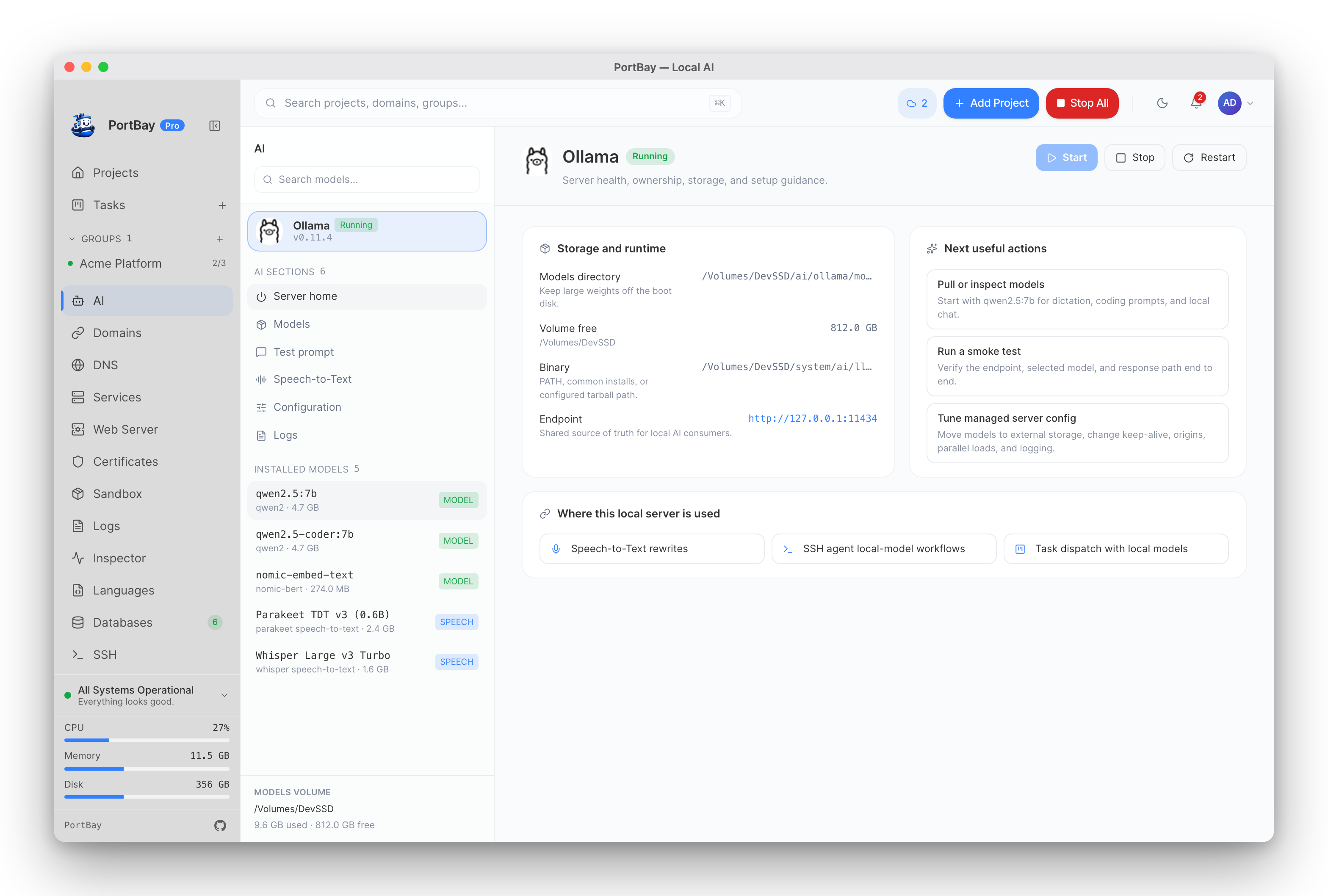
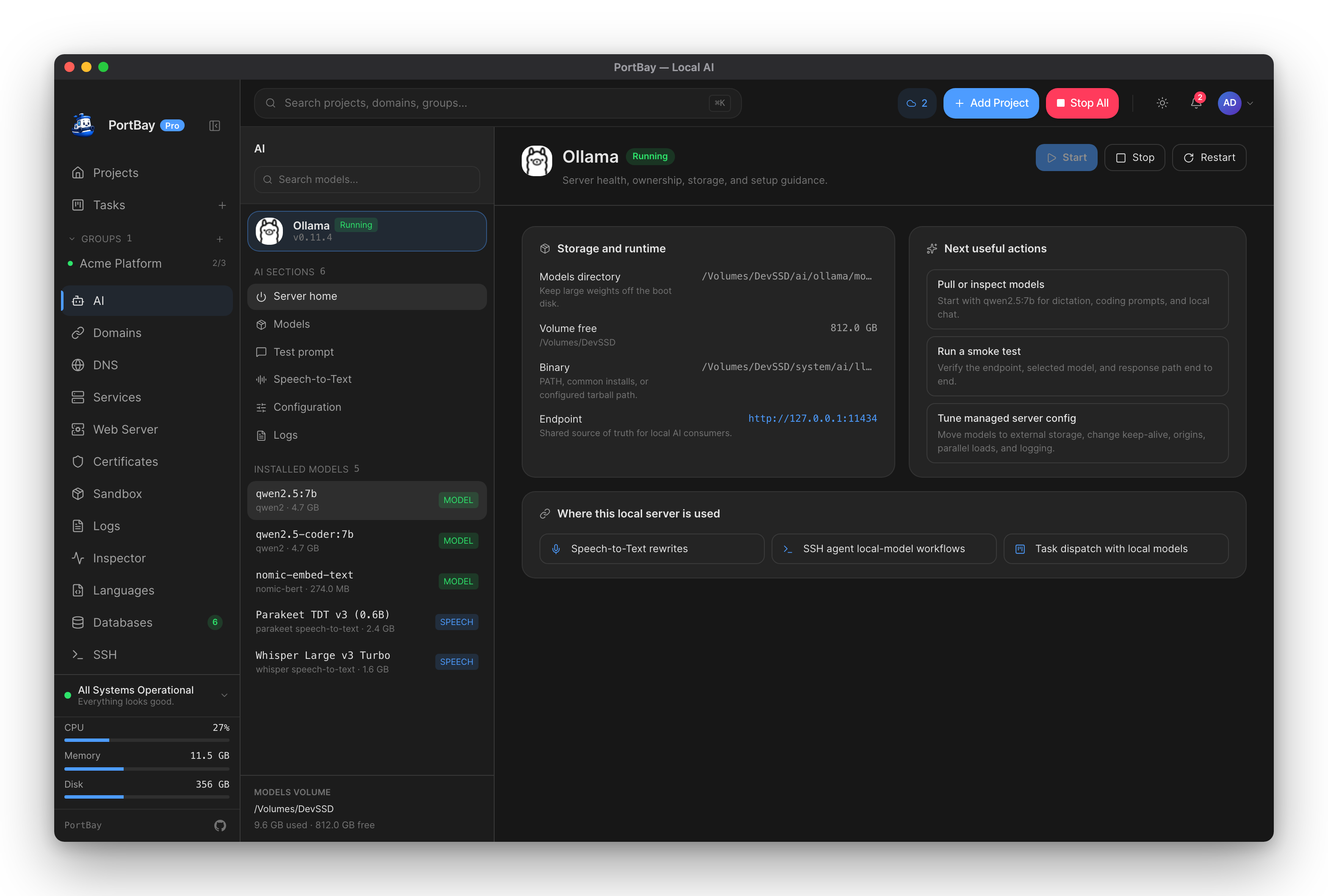
Server home: binary, models volume, endpoint, and the three actions that matter — all on one screen.
Quickstart
- Open AI in the sidebar (
/ai). - No Ollama installed? Click Download Ollama — PortBay fetches a signed build into its managed runtimes folder. Already have it (Homebrew, Ollama.app)? PortBay detects it on PATH and common install locations.
- Click Start, open Models, and pull
qwen2.5:7b— the recommended first model for dictation rewrites, coding prompts, and local chat (~4.7 GB). - Open Test prompt and run the smoke test. It verifies the endpoint, the selected model, and the response path end to end, and reports the round-trip latency.
The endpoint defaults to http://127.0.0.1:11434 — the standard Ollama address, so existing tools that already talk to Ollama keep working unchanged.
How-to
Start, stop, and take over an external server
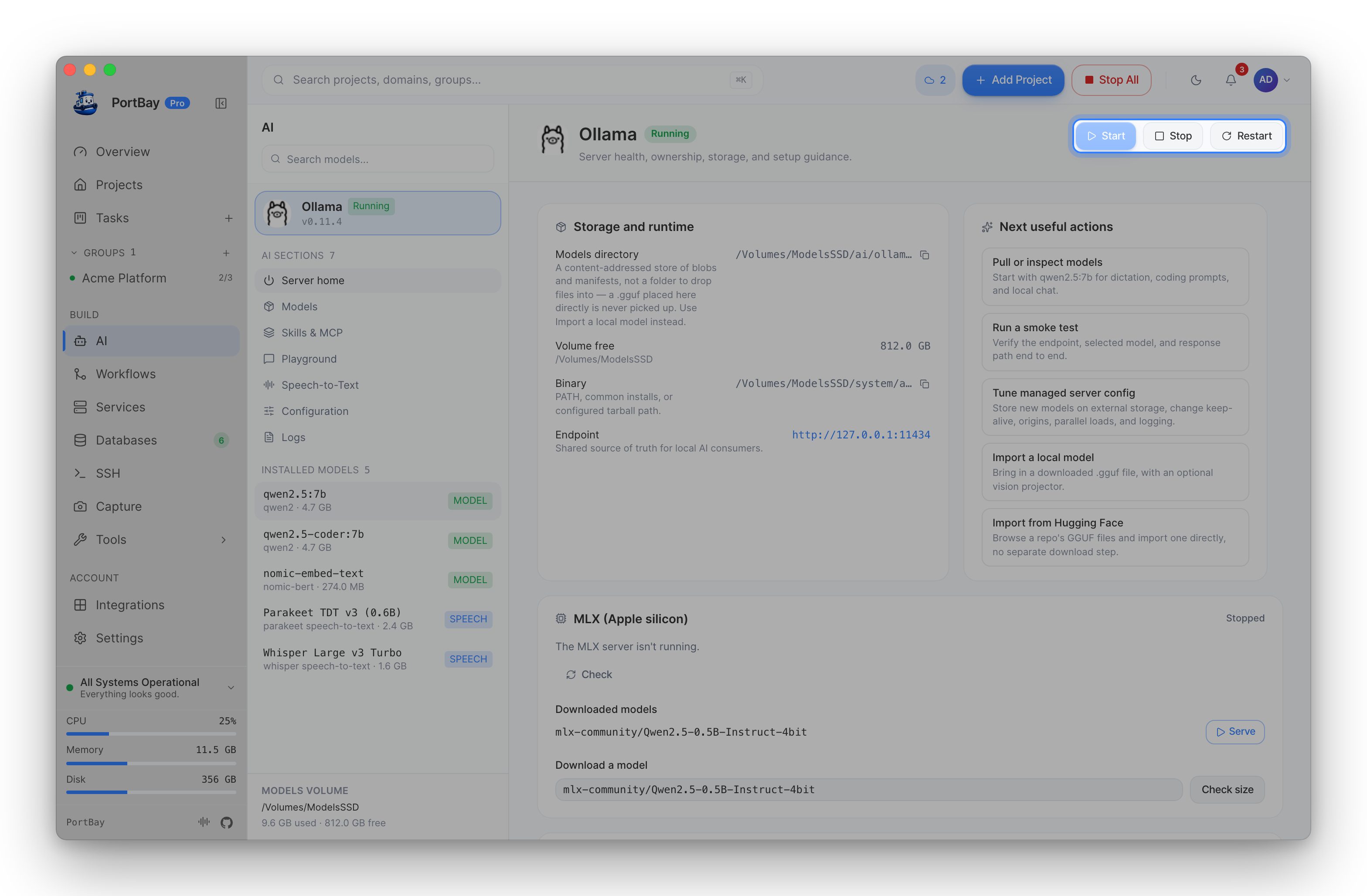
The AI page owns the Ollama lifecycle the same way the dashboard owns project lifecycles:
| You have | What the buttons do |
|---|---|
| No server running | Start launches a PortBay-managed ollama serve with your saved configuration. |
| A PortBay-managed server | Stop and Restart do exactly what they say. Configuration changes apply on the next managed start. |
| Ollama already running outside PortBay (terminal, brew services, Ollama.app) | The controls apply to it anyway: Stop shuts it down; Start or Restart replace it with a PortBay-managed server using the saved configuration. Installed models stay on disk either way. |
A PortBay-managed server participates in the app's shutdown: quitting PortBay (or Stop All) stops the server it started, so nothing keeps burning memory after you close the app.
If another process owns port 11434, the start diagnostic names the process blocking it — no lsof archaeology.
Install and update the Ollama binary
Two supported paths:
- PortBay-managed build — one click downloads a signed Ollama release into PortBay's runtimes folder (the same mechanism as the managed language runtimes). PortBay then handles update checks: when ollama.com publishes a newer version, an Update button appears; Reinstall repairs a broken install by re-downloading the same version.
- Your own install — Homebrew, the official app, or a tarball anywhere on disk. PortBay detects PATH and common locations automatically, or you set a custom binary path in Configuration. System installs update through their own channel; PortBay doesn't touch them.
Pull models from the live catalog
Models browses the live ollama.com library — fetched fresh and disk-cached for offline use, so a model Ollama publishes tomorrow shows up without an app update. Models are grouped by family with honest one-line guidance:
| Family | Vendor | Good at |
|---|---|---|
| Qwen 3 / Qwen 2.5 | Alibaba Cloud | The reliable local default — dictation, coding, general prompts. |
| Llama | Meta | General-purpose work with the broadest ecosystem compatibility. |
| DeepSeek | DeepSeek | Reasoning and harder technical prompts. |
| Gemma | Compact multilingual models, image-capable variants. | |
| Mistral | Mistral AI | Efficient general, edge, and coding models. |
| Phi | Microsoft | Small models for fast tasks on modest hardware. |
| Kimi K2 | Moonshot AI | Trillion-parameter agentic models — cloud-served, see below. |
Each family lists its variants with size, freshness from ollama.com, and a workload hint; sort by popularity, update date, or size. Pulls stream progress and survive navigation — leave the page and the download keeps going; come back and the progress bar re-attaches. PortBay also compares your installed digest against ollama.com and offers a one-click Update when a tag has moved.
Kimi K2 runs in Ollama's cloud
Every other model in the catalog runs on your Mac. Kimi K2 tags are pulled like local models, but they are stubs: inference runs on Ollama's cloud and requires an ollama.com sign-in — prompts do leave the machine for this family only. The catalog badges it cloud so you can't pick it by accident.
Downloaded speech-to-text models (see Speech-to-Text) appear in the same installed-models list — they're installed models too, just managed by the speech sidecar instead of Ollama.
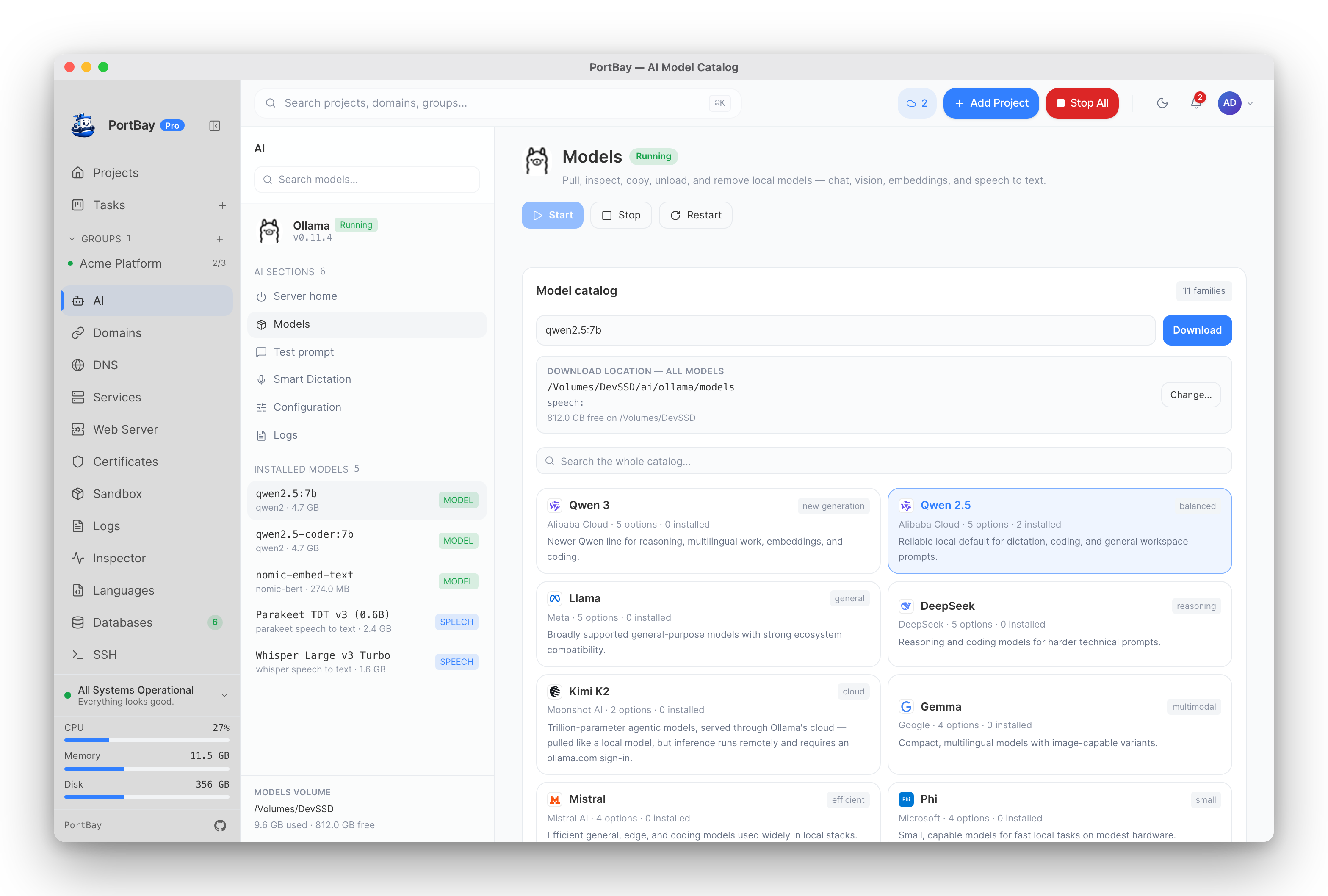
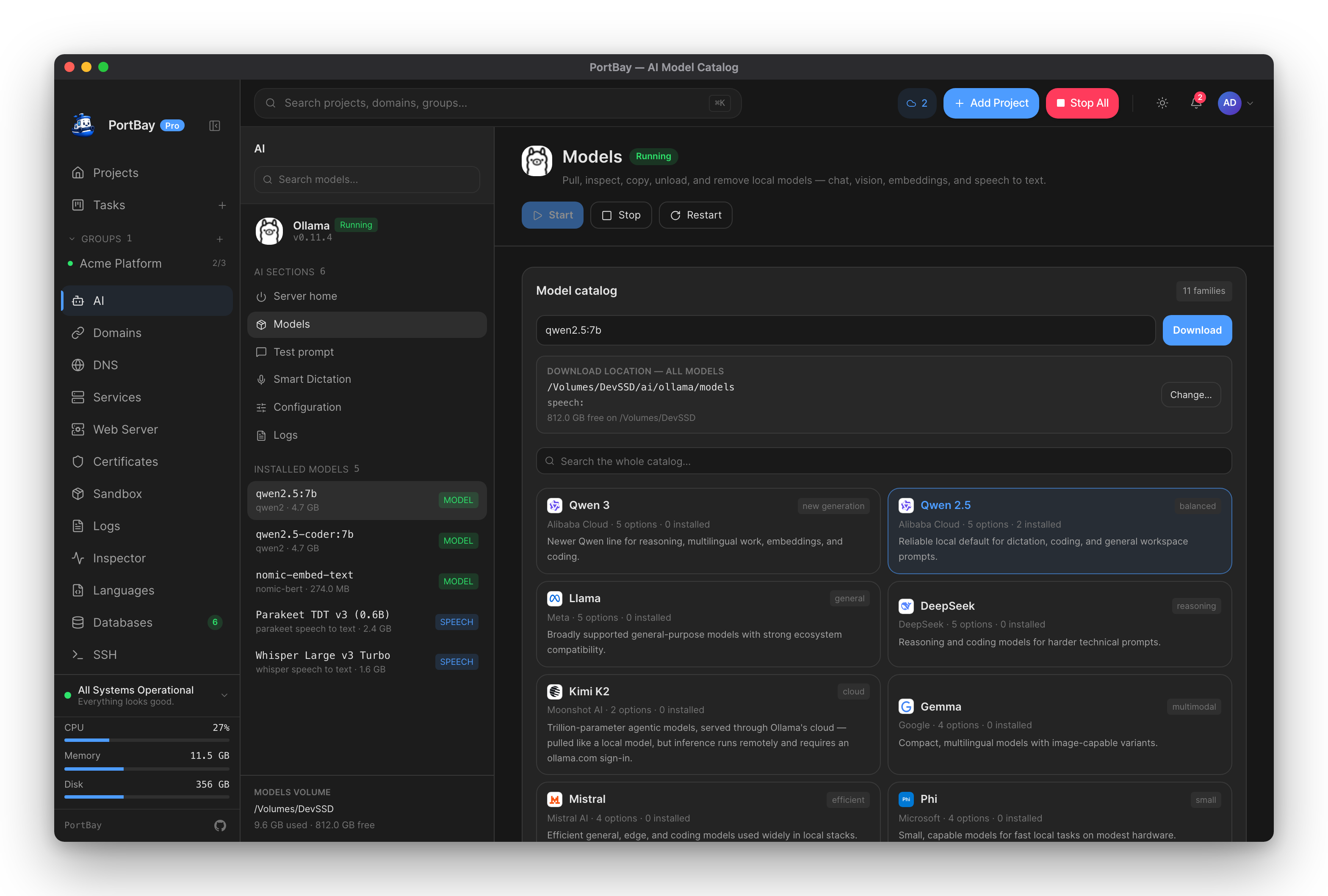
The live catalog: pick by family, sort variants by size or freshness, pull with resumable progress.
Keep model weights off your boot disk
Configuration → Models directory moves the weights anywhere — an external SSD is the usual choice (a handful of 7B models is 20–30 GB). The AI page shows the volume's free space next to the models it holds, and the disk card on Server home tracks usage. Ollama and speech-to-text models live side by side under one AI-models root, so a single location setting manages both.
Tune the managed server
Configuration maps directly onto Ollama's supported environment variables — set in the UI, applied on the next managed start:
| Setting | What it controls |
|---|---|
| Keep-alive | How long a model stays loaded after its last request. |
| Allowed origins | Which local apps may call the HTTP API. |
| Parallel requests / max loaded models / max queue | Throughput vs. memory trade-offs. |
| Flash attention, K/V cache type, GPU overhead | Performance tuning for bigger models. |
| HTTP(S) proxy | Pulls from behind a corporate proxy. |
| Debug logging | Verbose server logs when something misbehaves. |
Logs tails the managed server's log live — same viewer pattern as project logs.
Where the server is used
Everything in PortBay that wants a local model reads the same endpoint:
- Speech-to-Text — transcript rewrites on a local model.
- SSH workspace — if a remote host runs Ollama, the on-host assistant uses it; locally, your own server powers agent workflows.
- Task board — dispatch cards to agents backed by local models.
Reference
Endpoint
http://127.0.0.1:11434One source of truth, shared by every AI consumer in the app and editable in Configuration. Point other tools (editors, scripts) at the same address — it's a standard Ollama server.
Status states
| State | Meaning |
|---|---|
running_managed | PortBay started this server and supervises it. |
running_external | A server PortBay didn't start answers on the endpoint. Controls still apply (take-over semantics above). |
stopped | Nothing answers on the endpoint. |
Troubleshooting
| Symptom | Likely cause | Next action |
|---|---|---|
| Start is disabled | No Ollama binary found | Download the managed build on Server home, or set a custom binary path in Configuration. |
| Port conflict banner on the AI page | Another process owns the configured port | The banner names the process. Stop it, or change the endpoint port in Configuration. |
| Catalog shows "showing the bundled list" | ollama.com unreachable (offline, proxy) | Pulls of already-known models still work; the live list returns when the network does. |
| Model pull is slow or stalls | Network or disk pressure | Progress re-attaches if you navigate away and back; Cancel is always available. |
| Configuration change has no effect | Managed server still running with old env | Restart Ollama from the AI page — changes apply on the next managed start. |