
Laravel local development on macOS without Docker
Point PortBay at a Laravel folder and it detects the project, runs PHP natively, and serves the app at a real https://name.test hostname routed through Caddy. No containers, no Docker daemon, no /etc/hosts editing. The databases Laravel expects, MySQL, MariaDB, PostgreSQL, and Redis, are bundled and supervised by PortBay, one click to start with connection details filled in. Run a Laravel API next to a Next.js front end and a static site in the same session, each on its own hostname. PortBay is open source under AGPL-3.0 and stays under 80 MB of idle RAM, so it sits beside your editor without slowing the machine.
How PortBay detects a Laravel project
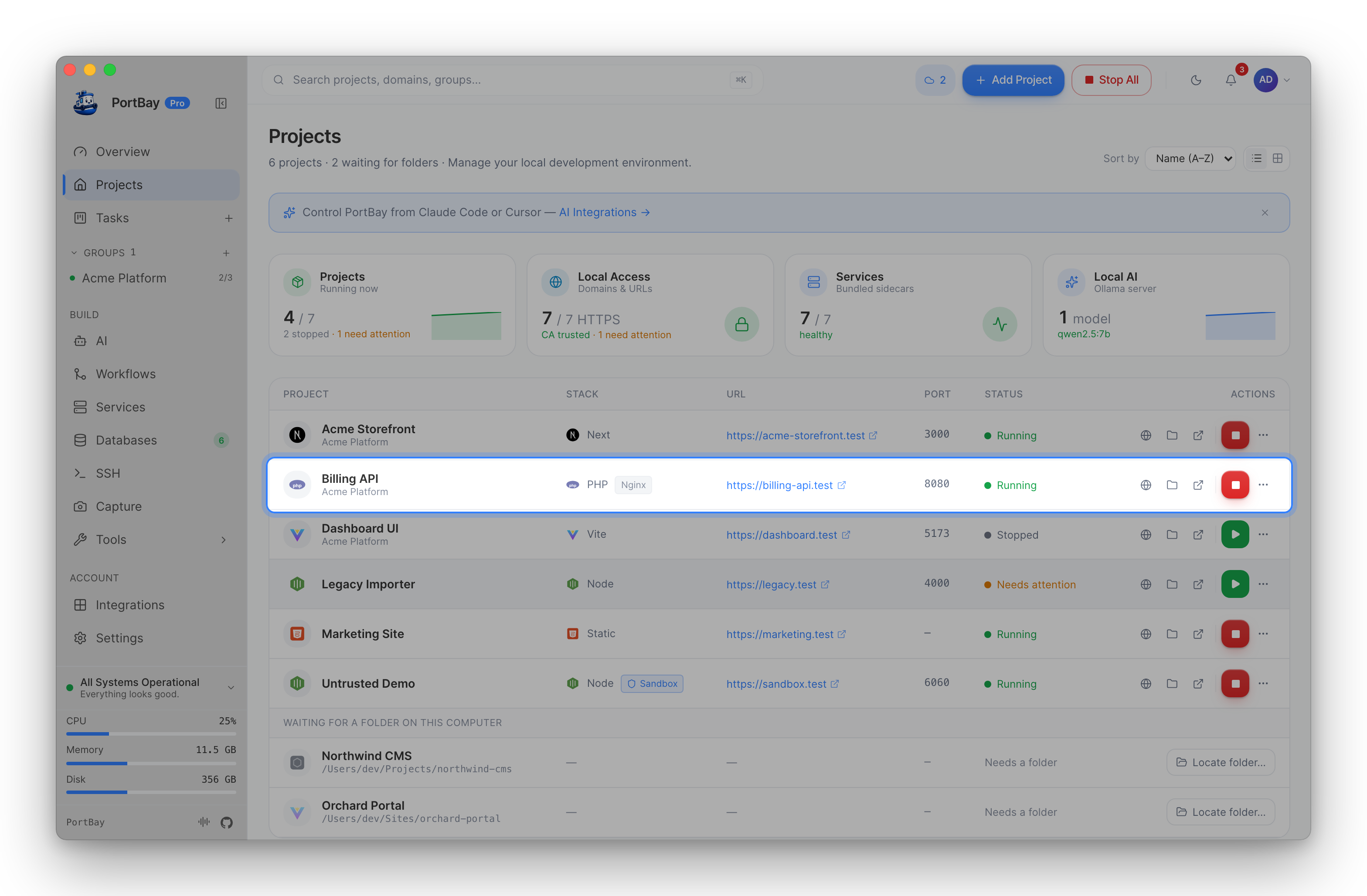
It reads composer.json and the Laravel structure, recognizes the framework, and fills in the start command, port, and .test hostname. Set your PHP version per project. Details: PHP Setup and Add a Project.
Databases without the setup tax
Start a bundled MySQL or Redis from PortBay and point your .env at the supplied host, port, and credentials. Nothing to install through Homebrew by hand, nothing left running after you quit. See Databases.
Coming from Herd, Valet, MAMP, or ServBay
PortBay imports existing sites in one step, and the comparison pages are honest about when each tool wins: vs Laravel Herd, vs Laravel Valet, vs MAMP, vs ServBay.
Start
Install PortBay via DMG or Homebrew, point it at your Laravel folder, press Play, and start a database. Then let an AI agent work the task board.
Last updated: 2026-06-15.