
Integrations
The Integrations page is PortBay's app hub, laid out as two tabs:
- Apps — a launcher grid of PortBay's own tools (Capture, Dictation, Speech-to-Text, Image Generation, Request Inspector, Sandbox, Dumps) and the sidebar destinations themselves (Domains, DNS, Certificates, Services, …). Adding or removing a tile here is the single surface that curates what appears in your left sidebar — there's no separate sidebar-customizer.
- Marketplace — the searchable directory of external tools and services PortBay can connect to, with connect / edit / test / remove flows for each.
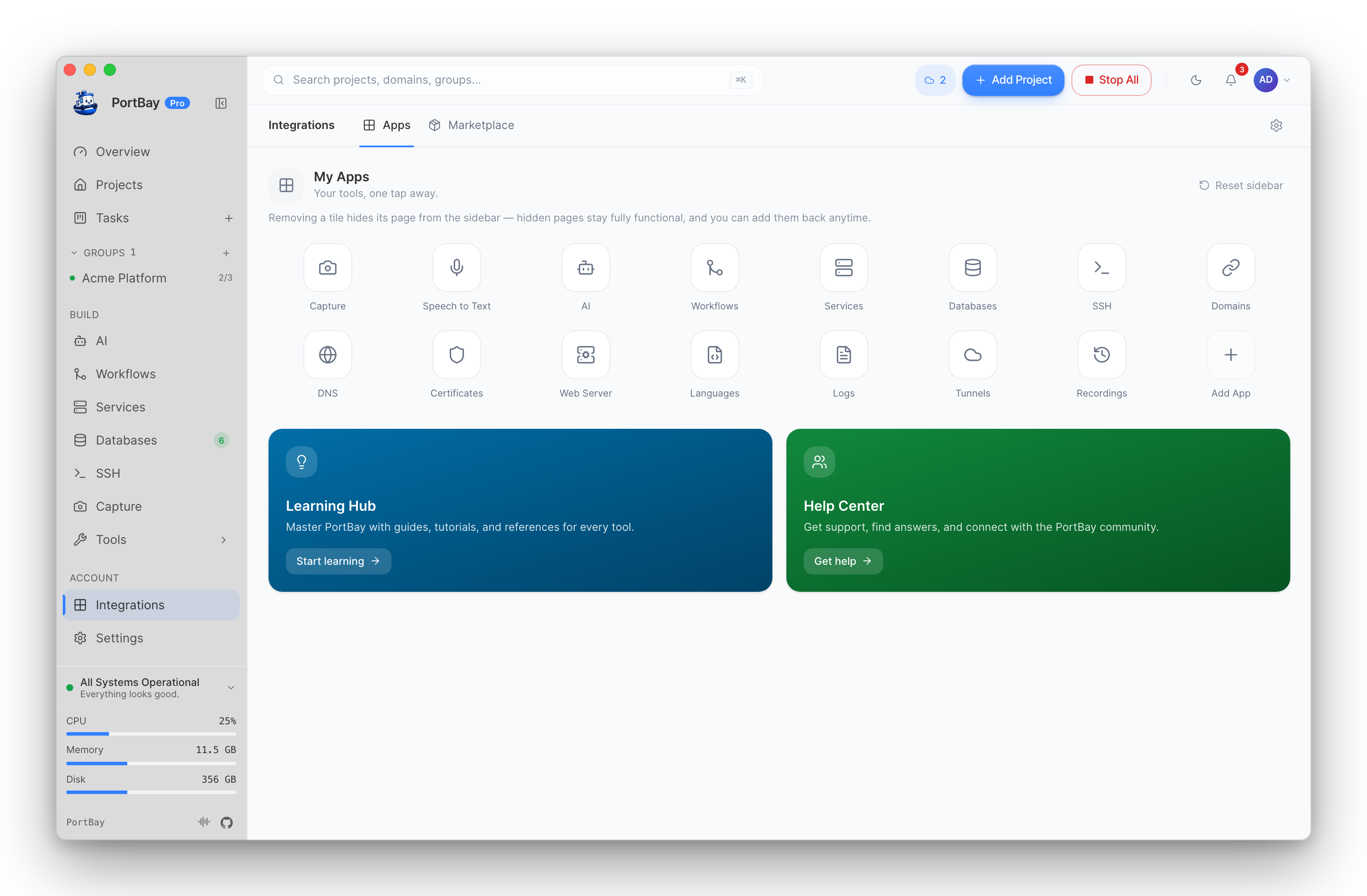
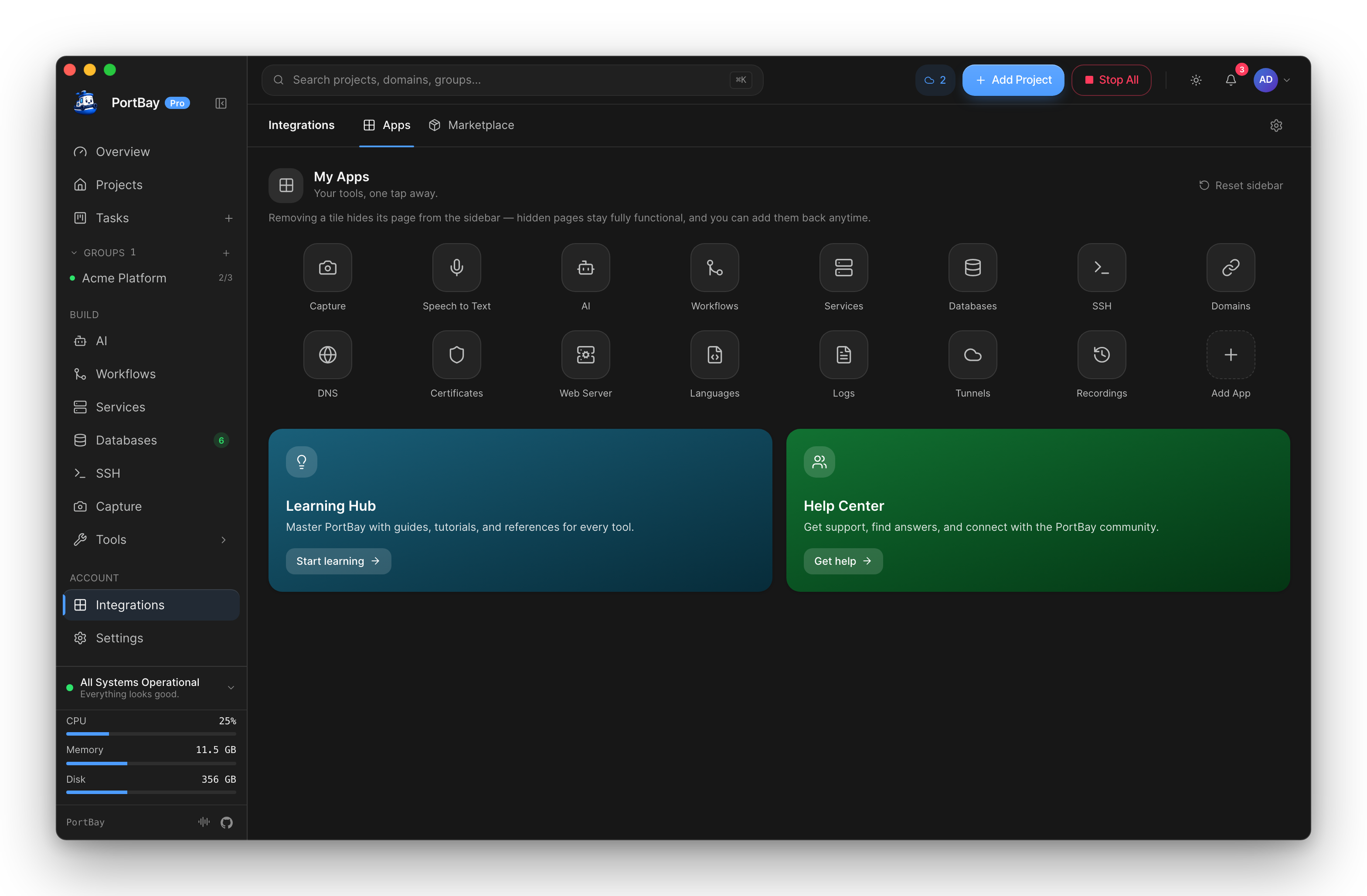
Apps Tab — Curating the Sidebar
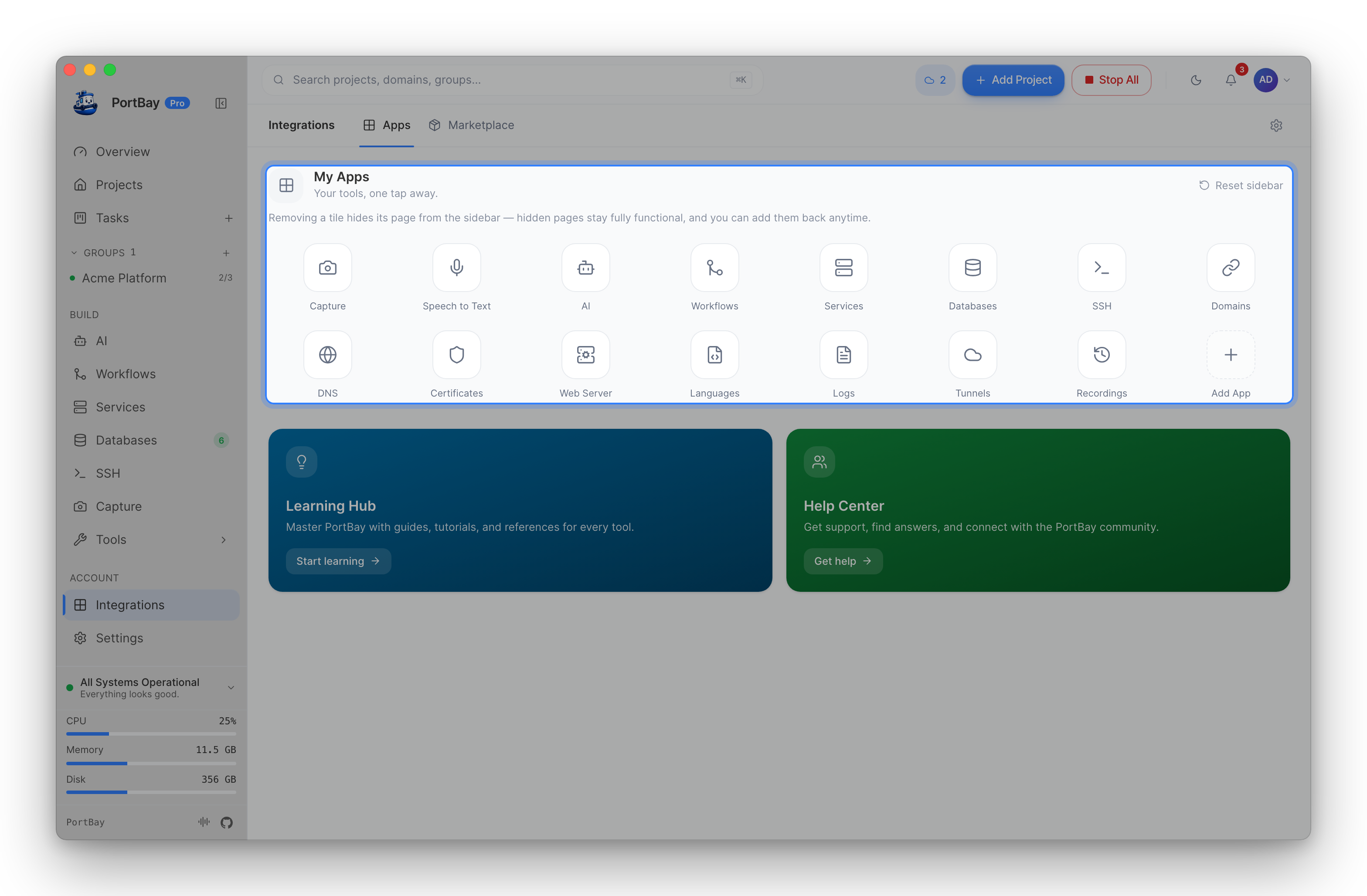
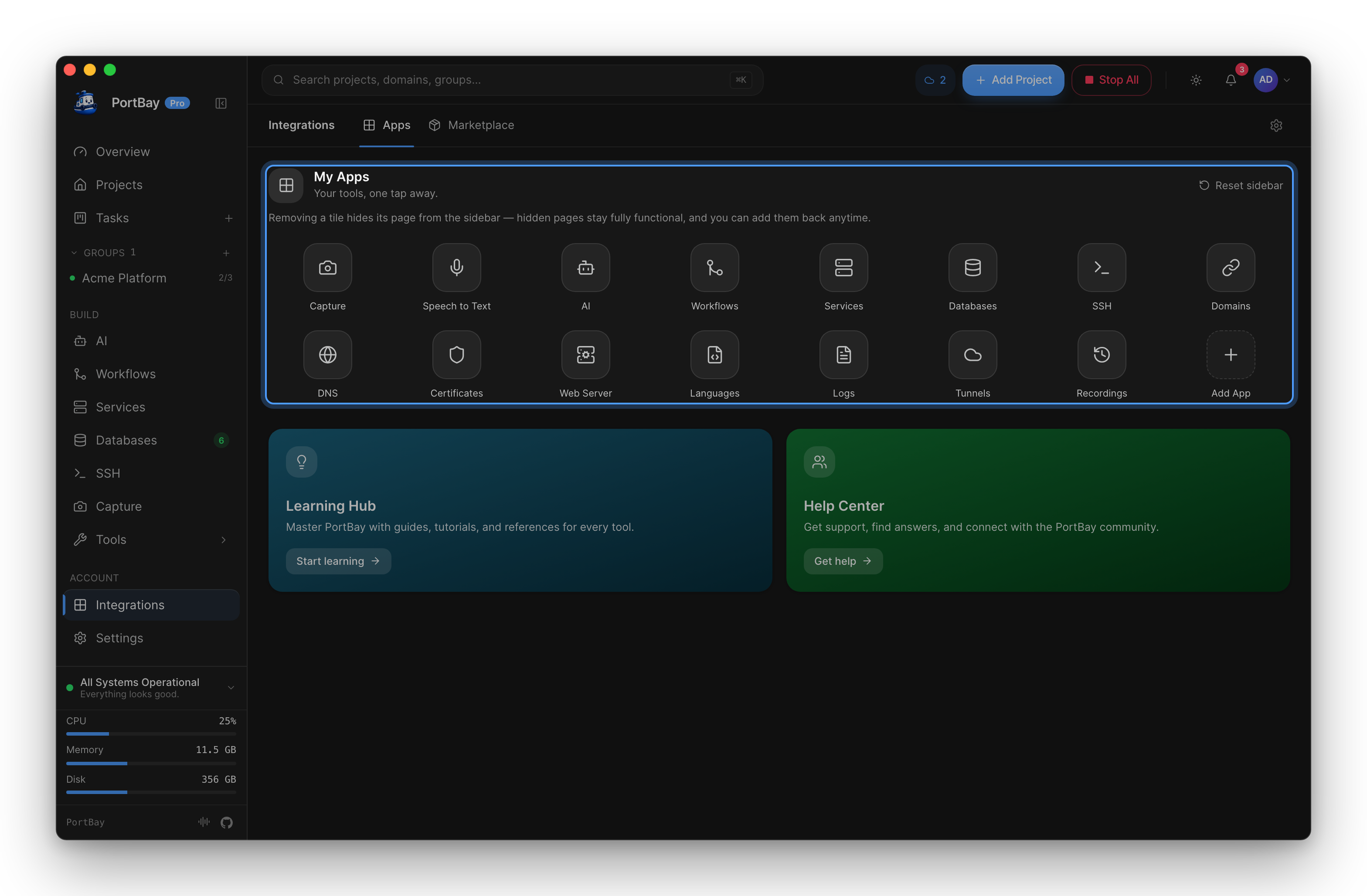
Every tile in the unified launcher grid behaves the same way (add to show, remove to hide), but which store owns its on/off state depends on the tile kind:
- App tiles (Capture, Dictation, Speech-to-Text, Text-to-Speech, Image Generation, Request Inspector, Sandbox, Dumps) toggle through the app launcher list.
- Nav tiles (Domains, DNS, Certificates, Services, and the rest of the sidebar destinations) toggle through the sidebar pin/hide set — adding shows the destination in the sidebar, removing hides it.
Pinned anchors (Integrations and Settings themselves) can't be toggled off — they're always present. macOS-only tools (Capture, the AI playgrounds) are hidden automatically on Linux rather than shown disabled.
Dumps is the one app tile that's opt-in and off by default: enabling it from here starts the loopback dumps listener described in Dumps; it's otherwise not always-on like the rest of the sidecars.
Local Developer Tools
The Apps tab also detects and launches local developer tools directly from a project row: editors (VS Code, Cursor, PHPStorm, Sublime Text, Zed, Xcode, Android Studio), AI coding agents (Claude Code, Claude Desktop, Codex, Antigravity), terminals (Warp, Ghostty, iTerm, Terminal), and Finder. Each tool is launched by its CLI (code, cursor, phpstorm, …) when available on $PATH, falling back to opening the installed macOS app directly (by bundle id) when the CLI isn't installed. Detection is read-only — PortBay never installs or modifies these tools, it only launches them.
Marketplace Tab — External Connectors
The Marketplace tab is the searchable directory of external systems PortBay can connect to (Pro). The catalog covers thirteen:
| Group | Connectors |
|---|---|
| Issues & code | GitHub, GitLab, Gitea, Linear, Jira, Asana |
| Errors | Sentry |
| Docs & CRM | Notion, Odoo, HubSpot |
| Chat & mail | Slack, Gmail, Outlook |
Connecting one lets external issues sync onto the board two ways — pulled on a cursor, with finished cards writing status and comments back to the source:
- Notion authenticates over Sign in with Notion (OAuth + PKCE) through a host-side broker that stores tokens in the macOS Keychain — never inside the webview.
- Jira additionally supports authenticated attachment download and entitlement-capped uploads.
- A GitHub Actions connector scope polls failed workflow runs into cards (failing job, step, and a logs link).
- A connector issues inbox turns a live external item — an unresolved Sentry issue, say — into a board card in one click.
- Slack, Gmail and Outlook additionally act as workflow triggers: a message in an opted-in channel or a named mailbox can start a workflow. Saving a chat trigger is not by itself consent — the channel must already be admitted by the connector's inbound opt-in; for mail, choosing the mailbox is the consent.
Dispatched agents and MCP-orchestrating tools can also act on some of these tools directly (Odoo, HubSpot, GitHub, Linear) — credentials are passed per call and never retained, and every write an agent initiates pauses at an approval modal (or auto-approves against a saved policy, with a fail-safe "unknown" bucket for anything the classifier doesn't recognize).
Via MCP (Agent-Driven)
External-connector reads are ungated; every create, update, or comment an agent makes through a connector pauses for human approval in the app (or, on a client started under --elicit-approvals, as an in-client confirmation form) before it reaches the external system. Discover account ids and what each connector exposes with portbay_connector_accounts first. Board card status itself is owned by the sync plane (portbay_connectors_status), not these tools directly. See the Tool Reference for the full Connectors toolset (Pro).