
Session Recordings
PortBay can record the remote terminal sessions you run through its SSH workspace and replay them in-app afterwards. It is a forensic trail of what was run on which host and what came back, not a live terminal.
Open it from Recordings in the sidebar (inside the Tools drawer).
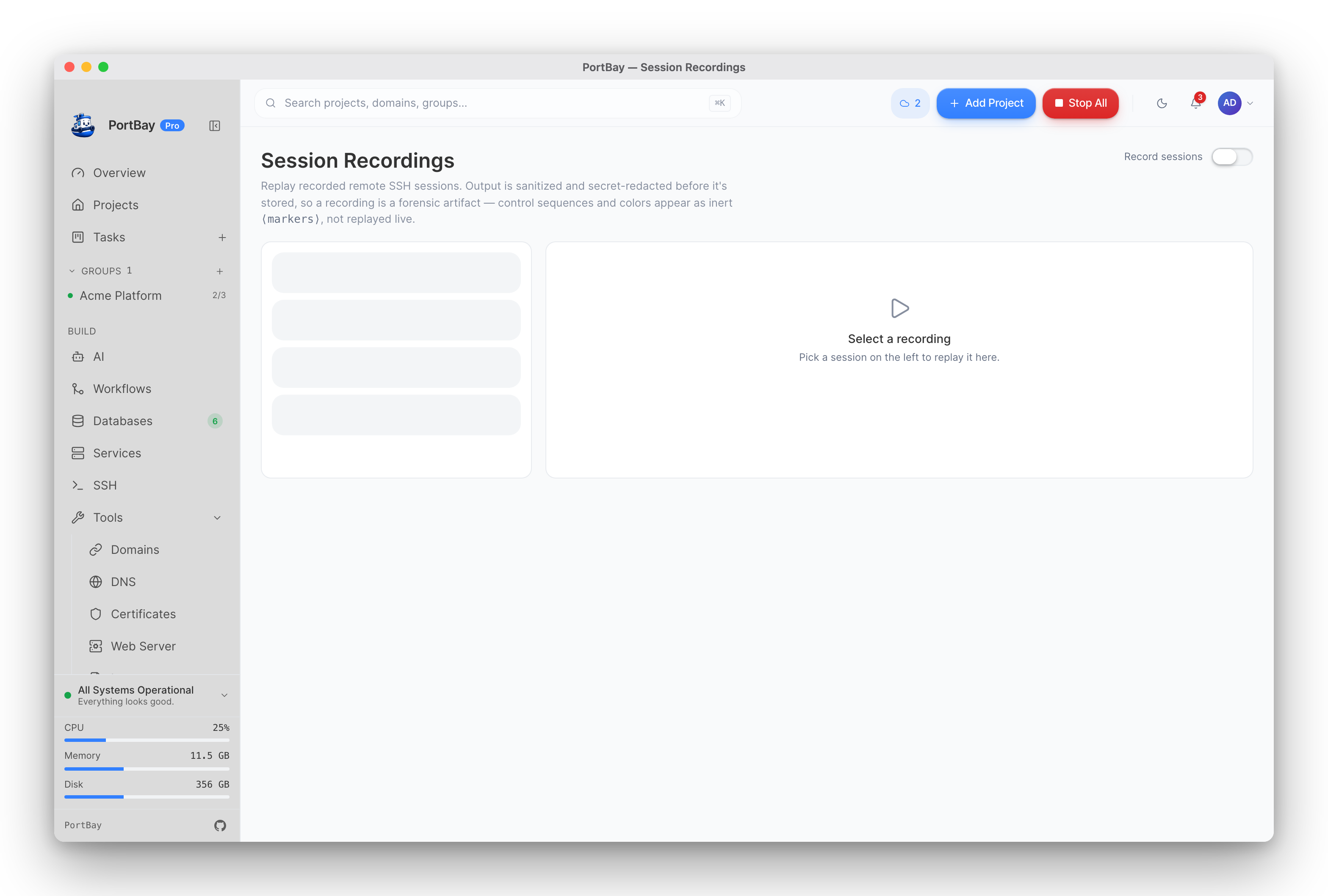
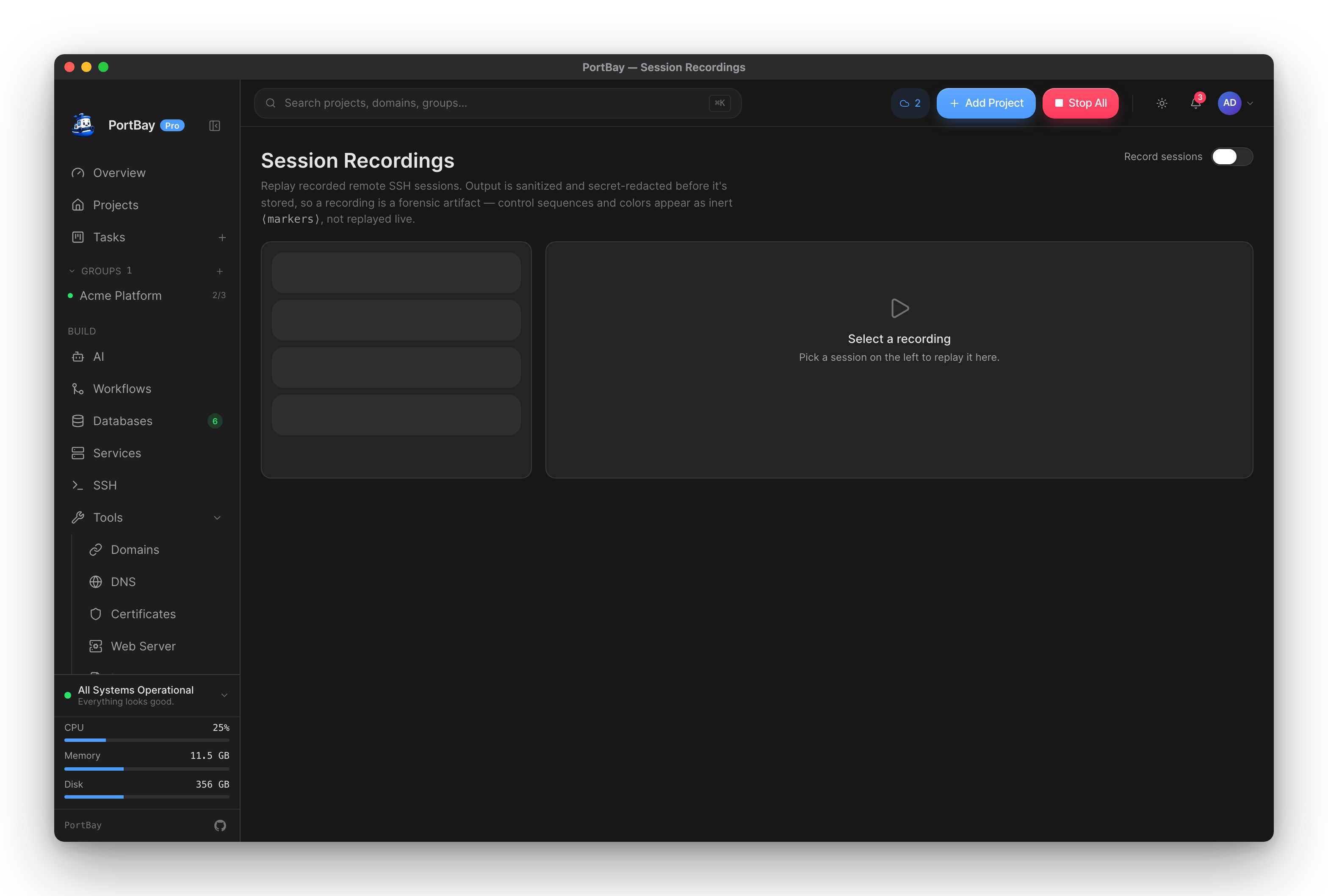
Turning it on
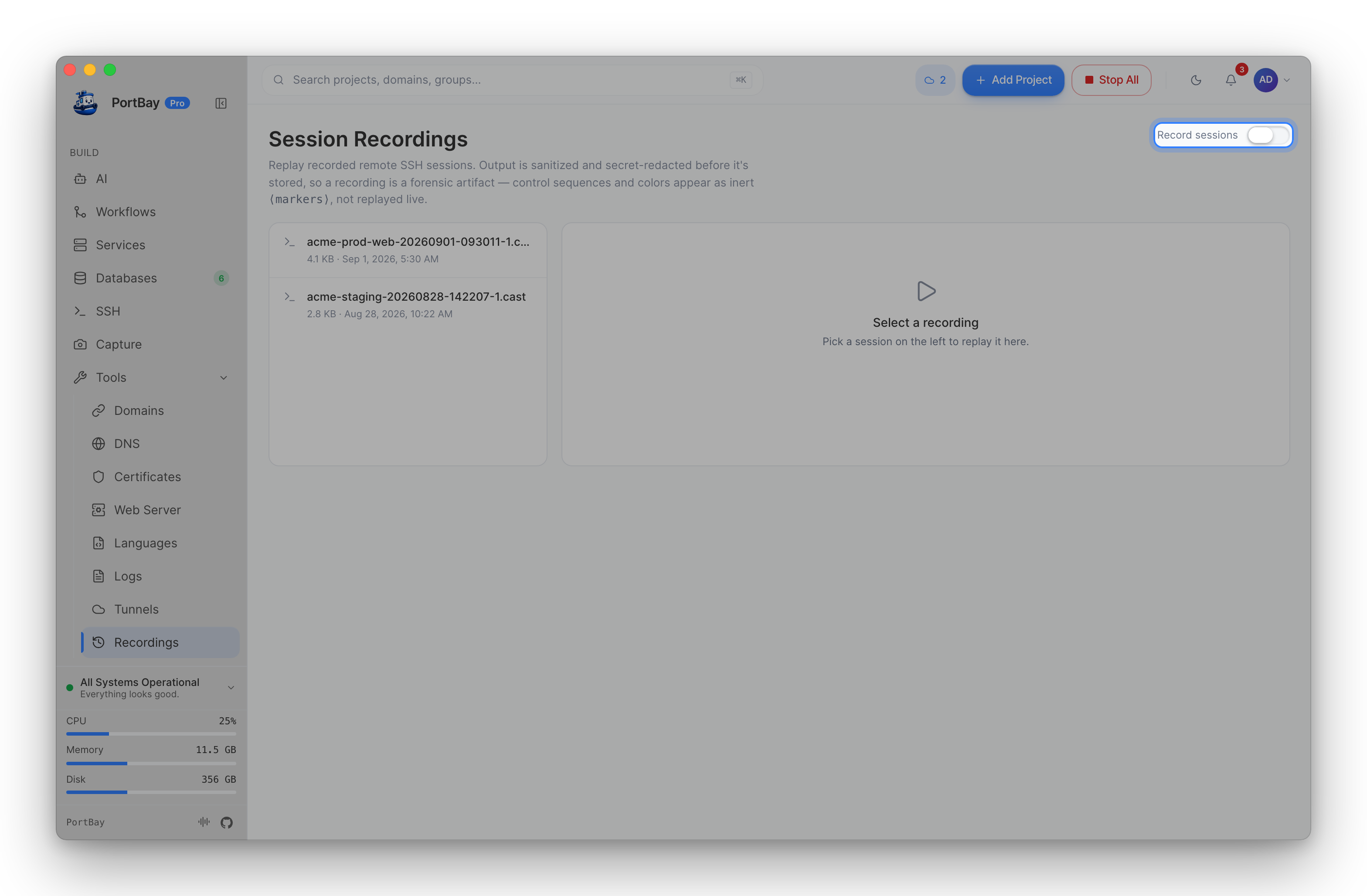
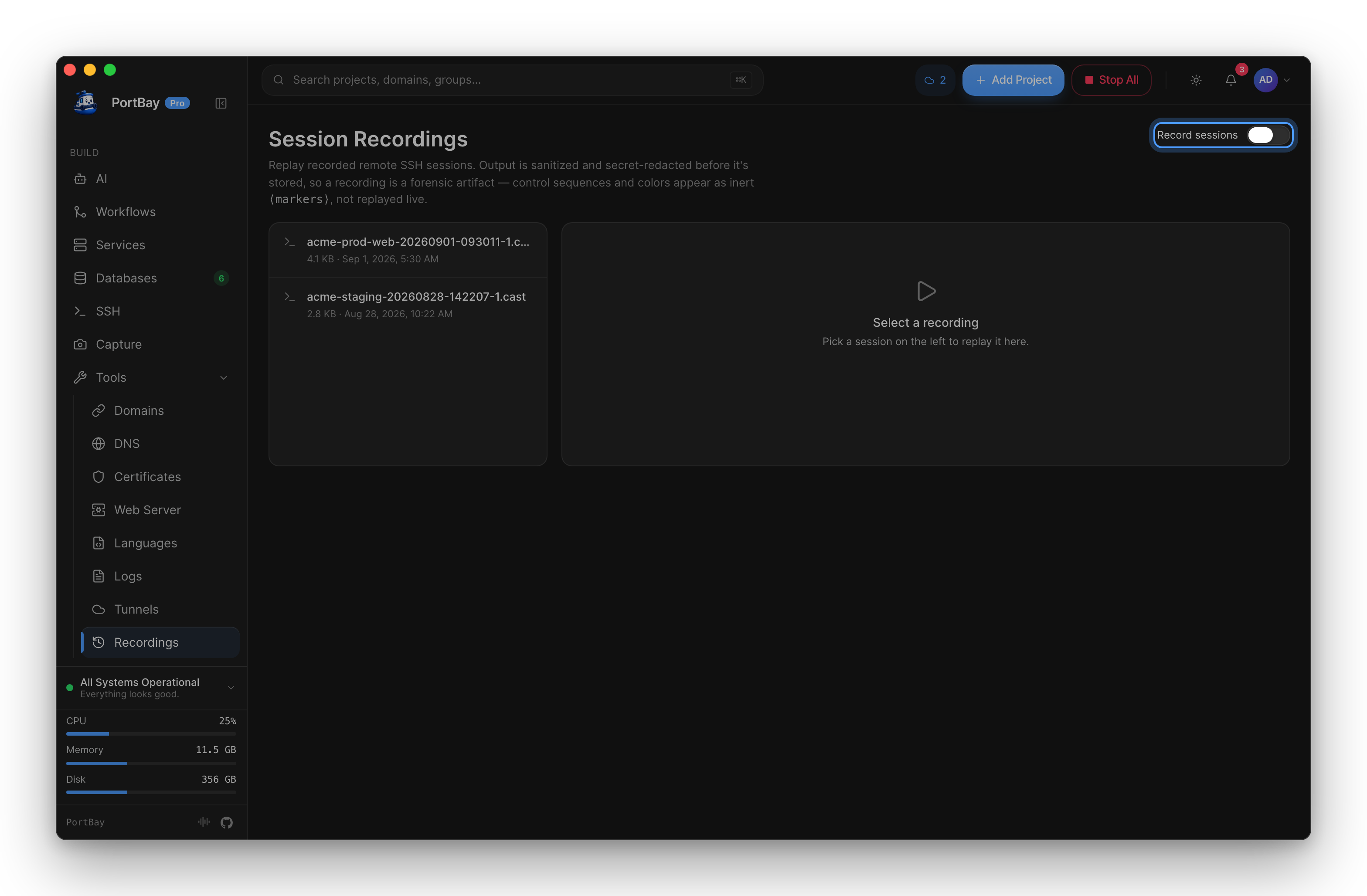
Recording is opt-in and off by default. The toggle is on the Recordings page itself. Once on, remote PTY sessions are teed to a .cast file (asciicast v2) as they run.
What gets written
The stream is sanitized and secret-redacted before it lands on disk. What is recorded is the terminal output, cleaned. It is not a verbatim capture of everything that crossed the wire. That ordering matters: redaction happens on the way to the file, so a secret that appeared on screen was never written, rather than being written and scrubbed afterwards.
Replaying
Select a recording and it plays in the built-in player: play/pause, scrub, and step through the session at its original timing.
The player is self-contained: no CDN, no network call. PortBay's content security policy rules out embedding a third-party player, so the app ships its own.
Managing recordings
Recordings are listed newest-first with their size and duration. Delete the ones you no longer need from the list.
See also
- SSH Workspace
- Screen Capture — for screen recordings, which are a different thing
- Security Whitepaper