
PortBay documentation
One Play button per project — real HTTPS hostnames, managed DNS, and bundled services, with no containers and no hand-edited /etc/hosts.
Get PortBay running
Install the app, verify the sidecars came up, then register your first project and open it on a real HTTPS hostname. Five pages, in order.
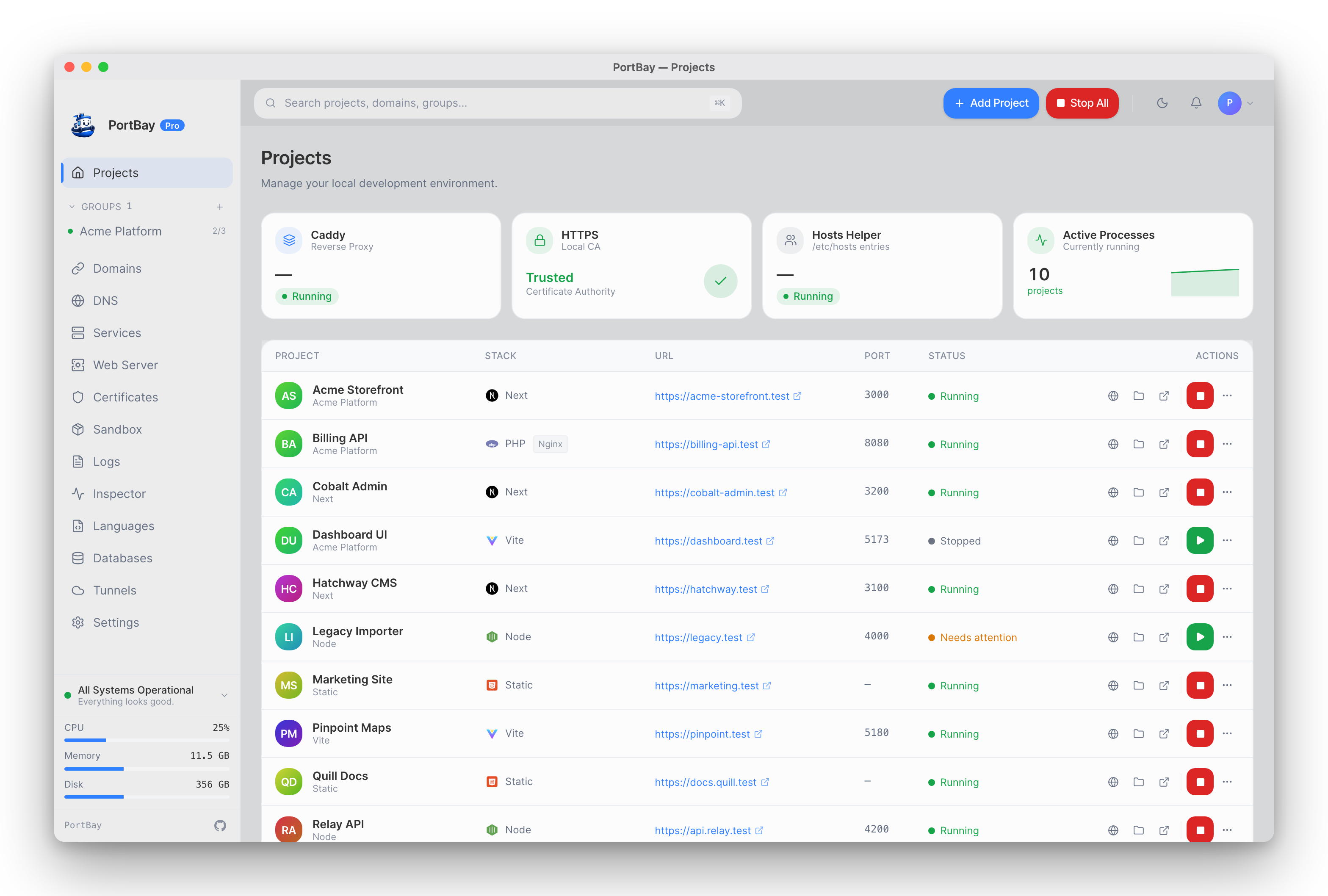
Install PortBay
Required: Homebrew cask or a signed DMG. Apple Silicon only — there is no Intel or Linux download yet.
Try it without installing
No install: The interactive simulator runs the real PortBay interface against sample projects, in your browser.
Get started
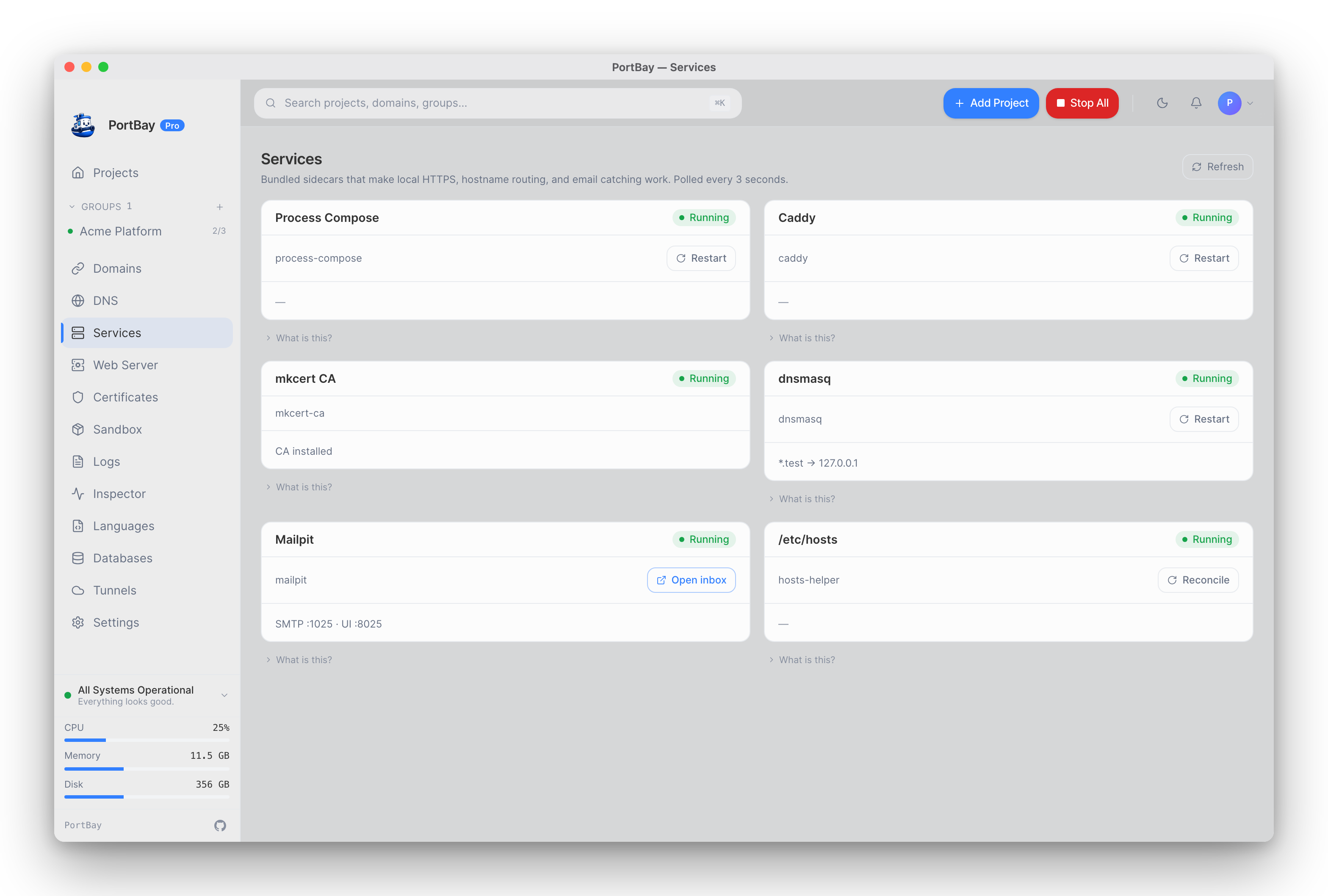
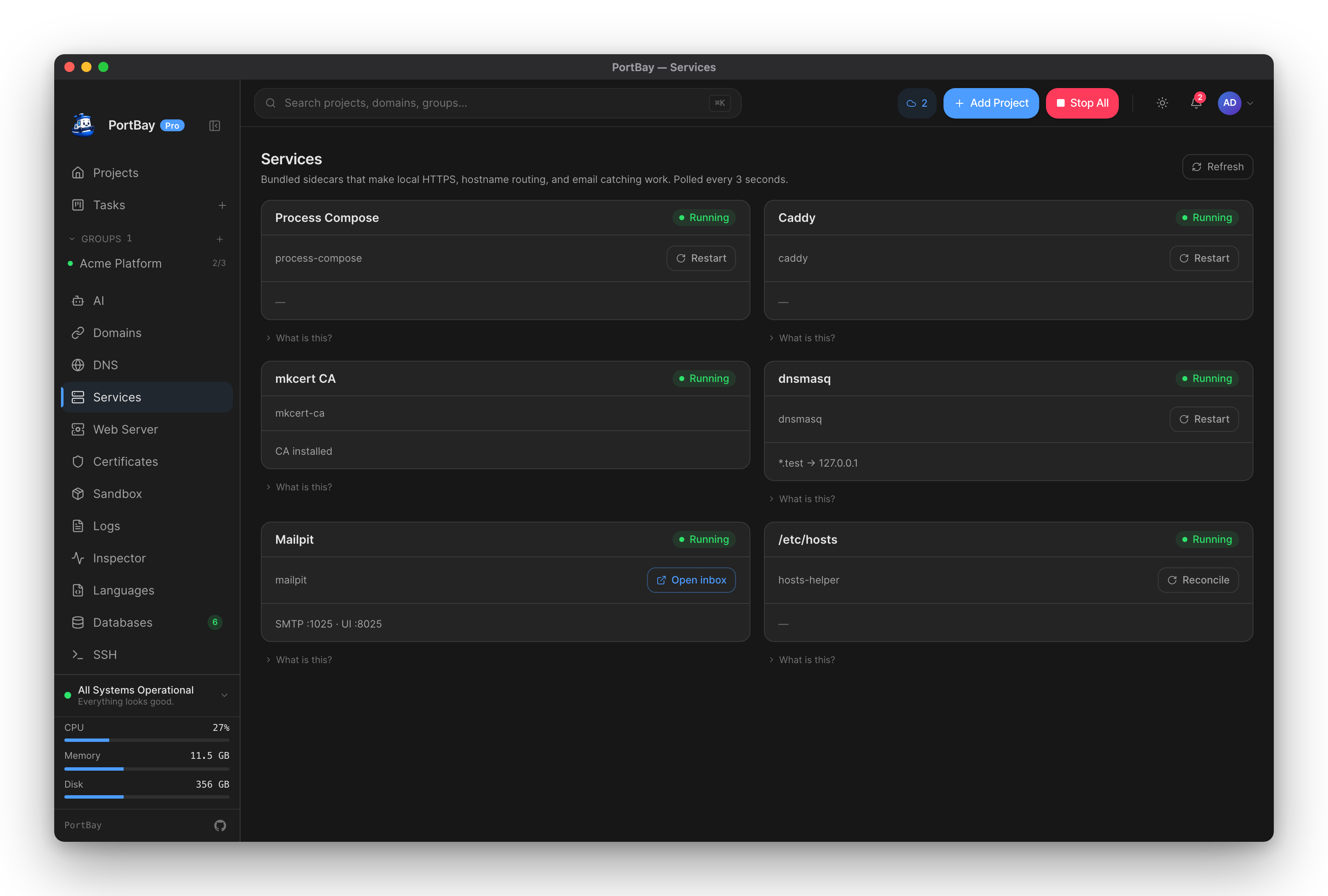
First run
What to check after the first launch: registry location, sidecar health, and wildcard DNS.
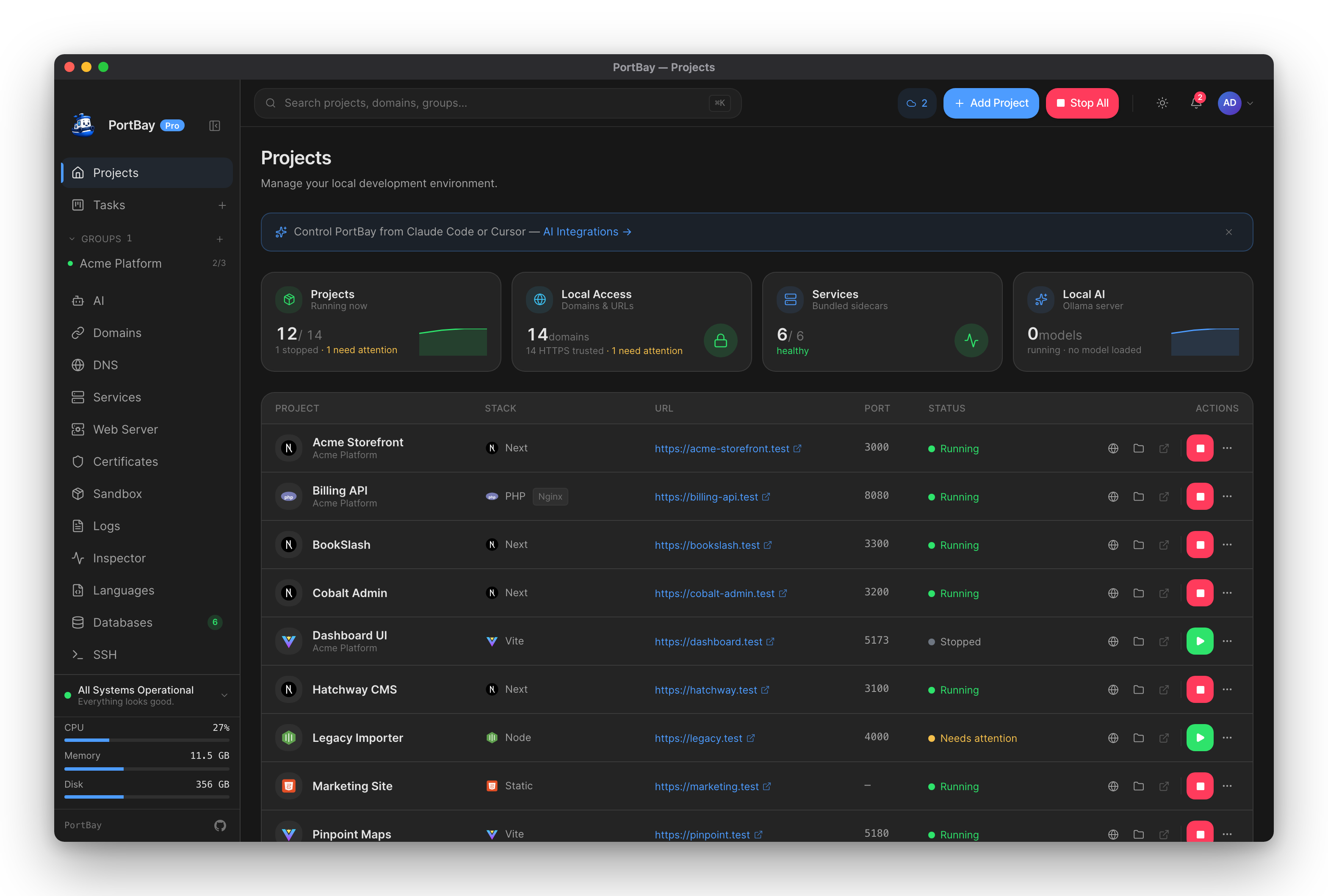
Add a project
Register a folder from the GUI or CLI, set its hostname, port, type, and environment, then start it.
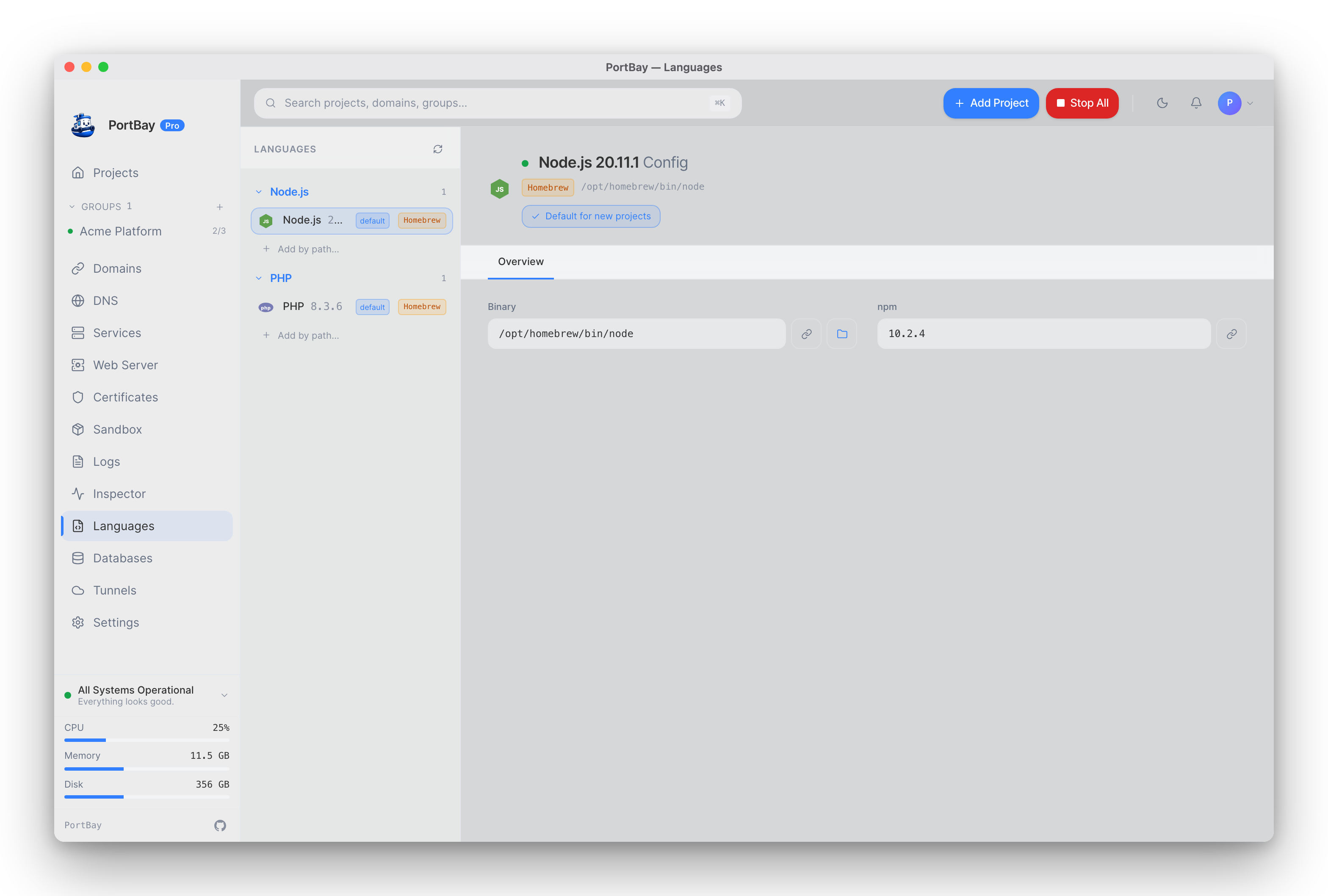
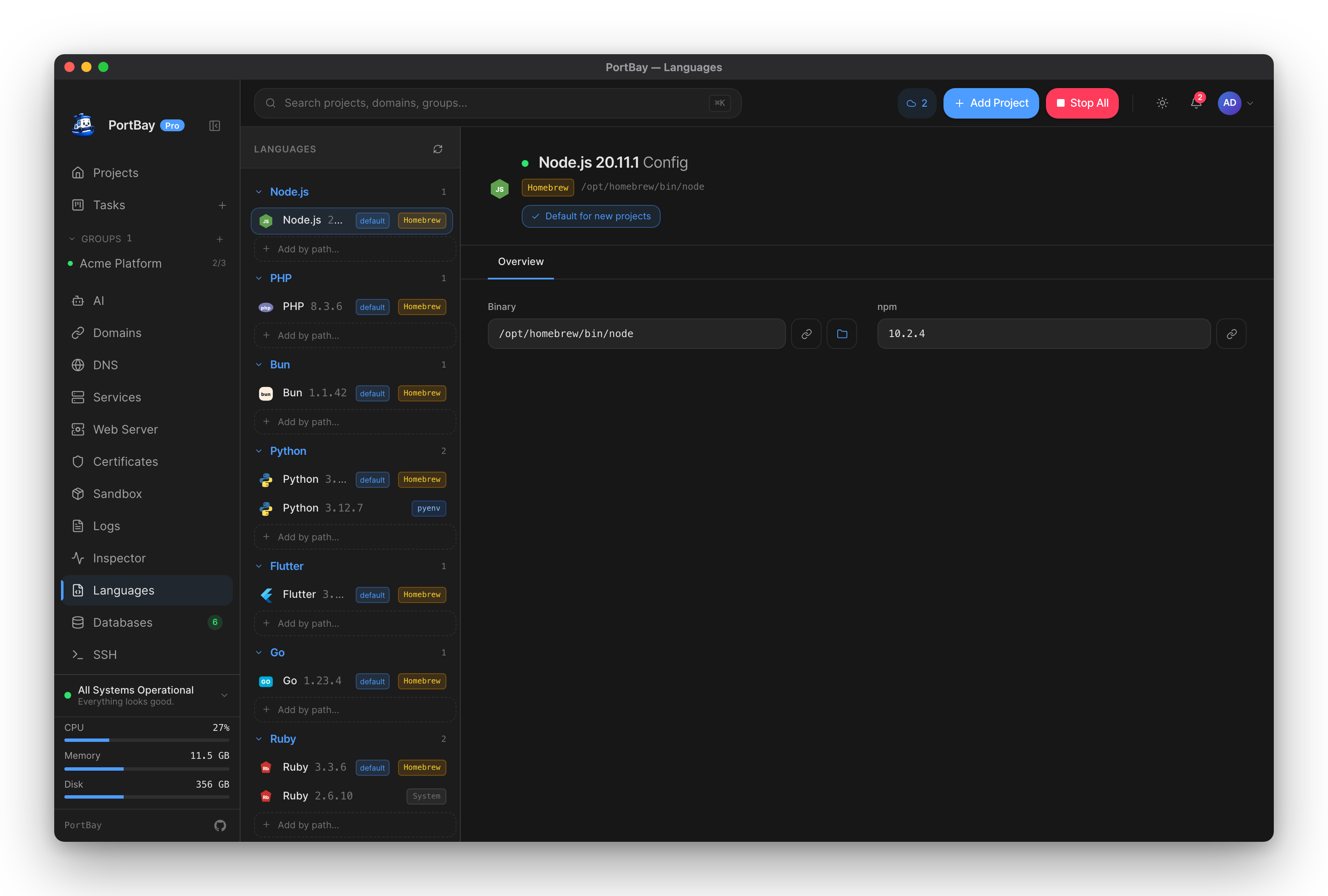
Languages and runtimes
Detect and manage PHP, Node, Python, Go, Ruby, Bun, and Flutter versions, and install missing ones.
Hostnames, HTTPS and DNS
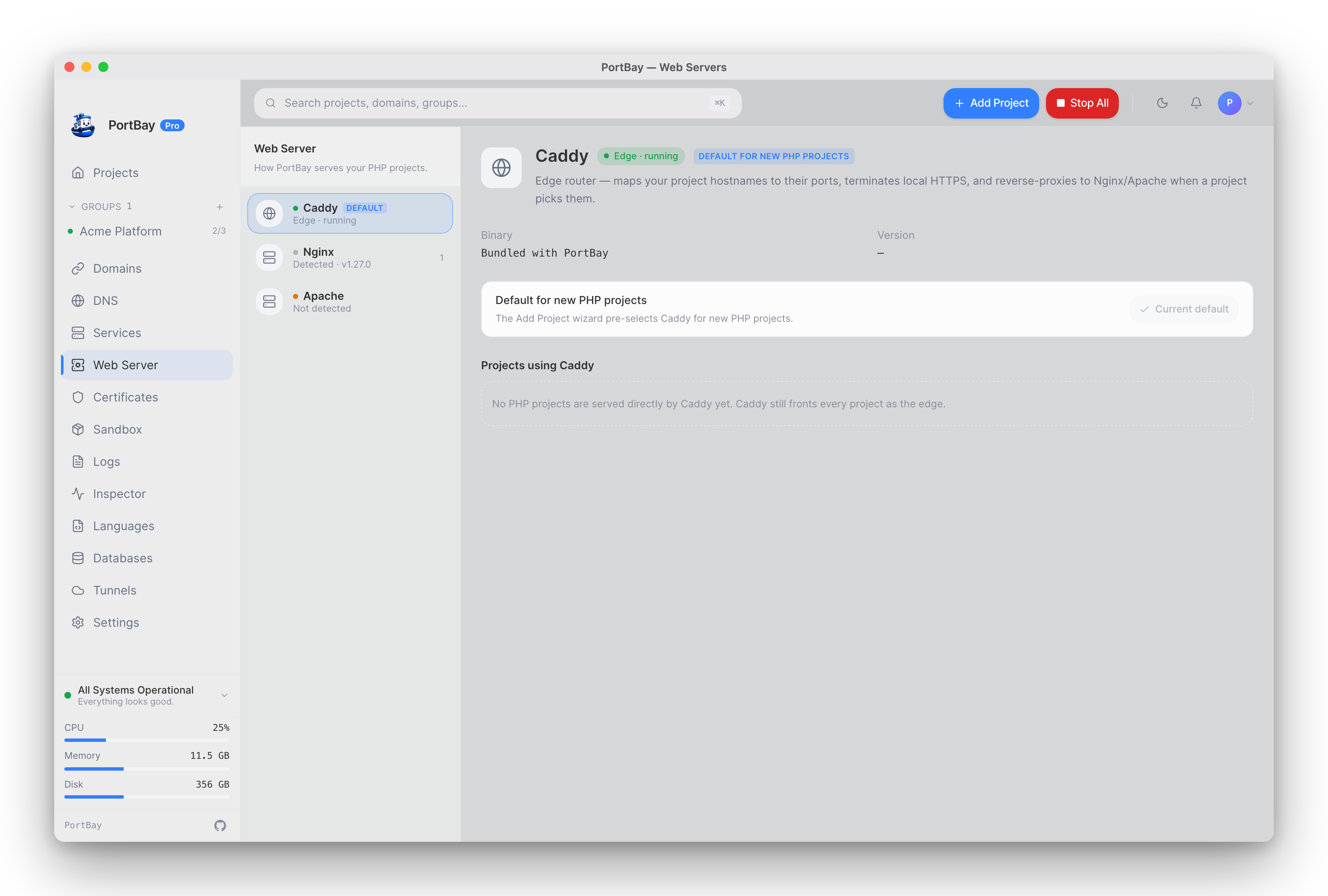
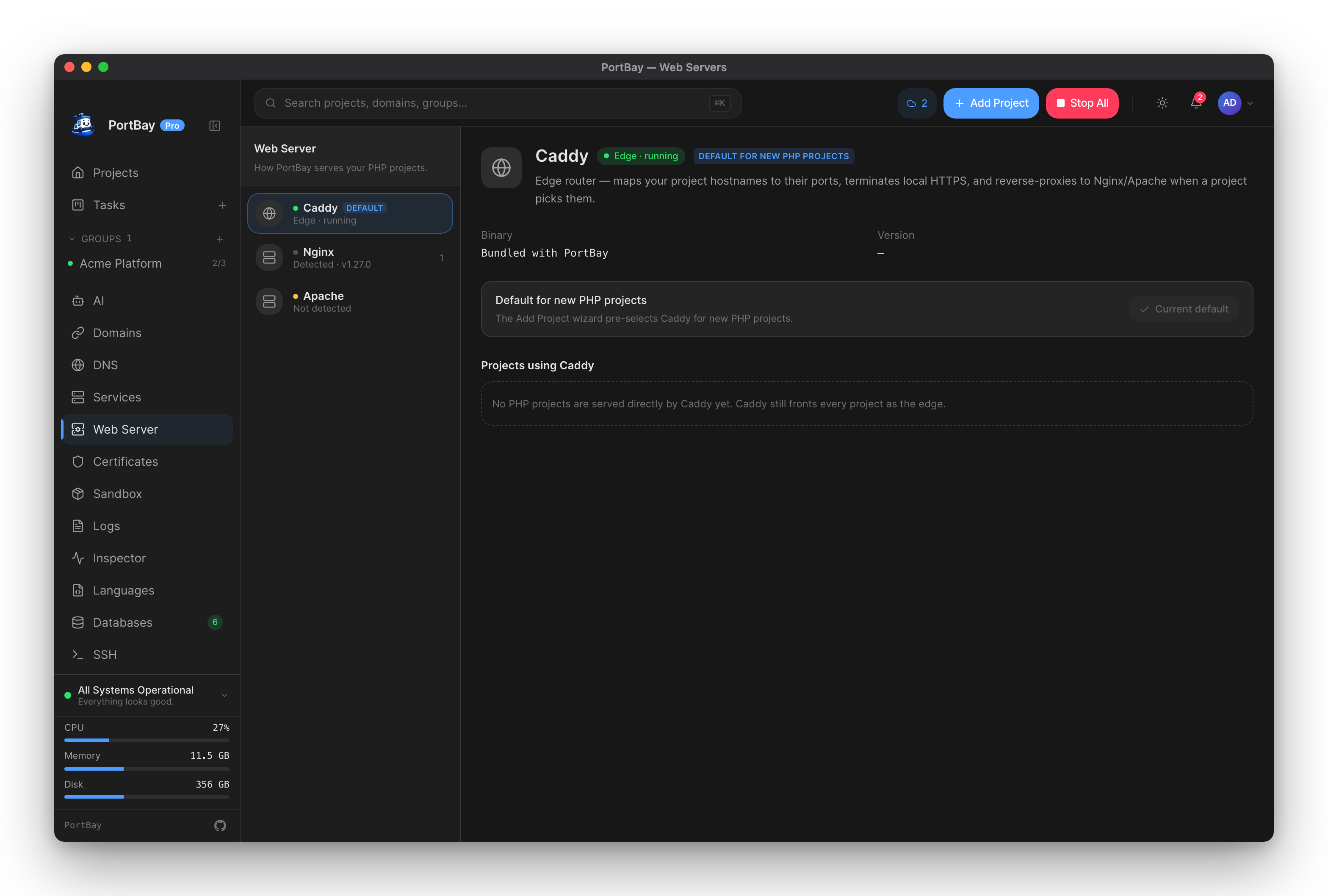
Local HTTPS and Caddy
How each project is routed through Caddy to its own https://*.test hostname, plus a checklist when a route breaks.
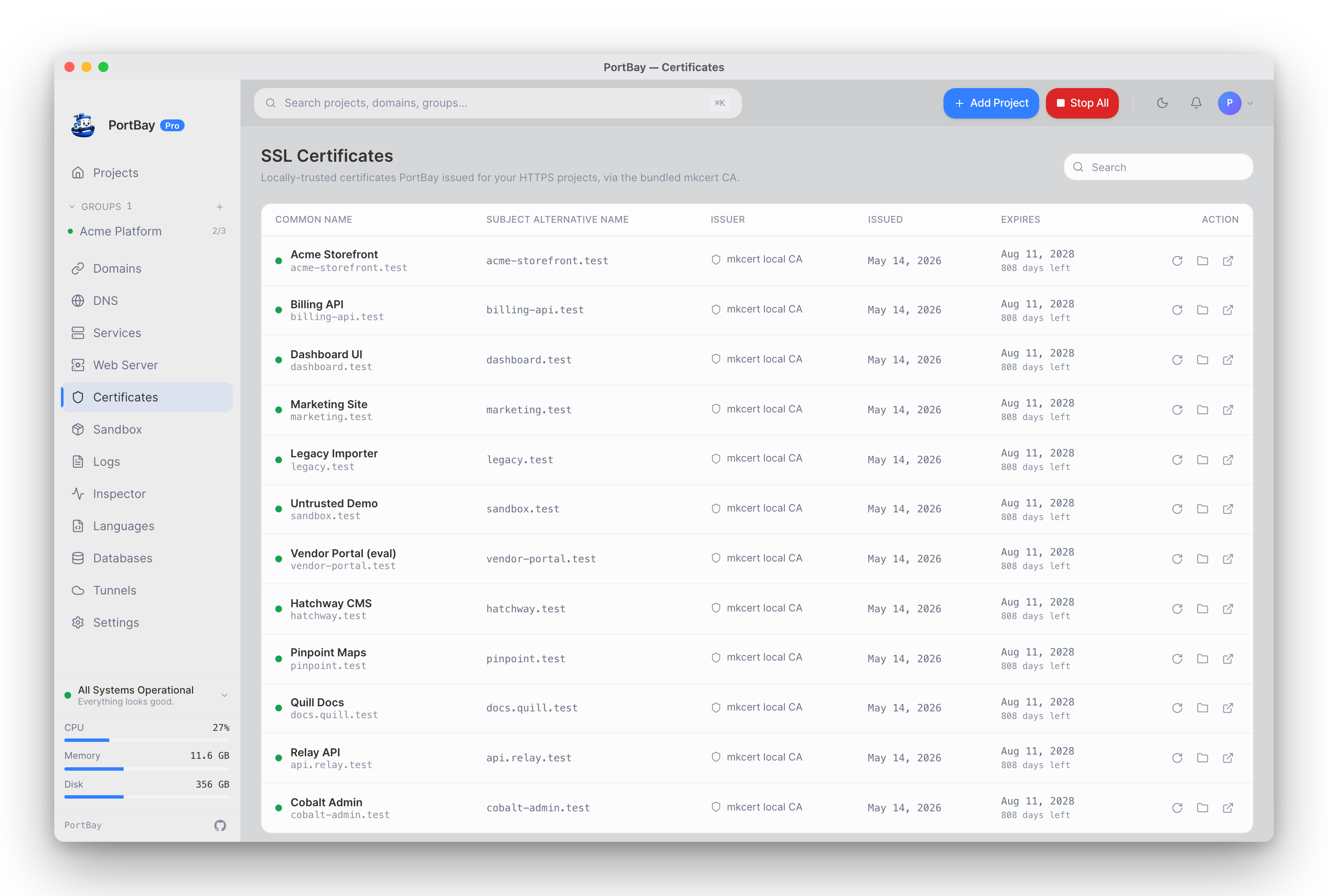
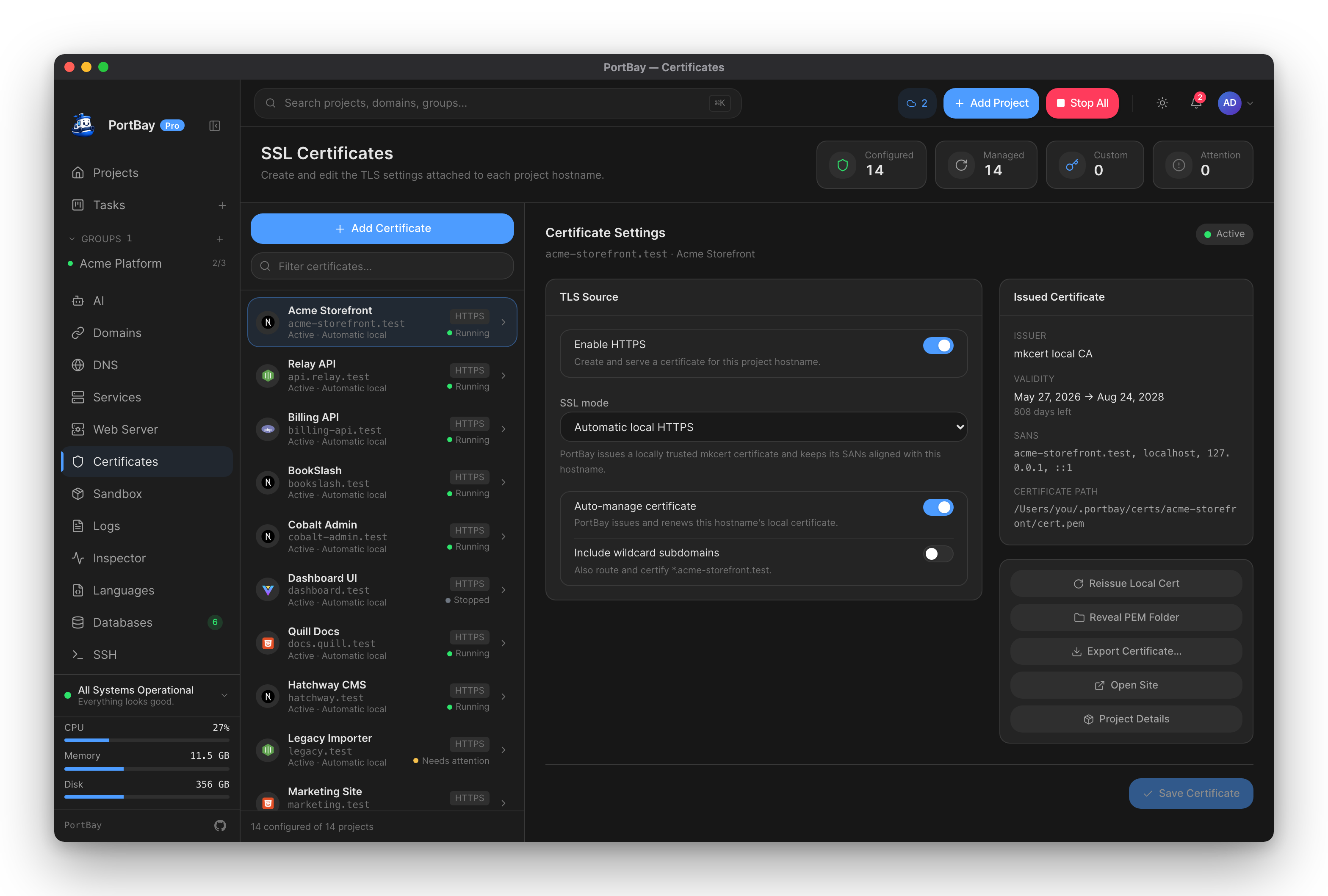
Certificates
The scoped local certificate authority, per-project issuance and renewal, and bringing your own certificate.
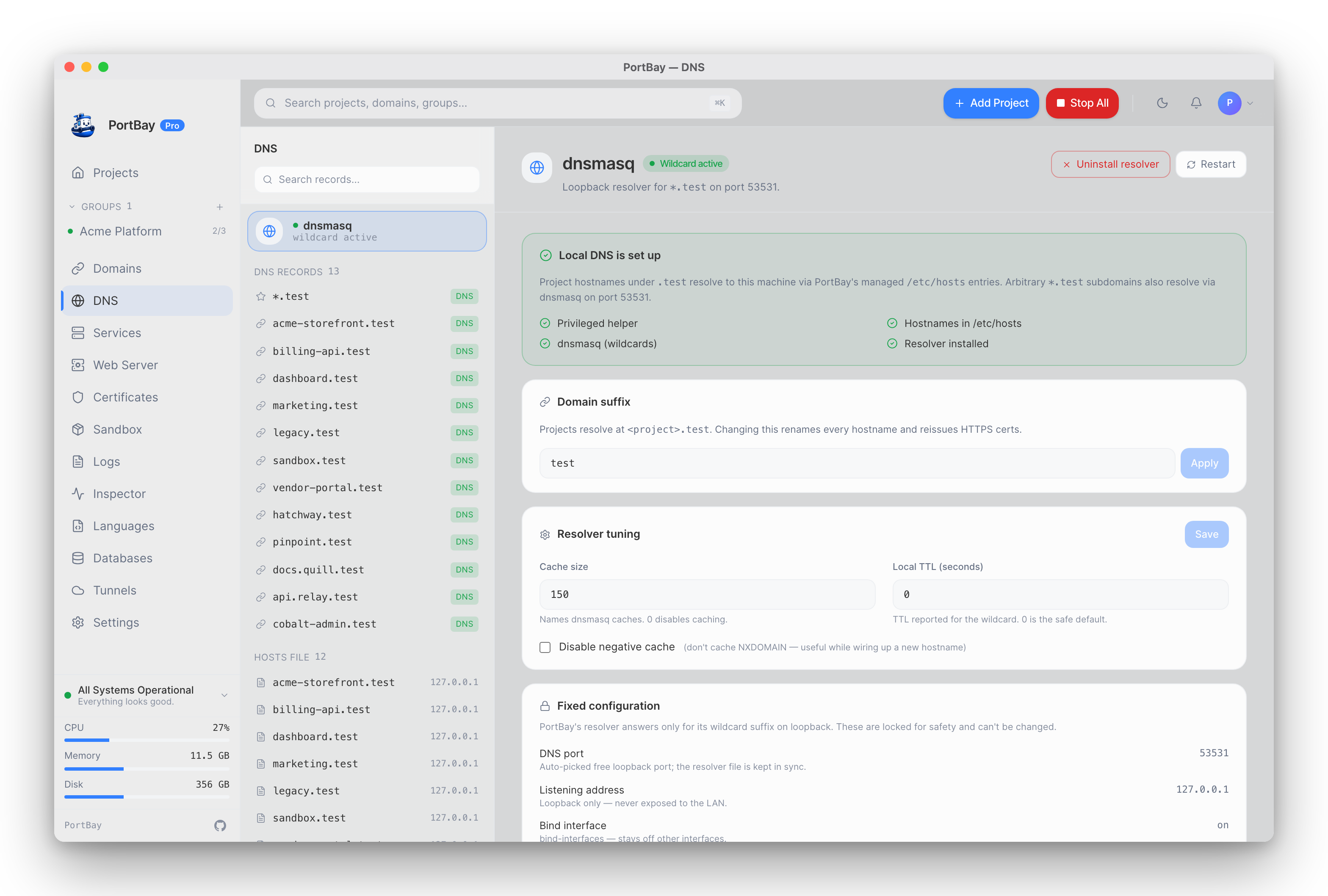
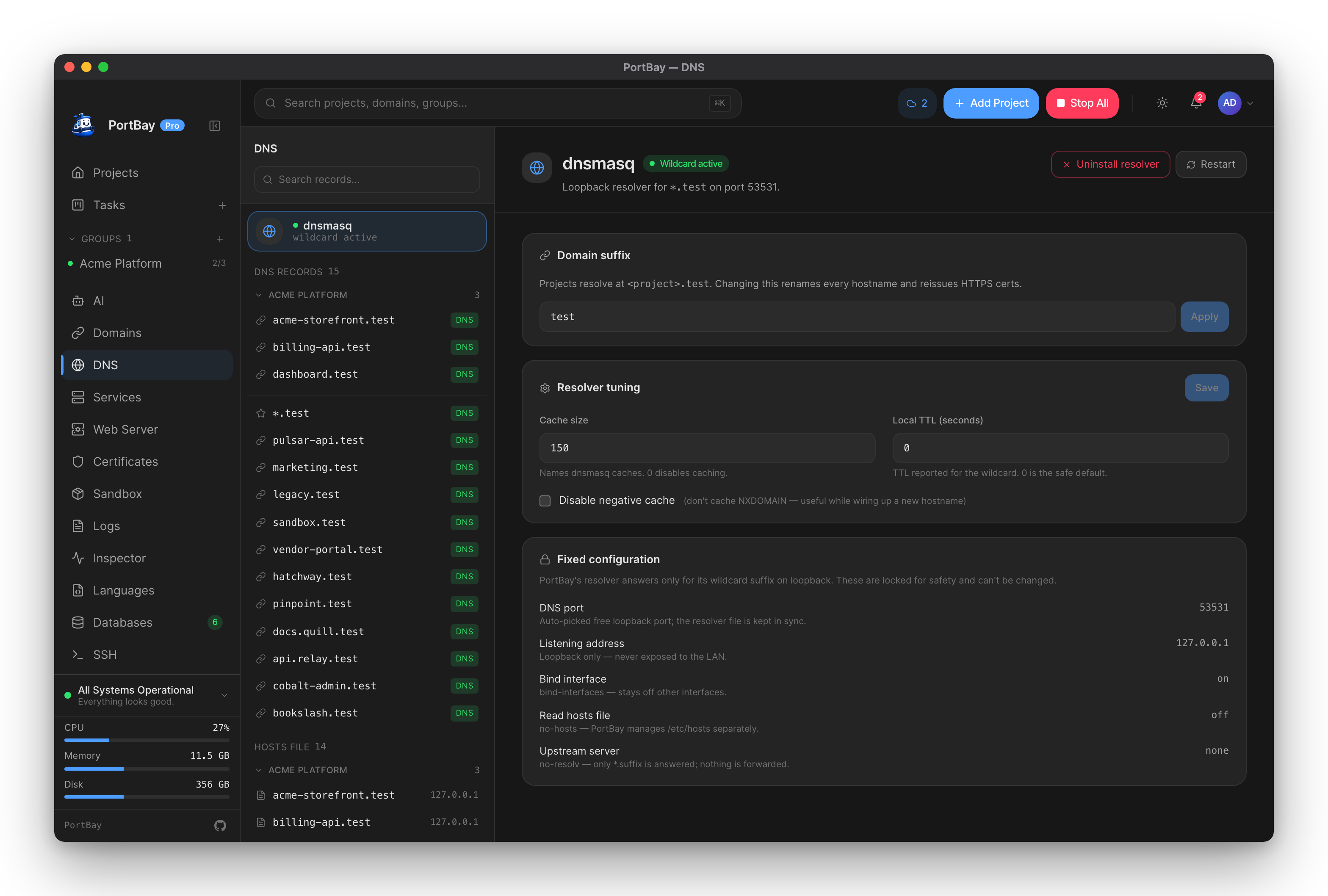
Networking and DNS
dnsmasq wildcard resolution, the /etc/hosts helper, the pinned-suffix model, and diagnosing failures.
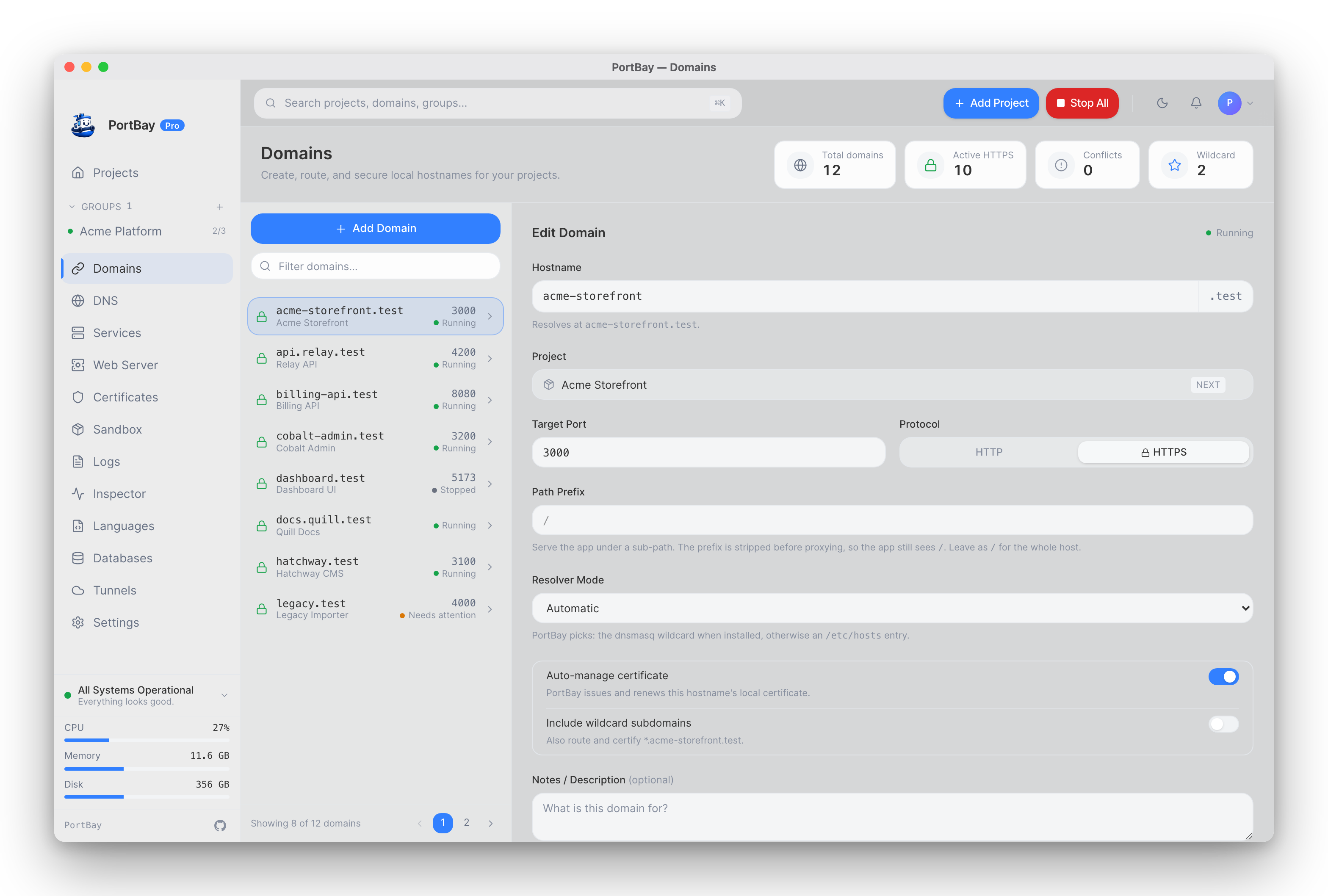
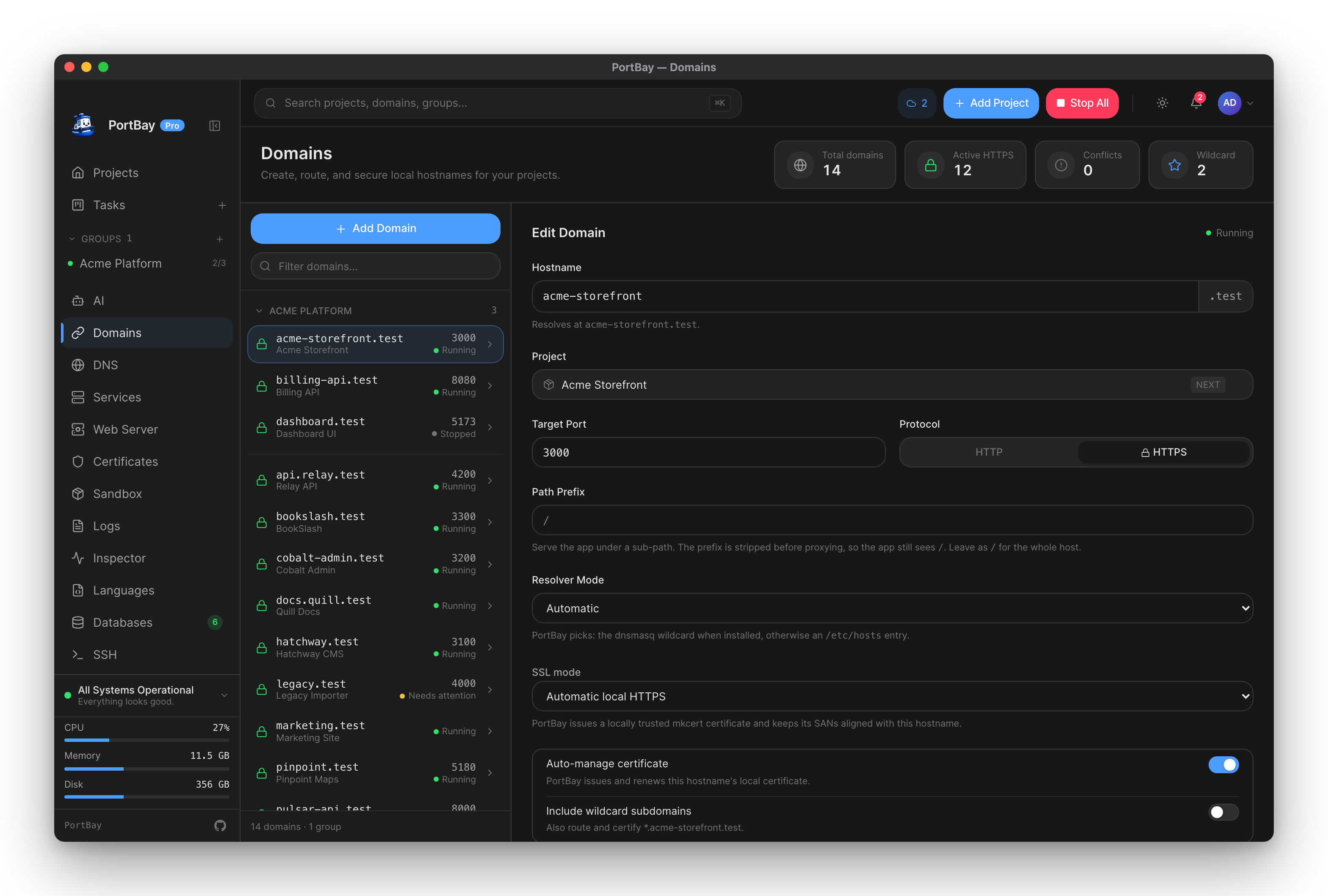
Domains
Per-project routing: path prefixes, resolver mode, certificate source, wildcard subdomains, expose-when-running.
Services you would otherwise install
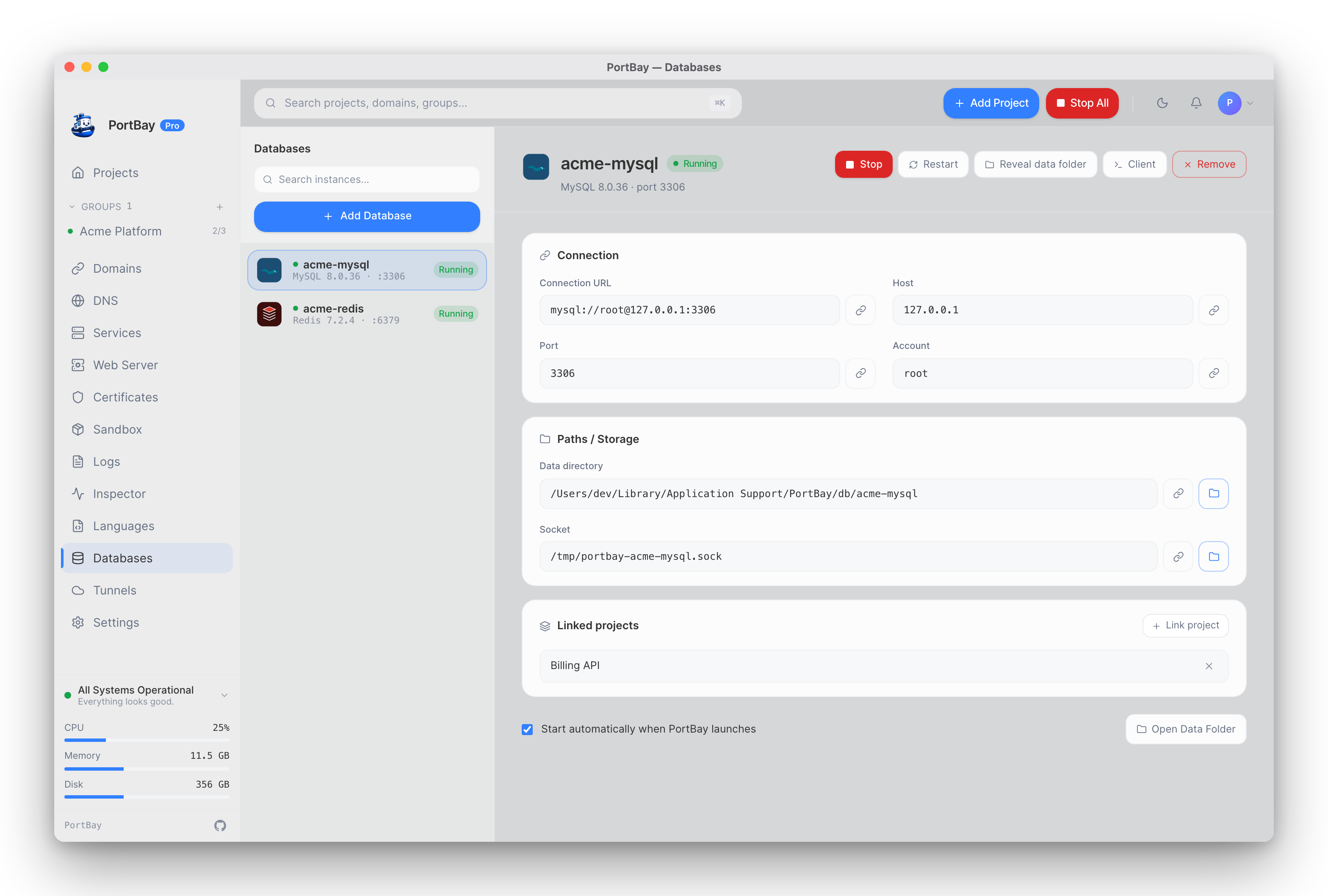
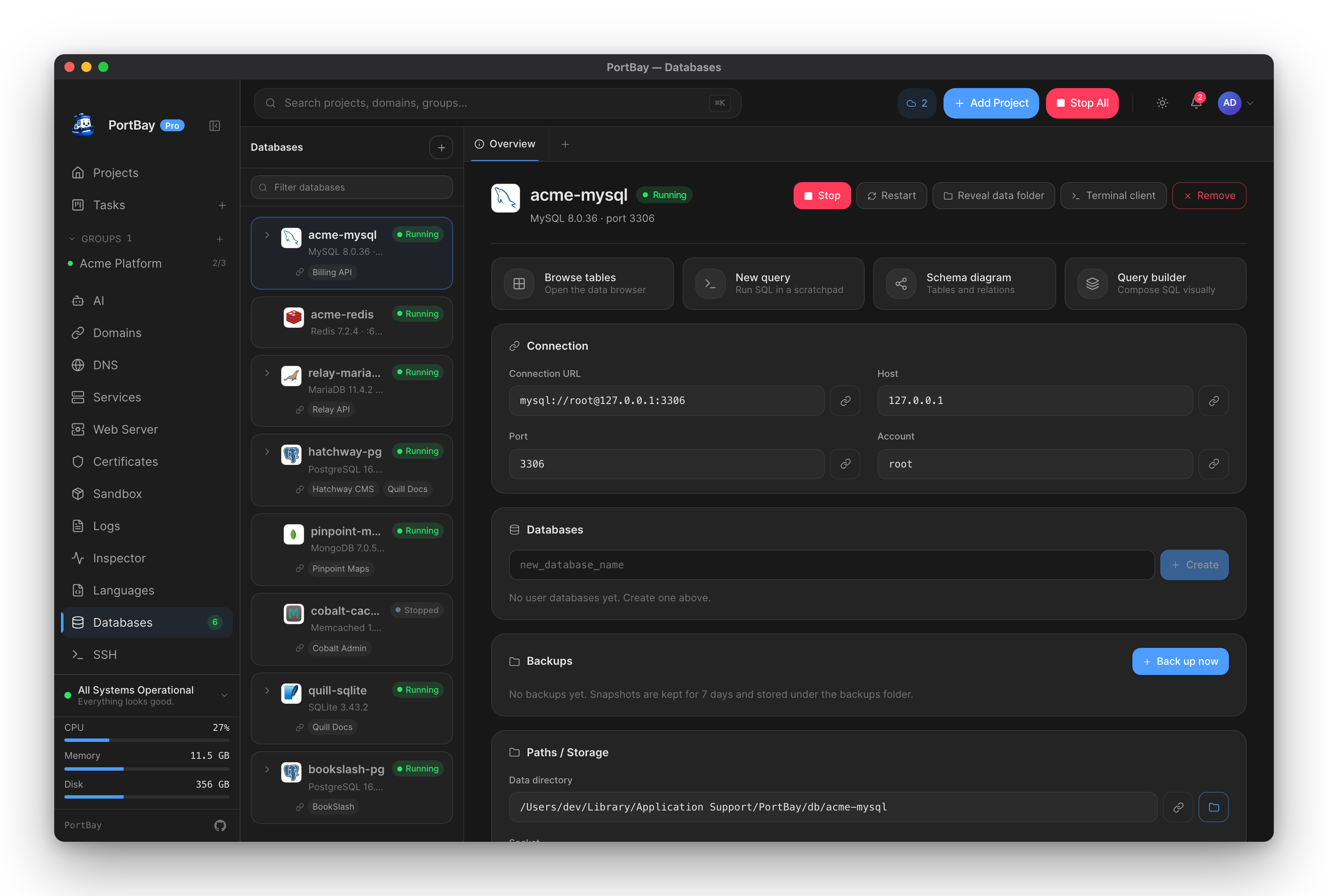
Databases
MySQL, MariaDB, PostgreSQL, Redis, MongoDB, and Memcached with isolated data dirs and per-project env injection.
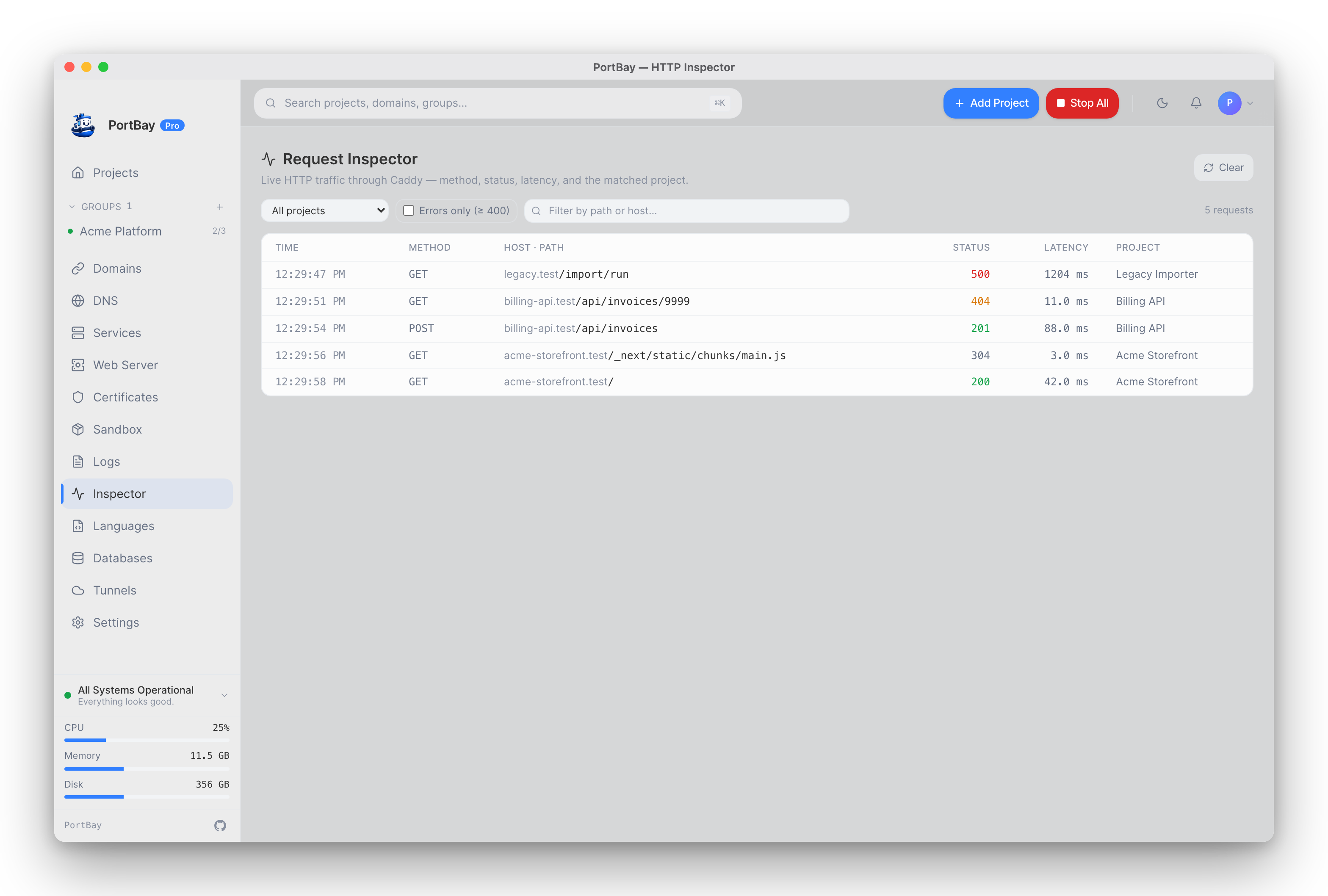
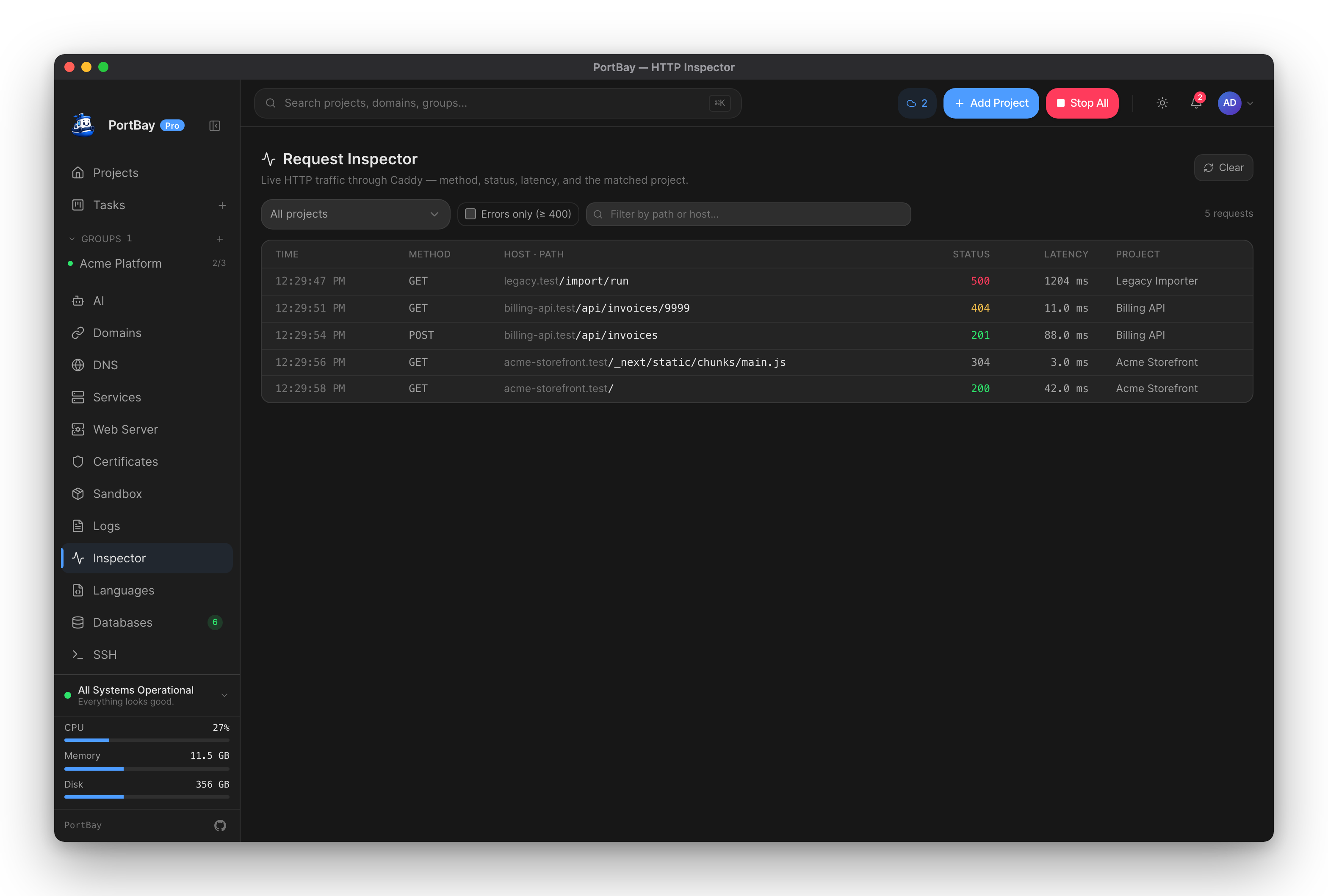
HTTP request inspector
Live Caddy traffic filtered by project, status, or path — headers and latency, with nothing to configure.
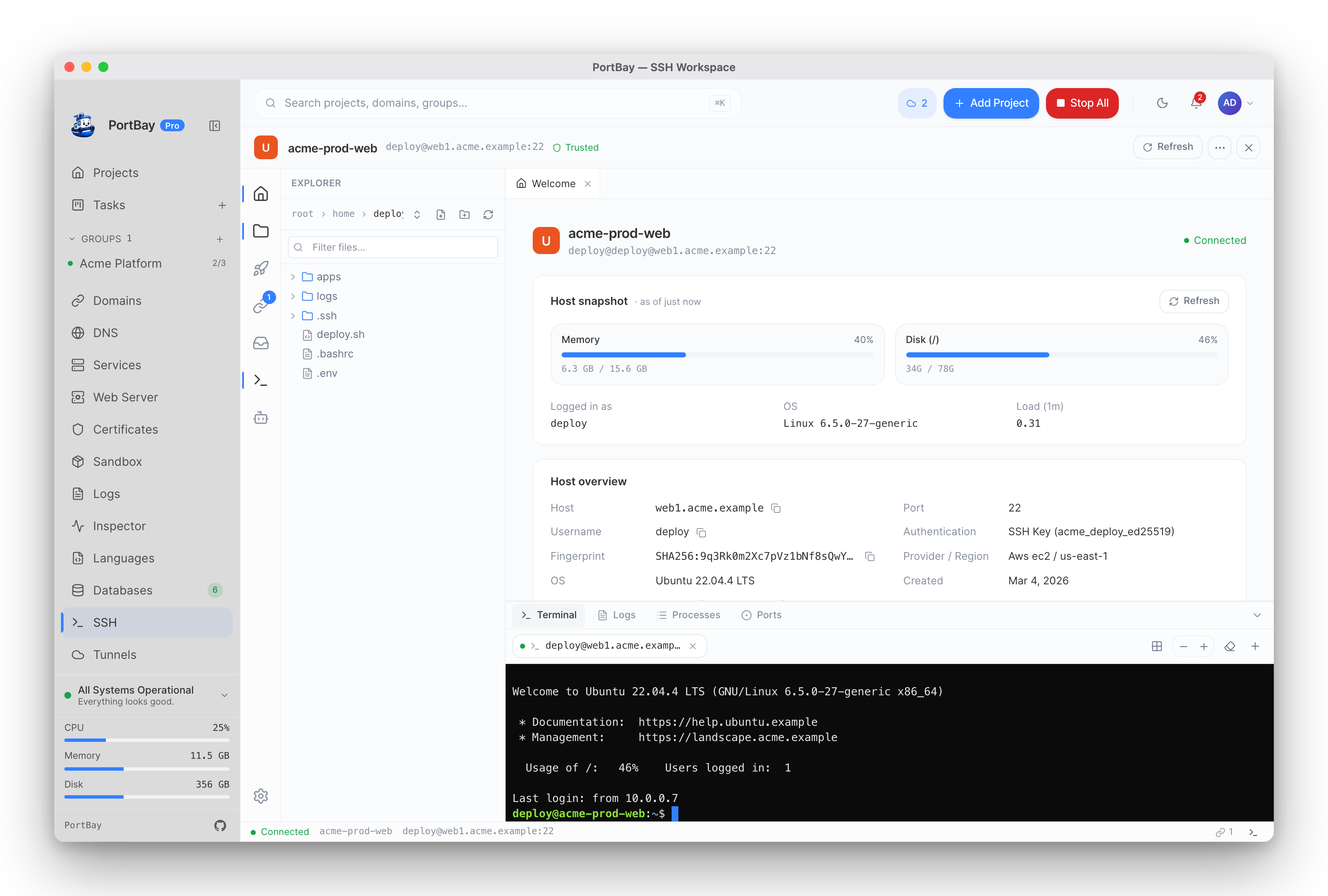
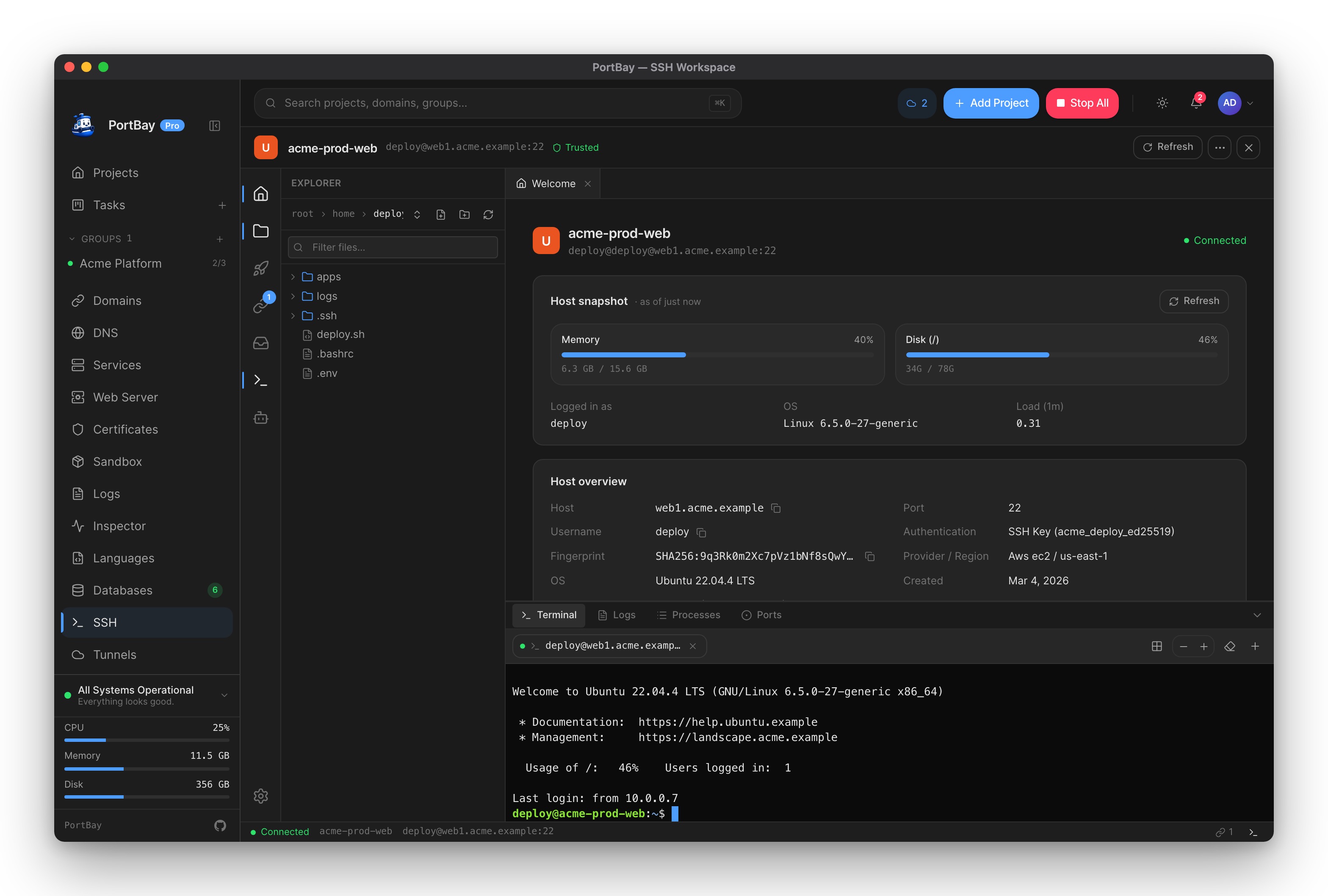
SSH workspace and tunnels
Save a host once, then open a terminal, an SFTP browser with an inline editor, and port-forward tunnels.
AI and agents
Drive PortBay from an AI agent
Connect Claude Code, Cursor, Zed, or any MCP client to register projects, start servers, and diagnose failures.
Task board and AI agents
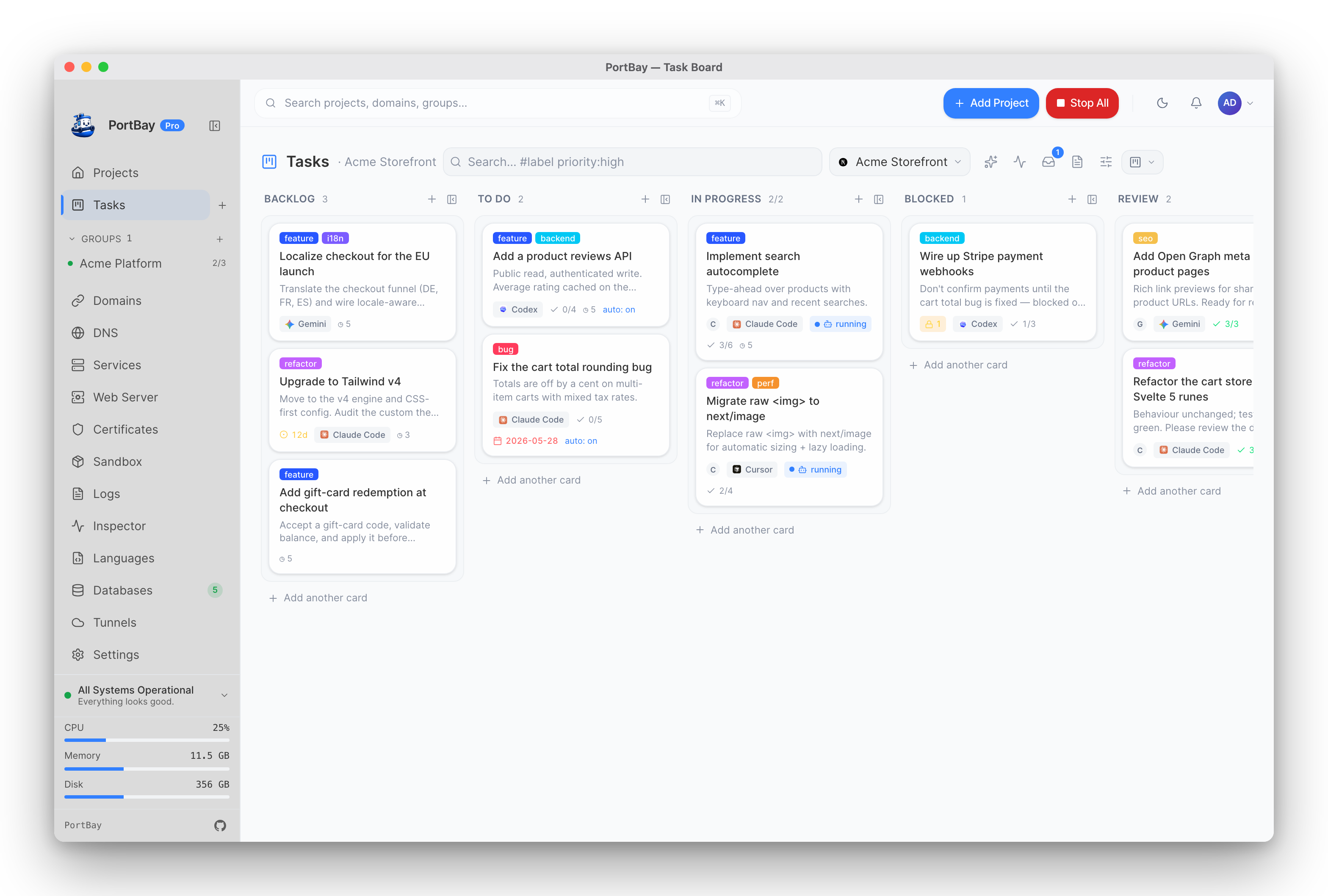
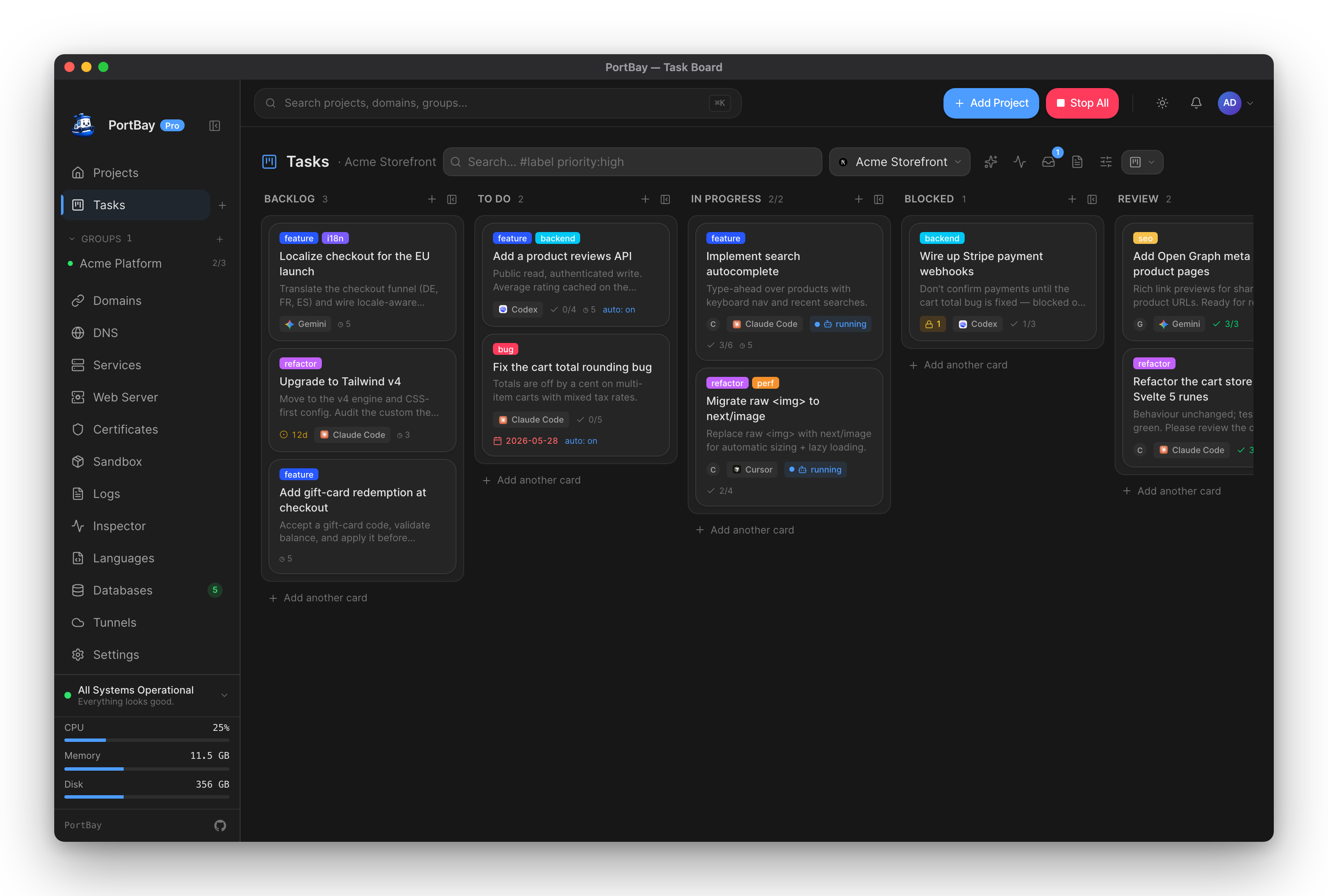
Move a card to To Do and the assigned agent works it in your repo, then leaves a hand-off note for the next run.
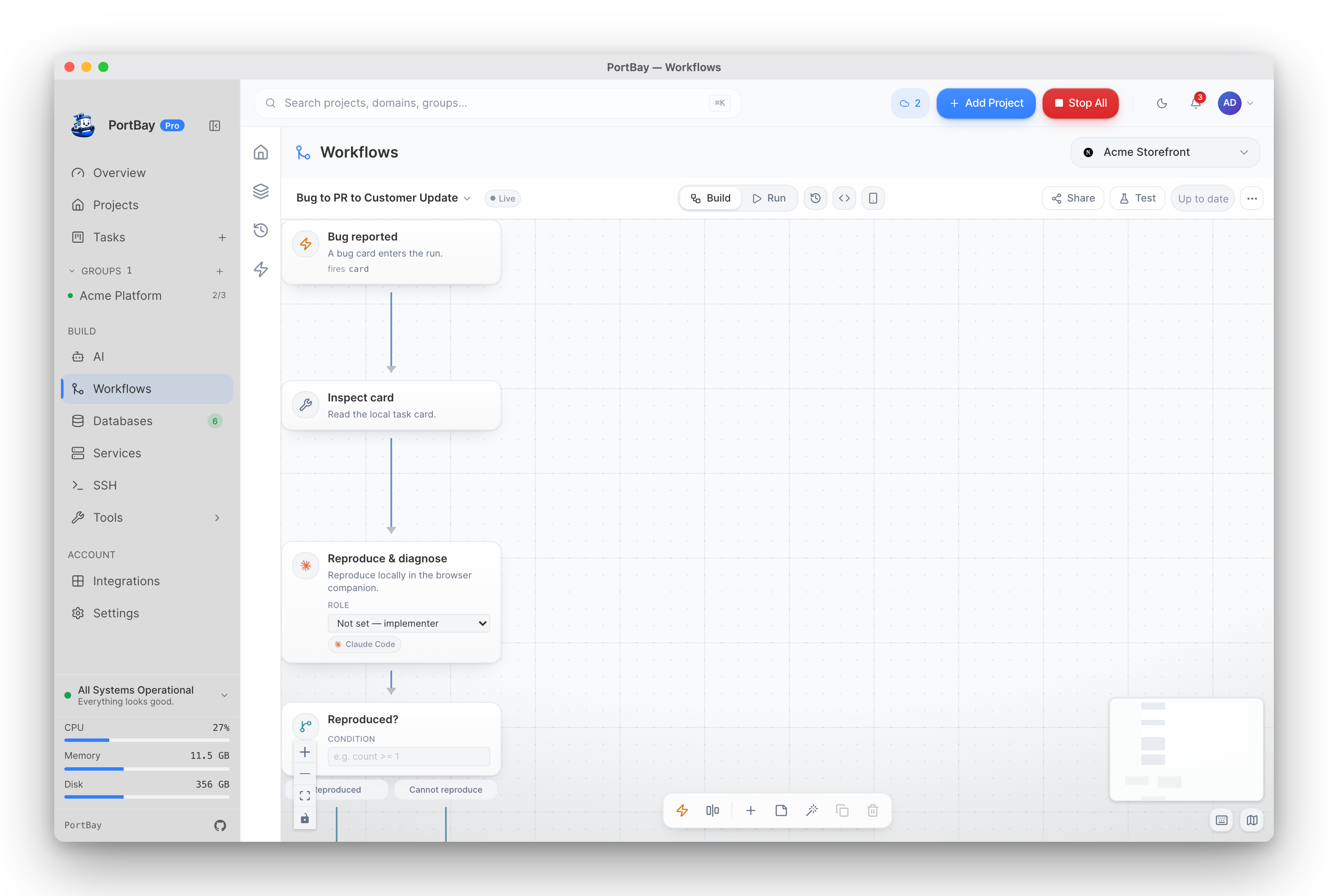
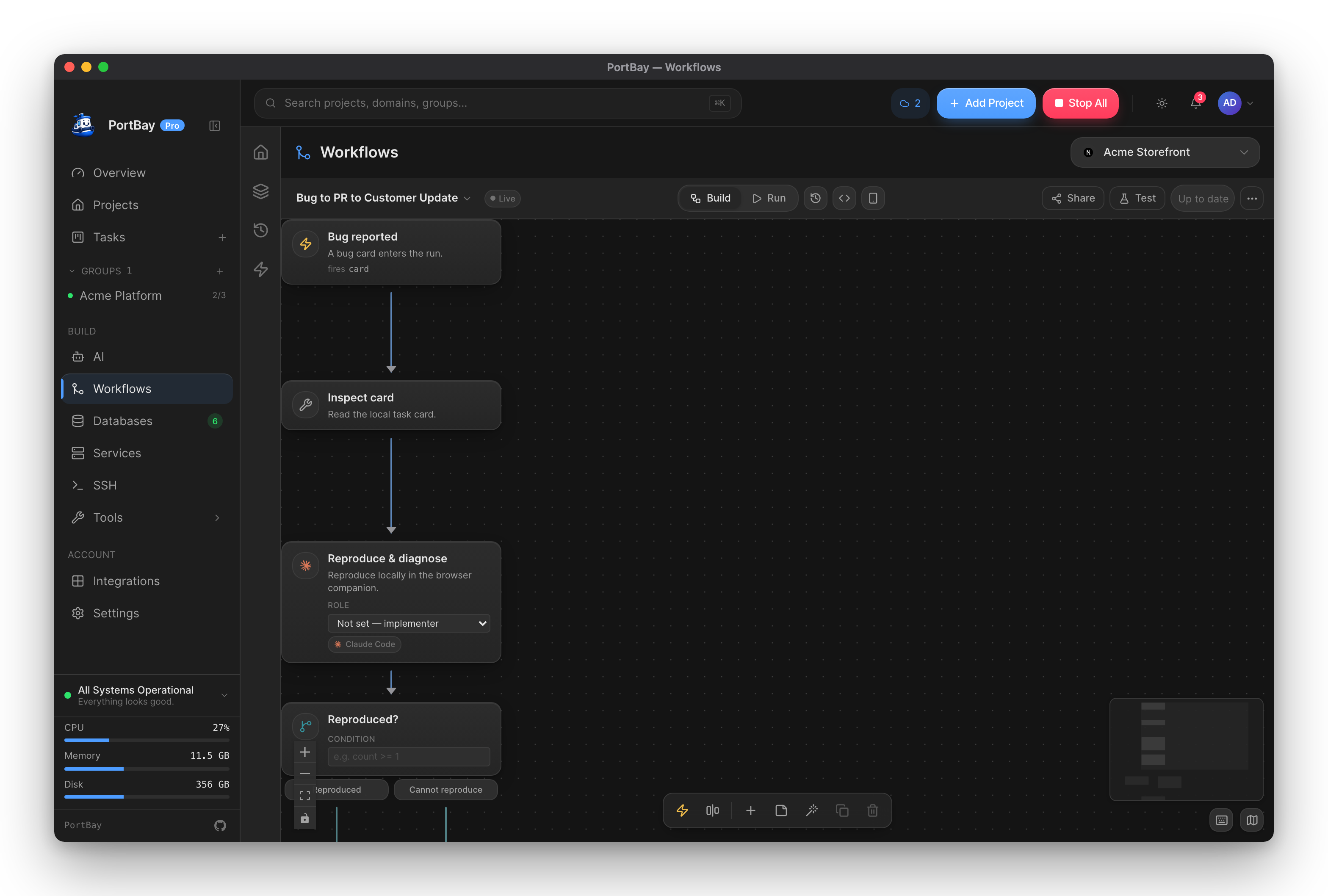
Workflows
Wire agents, browsers, databases, connectors, and MCP tools on one canvas. Run by hand, on a schedule, or on a webhook.
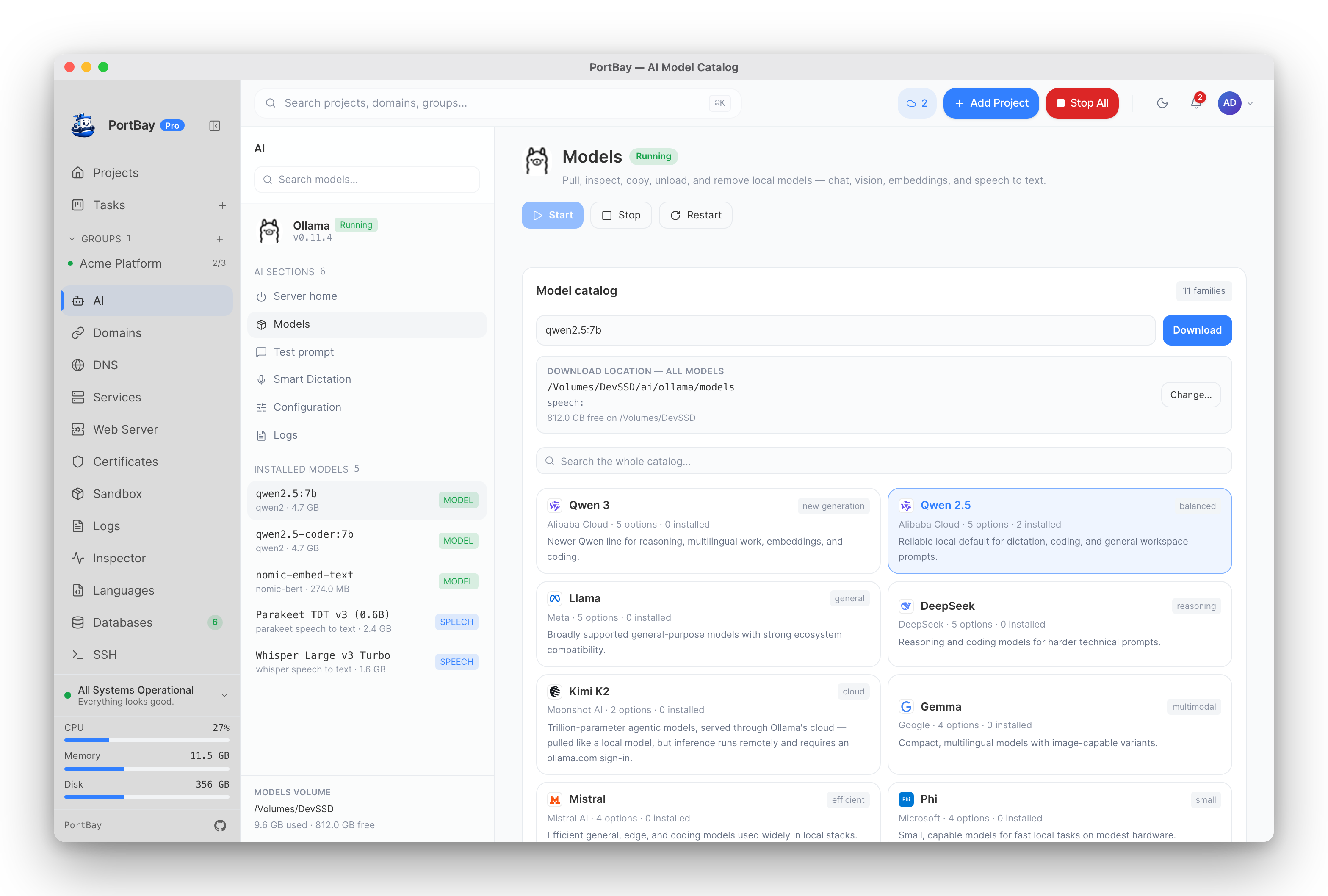
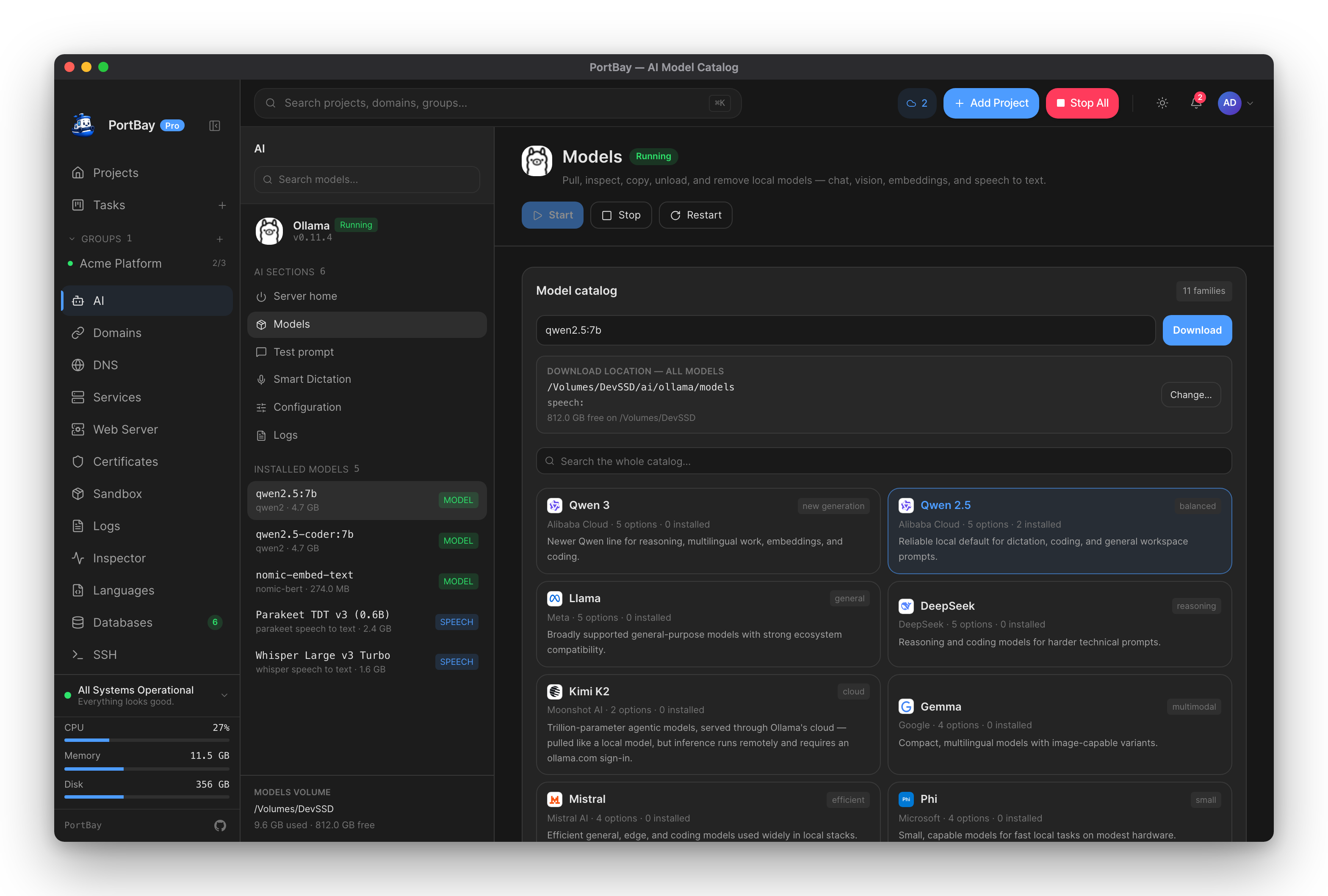
Local AI with Ollama
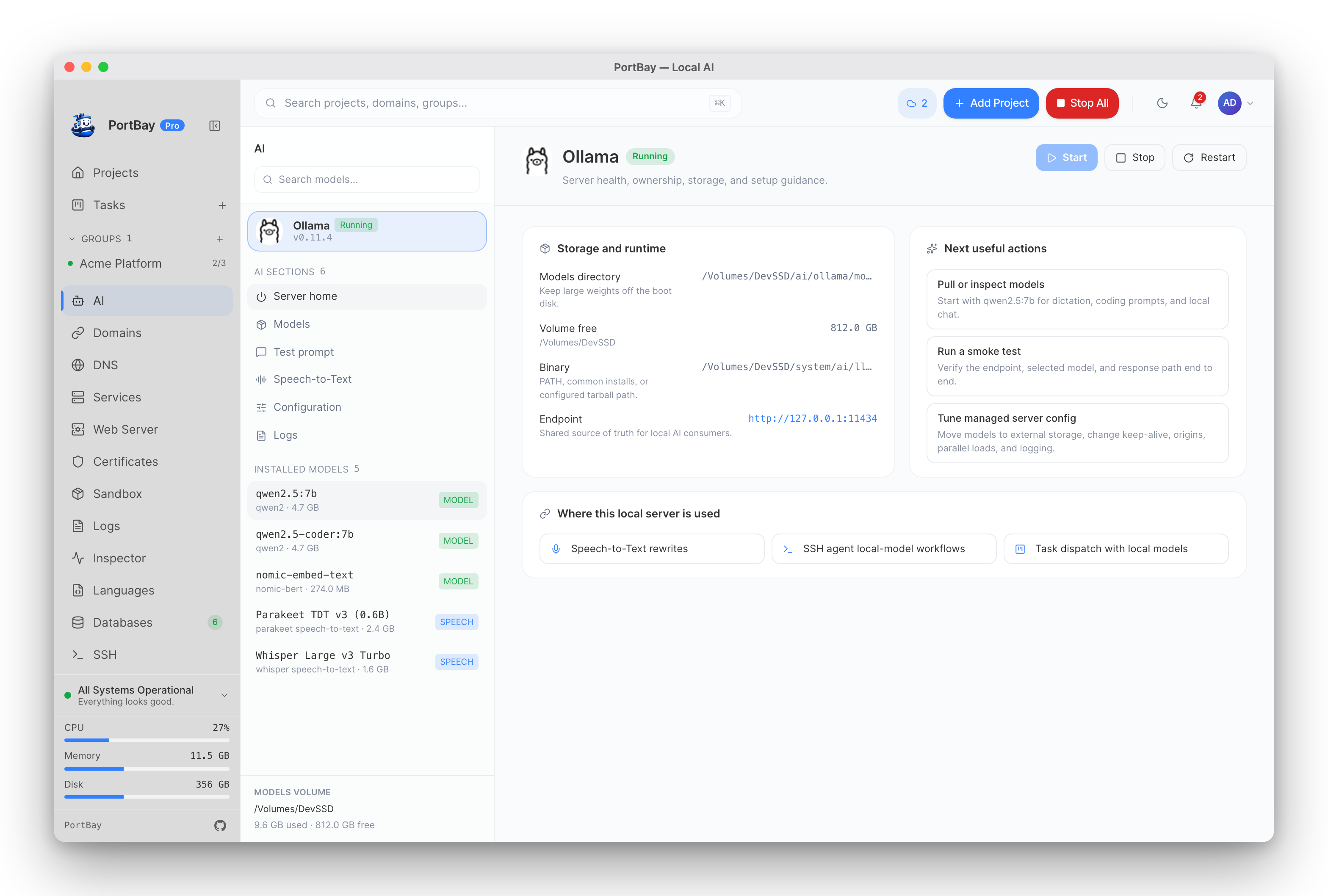
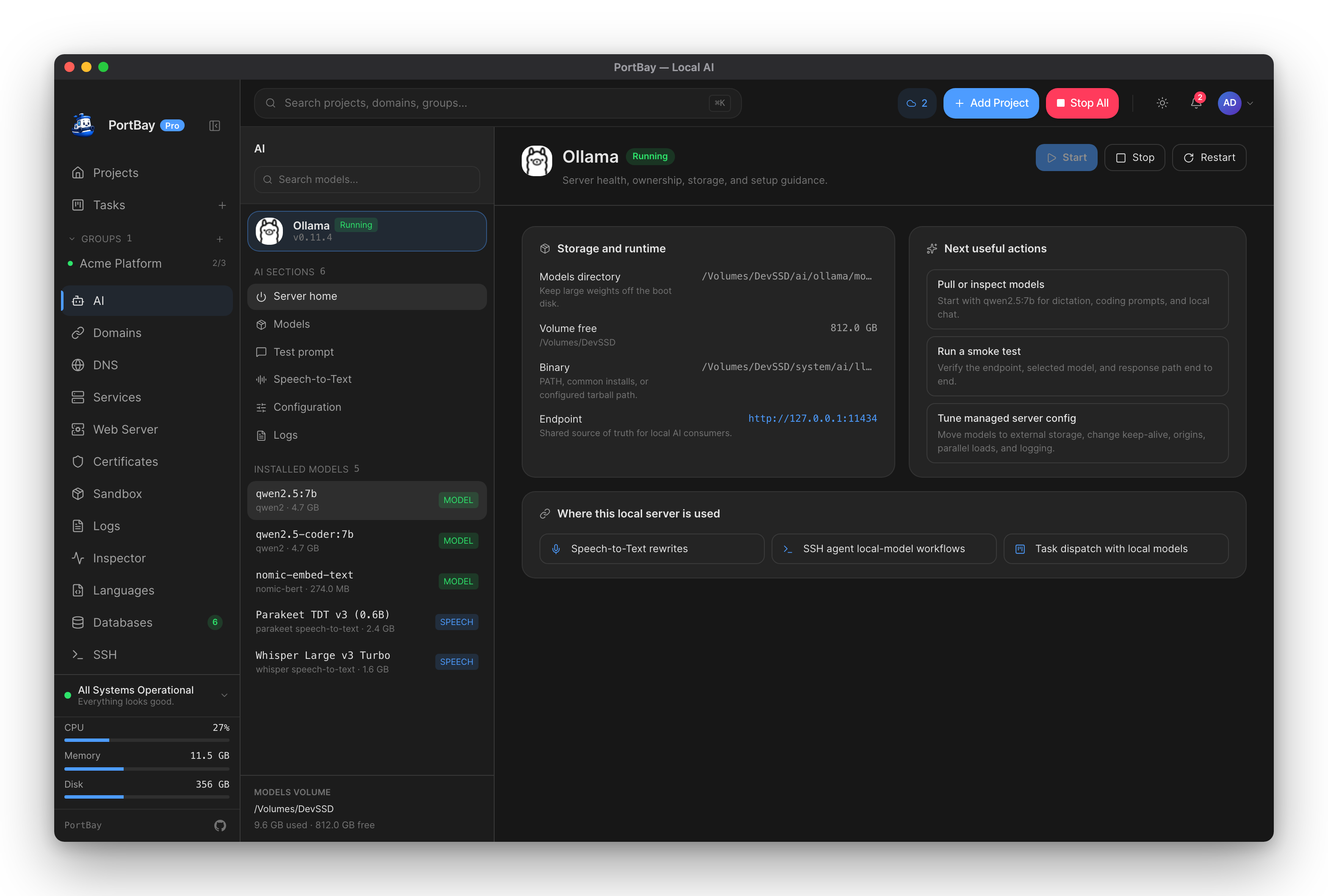
PortBay installs, starts, and supervises a local Ollama server and pulls models from the live catalog.
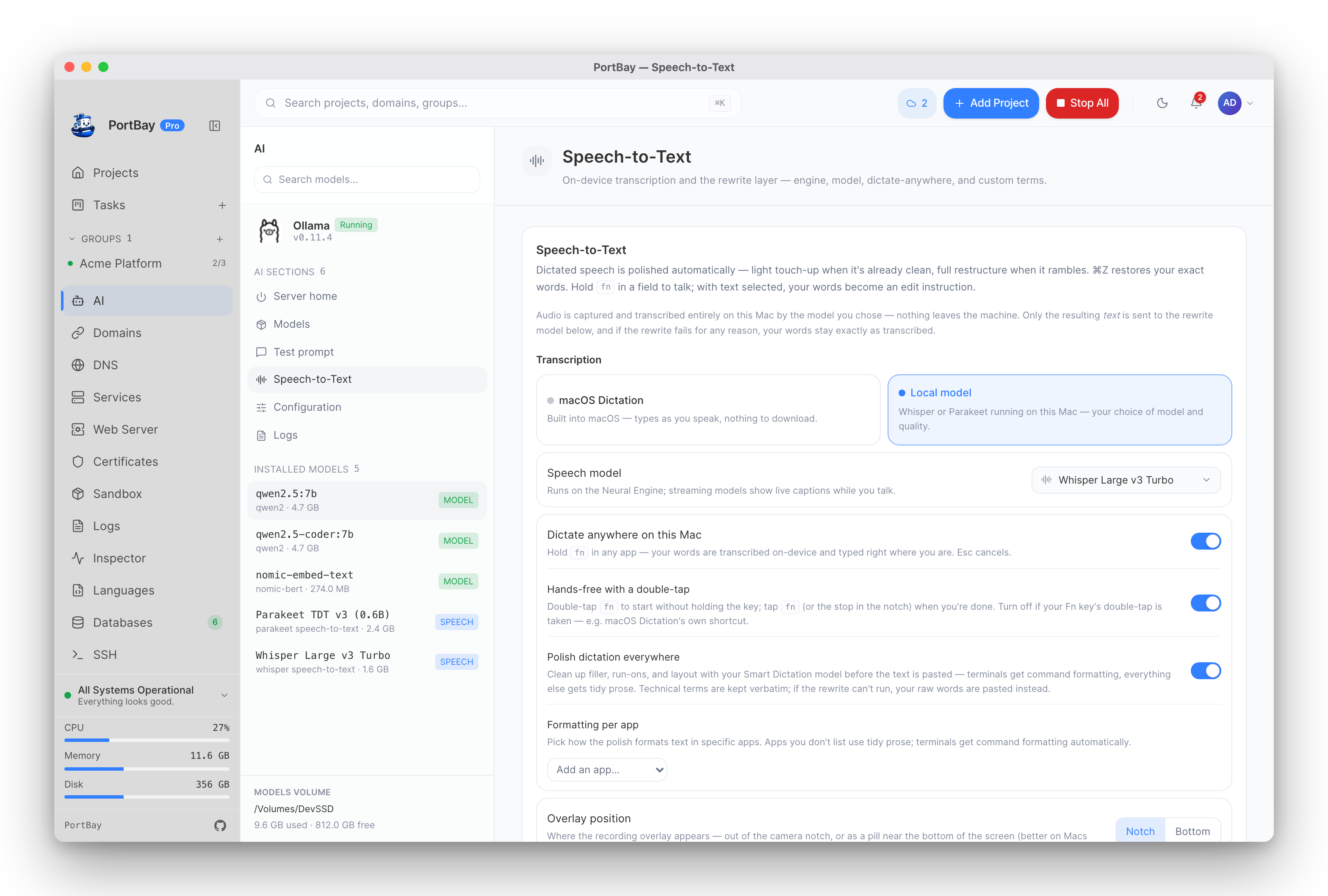
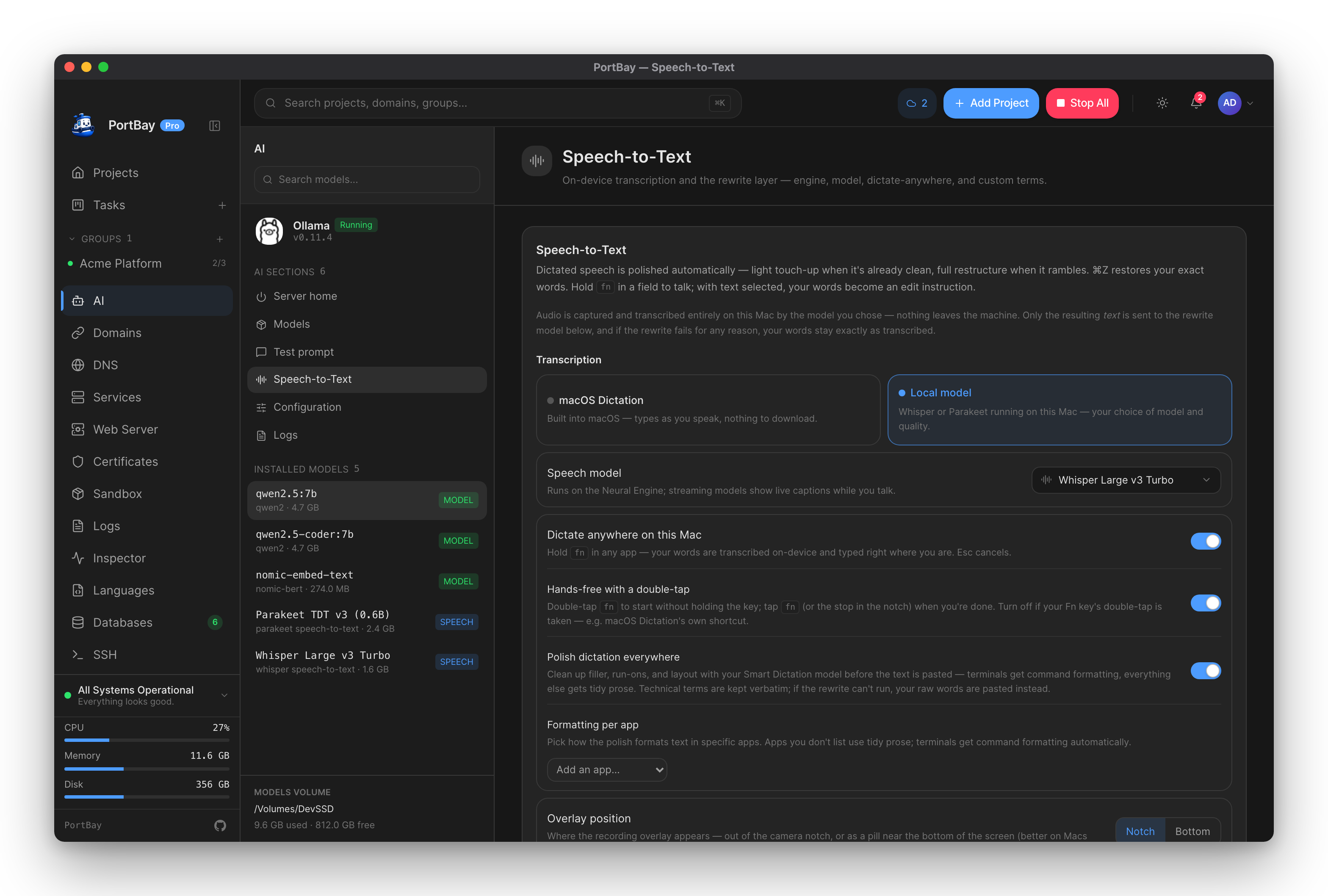
Speech-to-text
Hold Fn and talk. On-device transcription plus a local rewrite, and ⌘Z always restores your exact words.
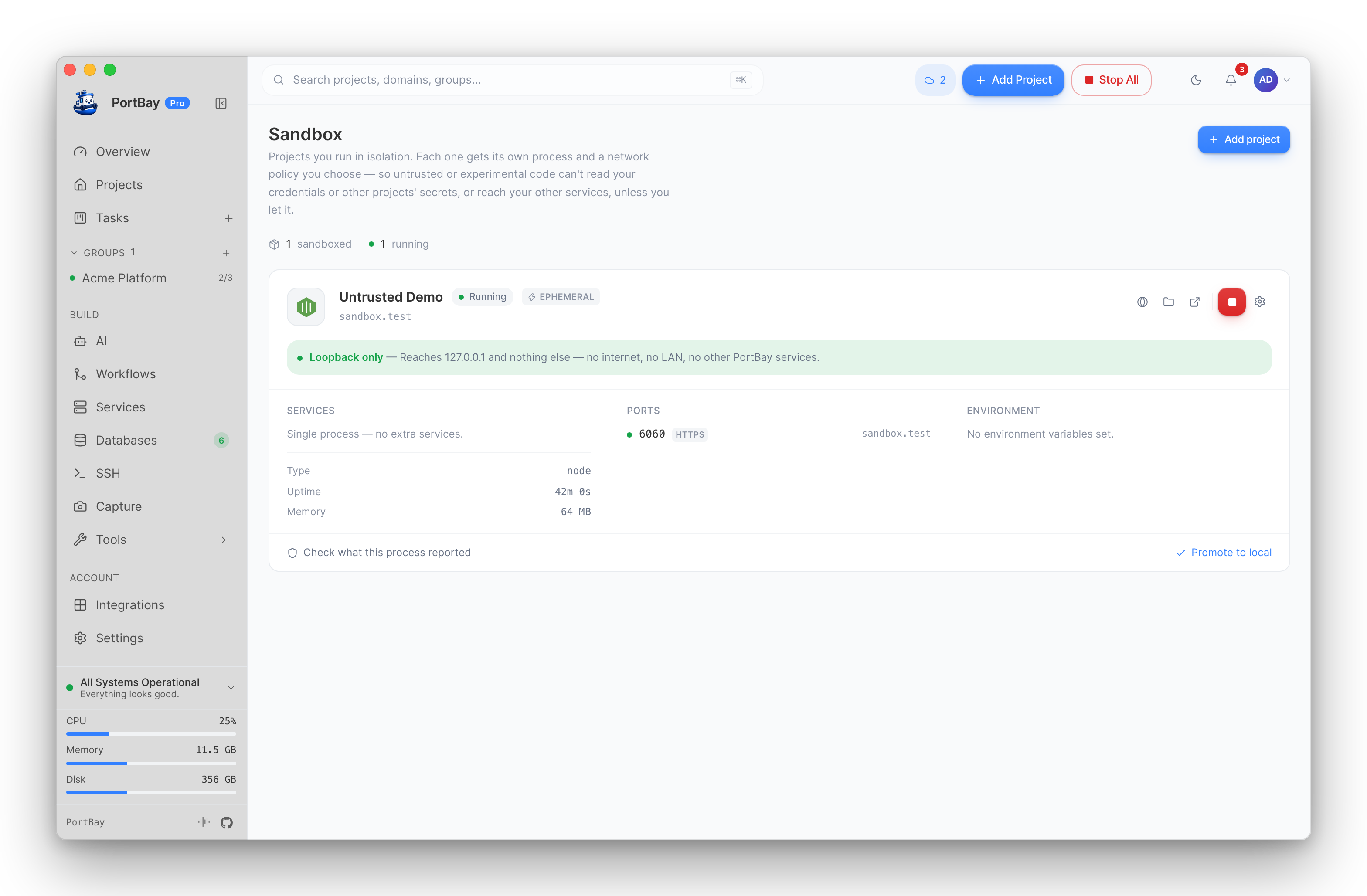
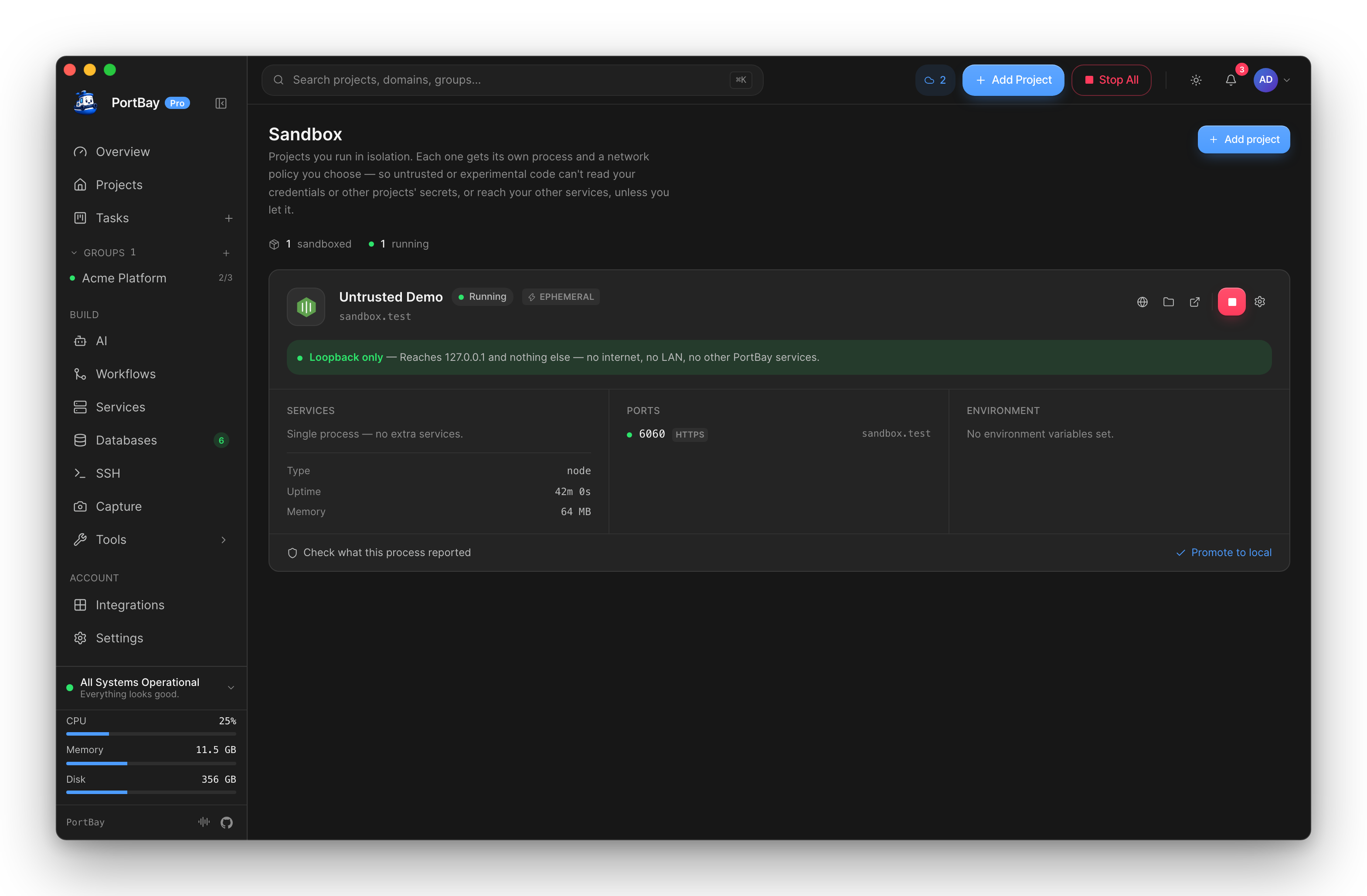
Sandboxed projects
Wrap an untrusted project in a macOS sandbox profile to restrict file writes and network access before you run it.
Reference
CLI
Every command and flag — add, start, stop, logs, doctor, hosts, export, login, license — with exit-code meanings.
Config-as-code (portbay.yml)
The in-repo file that makes a project reproducible: hostname, runtime, HTTPS, env, and database wiring.
Registry schema
Every project field, readiness policy type, group format, and the portable .portbay.json Portfile structure.
MCP tool reference
Complete reference for every tool and resource portbay-mcp exposes, from lifecycle controls to migration import.
Keyboard shortcuts
Command palette, project table navigation, start/stop/restart, and log search — scoped by context.
Capabilities
The Tauri 2 capability grants the main window needs, and the exact sidecar binaries the app may run.
Compare and migrate
PortBay vs the alternatives
Side by side with Laravel Herd, ServBay, MAMP, Docker/OrbStack, Valet, DDEV, and Local.
Migrate from Laravel Herd
PortBay reads Herd's config.json and parked paths and registers each site as a PHP project.
Migrate from ServBay
PortBay maps each NGINX server block to a PHP or static project and splits document-root sub-directories.
Migrate from MAMP
PortBay parses httpd-vhosts.conf and registers each VirtualHost, mapping ServerName and DocumentRoot.
Common fixes
Current release state
PortBay is released for macOS on both Apple Silicon and Intel — signed, notarized builds ship via the DMG and Homebrew cask — and for Linux x86_64 as an AppImage, deb and rpm, each with a detached GPG signature. All three platforms ship at the same version. Windows is on the roadmap.
| Area | Status |
|---|---|
| macOS app (Apple Silicon) | Available — signed & notarized |
| macOS app (Intel, x86_64) | Available — signed & notarized |
| Linux app (x86_64) | Available — AppImage, deb and rpm, GPG-signed. Requires glibc 2.38 or newer. See Linux Support. |
| Windows | On the roadmap |
| Homebrew cask, DMG, auto-update | Available |
| Process Compose sidecar | Bundled in the app and for local development |
| Caddy, mkcert, Mailpit, cloudflared | Bundled in the app; fetched per checkout when building from source |
| Searchable public docs | This site |
The short version
brew tap portbay-app/portbay
brew install --cask portbayThen add a project, choose its type and port, and use the row actions to start it, open its local URL, inspect logs, or stop it. Prefer to build it yourself? See Install → Build From Source.