
Multi-Device Sync
On Pro, PortBay keeps your workspace the same on every Mac you sign in on. There is no button to press and no key to carry: sign in, and sync is already running.
Pro feature
Sync is gated by the sync entitlement. See PortBay Pro for tiers and the device limit.
Setting it up
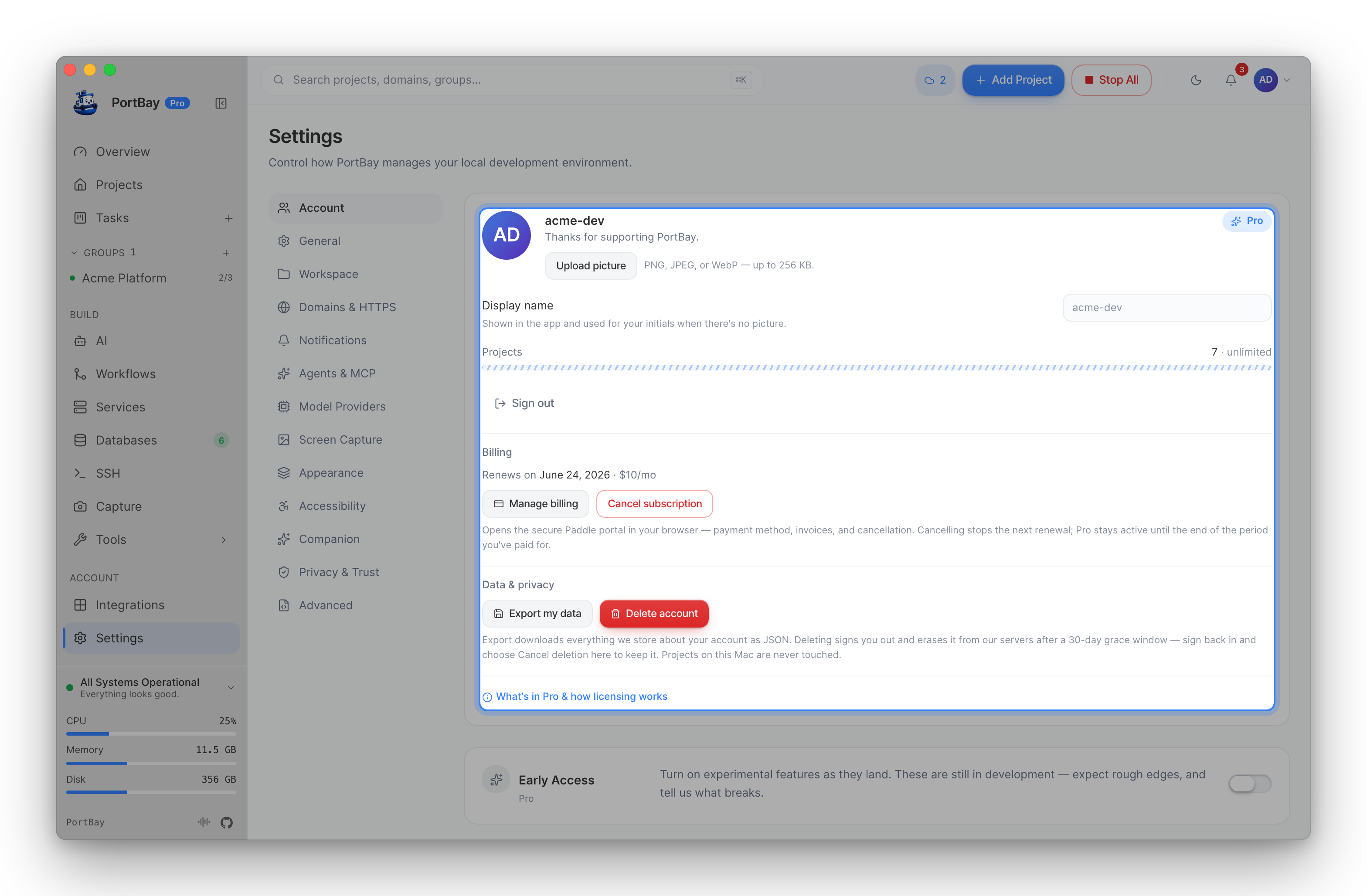
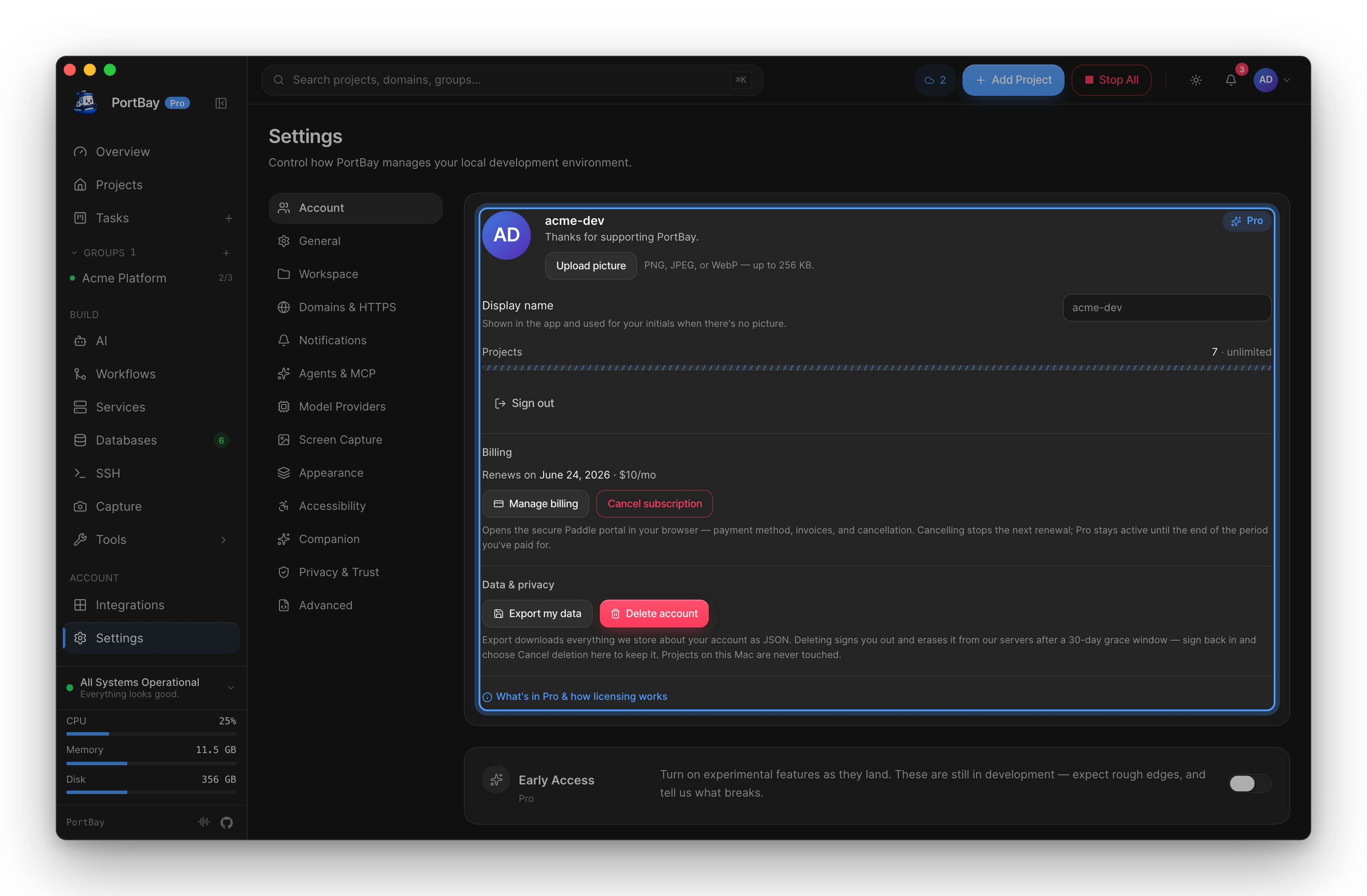
- Sign in on your first Mac (Settings → Account).
- Sign in with the same account on the second.
That is the whole procedure. Your projects, boards and workflows pull down on their own.
The recovery-key flow is gone
Older versions asked you to copy a recovery key off the first machine and paste it into the second. That step no longer exists — and if you are following an old guide that mentions it, you are reading stale instructions. See how the encryption works for what changed and what it costs.
What travels
Sync moves your workspace one document at a time:
| Document | Contents |
|---|---|
| Projects | The registry record — name, host, command, port, environment references, and the project's icon, so the same project looks the same everywhere. |
| Task board | Cards, columns, per-project board config. |
| Attachments | Files on cards, including screen recordings — up to the 250 MB a Pro plan carries, chunked so a large file syncs whole. |
| Workflows | Recipes and their triggers. |
| Preferences | Your settings, merged key by key. |
| Masked domains | The masked-domain list. |
What does not travel
- Machine-specific absolute paths. Stripped before encryption, so a machine-local value never reaches the server at all — rather than reaching it and being ignored.
- Raw secrets.
- A database whose
data_diris on another Mac. It is dropped rather than written half-built.
Projects without their folder
A project can arrive on a Mac that does not have its source tree. When that happens the project is still fully there — its board, its cards, its workflows — and only the folder is missing. It is not "stale" and its board is not "missing"; point it at a folder when you are ready and the rest is already waiting.
When a pass happens
Three triggers, one loop:
- At startup, after a 15-second delay — the boot is already busy bringing sidecars up, and a just-woken laptop may not have a network yet.
- On a local change, debounced 3 seconds (ceiling 30). An agent rewriting forty cards costs one pass, not forty.
- Every 60 seconds when idle. This is the only way this Mac learns that the other Mac moved.
A pass that fails resumes where it stopped rather than starting over, and one document that cannot be served does not block the rest.
Conflicts
The server holds a monotonic version number. If your Mac pushes while the remote version is ahead of what it last saw, PortBay reports a conflict and offers to pull first or overwrite — it does not silently pick one.
Preferences and the registry are the exception: they merge key by key, so two Macs that changed two different settings both land, with no conflict to resolve.
How the encryption works
Your documents are encrypted on your device with AES-256-GCM before upload, and the labels the server indexes by are blinded, so it cannot tell one project or card from another by name.
This is not end-to-end encryption, and PortBay does not describe it as such.
It was, back when the account key lived only on your own machines — which is what forced the old recovery-key step. So that signing in on a new Mac just works, the account key is now held by your account and released to devices signed in to it. That means PortBay holds the means to decrypt your synced configuration.
What is still true:
- The storage bucket alone is useless — the key is held separately.
- No key material is ever written to a log.
- PortBay does not decrypt your content except where the Privacy Policy § 4 says it may.
If that trade is not one you want to make, leave sync off; everything else in PortBay is local-first and unaffected.
Managing devices
Settings → Sync lists your registered devices with their last-seen time, and revokes any of them. A device name defaults to the computer's hostname and can be renamed.
Troubleshooting
"Sync never works." If a device can never complete a pass, PortBay says so rather than looking like an intermittently failing network.
"Account full." A full account reports that on the first pass, not after a long retry cycle.
An unplugged drive. A project whose folder lives on a disconnected external drive stops that project from being opened. It does not stop its documents from syncing.